10. OPERATION
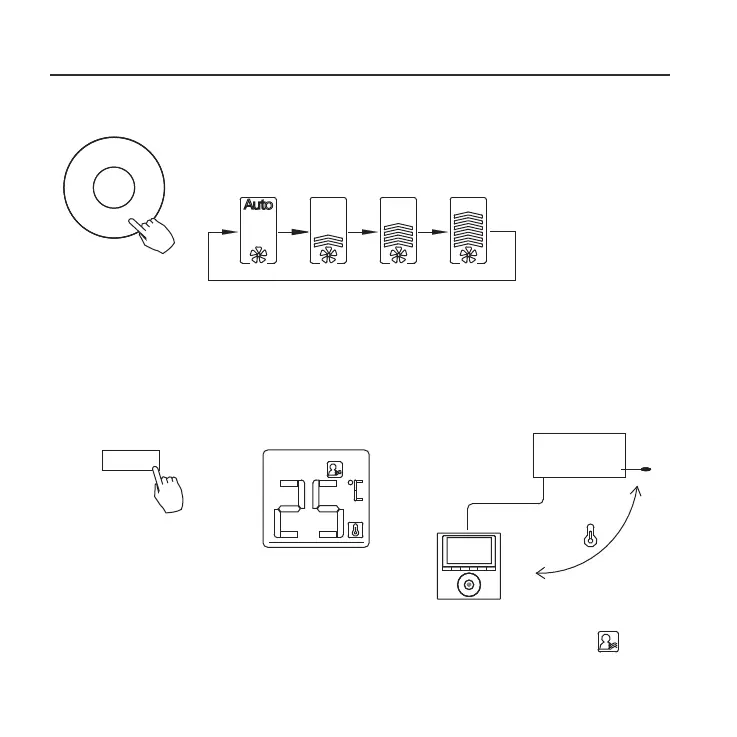
Fan speed setting
Press FAN SPEED to set the fan speed
NOTE: This function is unavailable in the AUTO
or DRY modes.
Room temperature sensor selection
Indoor Unit
Press FOLLOW ME to select whether the room tem-
perature is detected at the indoor unit or at the wired
controller.
NOTE: When the FOLLOW ME function indication
appears, the room temperature is detected at the wire
remote controller.
Fan speed
(Lock)
Copy/
Follow me



 To Next Page