10. OPERATION
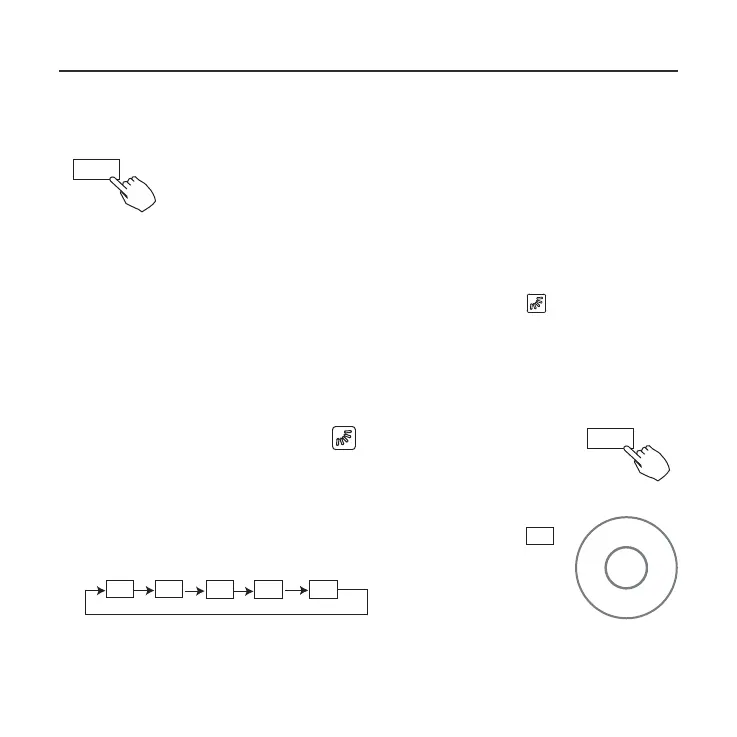
1. Every time the user pr
esses SWING, the louver swings six degrees.
2. Press and hold SWING for 2 seconds, it changes to the UP
−DOWN SWING mode. Press SWING again to stop.
When the Up-Down swing function is activated, the mark appears.
(Not applicable to all the models)
The operation can refer to the following instructions for the unit
with four Up-Down louvers can be operated individually.
-0
-1
-2
-3
-4
1.Press the Swing button to activate the Up-Down
adjusting louver function. The mark will flash. (Not
applicable to all the models)
2.Pressing the button “+” or“-” can select the movement
of four louvers. Each time you push the button, the wire
controller select in a sequence that goes from: (the
icon means the four louvers move at the same time.)
3. And then use Swing button to adjust the Up-Down airflow
direction of the selected louver.
-
0
Use SWING to adjust the up and down airflow
direction.
Swing function
(For the unit without left & right auto swing function models)
Up-Down airflow direction and swing
Swing
Swing
- +



 To Next Page