12. WEEKLY TIMER
Timer
Timer
To start
WEEKLY timer operation
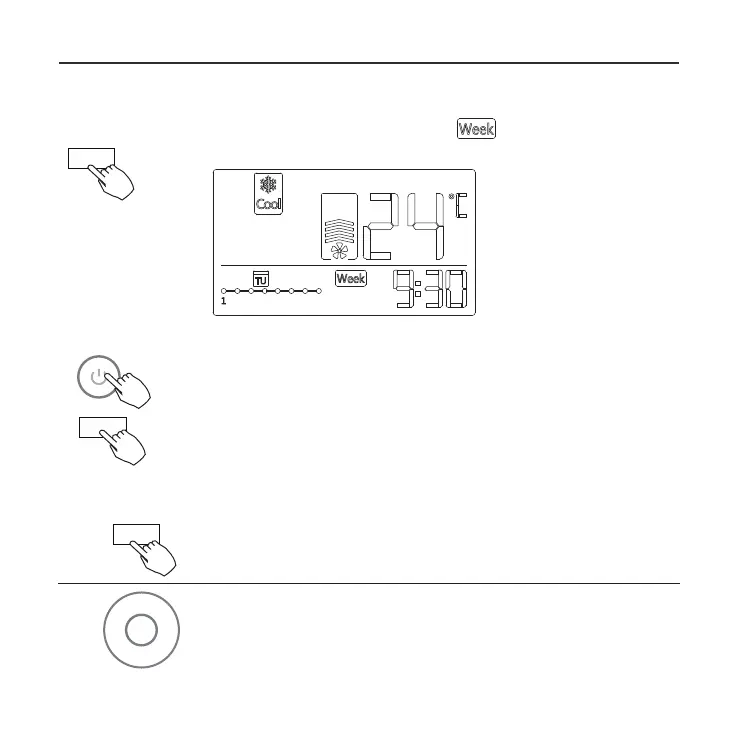
Press Timer to select the , and then the
timer starts automatically.
ex.
To cancel
Press Power to cancel the timer mode.
The timer mode can also be canceled by
changing the timer mode using Timer.
To set the DAY OFF (for a holiday)
After setting the weekly timer, press CONFIRM.
1
Press + or − to select the day of the week.
2
Confirm
-
+



 To Next Page