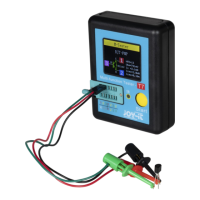
Connect the red and black forms to the measured point. The diode value of the mea-
sured point will be displayed on the screen.
6. Buzzer measurement
Press the power button to turn on, then press the "DMM" button to enter to the multi
meter function interface;
Press the up, down, le and right direction keys or F1, F2, F3, F4 multi-function keys
to select "Buzzer";
Insert the black pen into the input port of the COM banana socket, and insert the red
pen into the input port of the V/Ω/C banana port;
Connect the red and black forms to the measured point. If the resistance of the mea-
sured point is less than 50 ohms, the instrument will emit "drop" sound.
7. Data hold function
Press the button on the instrument, and the displayed data will hold on the dis-
play, even if the input signal changes or eliminates, the value will not change.
Note: Please select the required measuring gear correctly and then measure again.
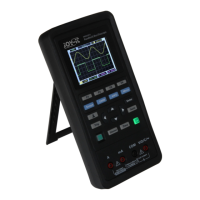
This chapter introduces
the function of wave-
form generator.
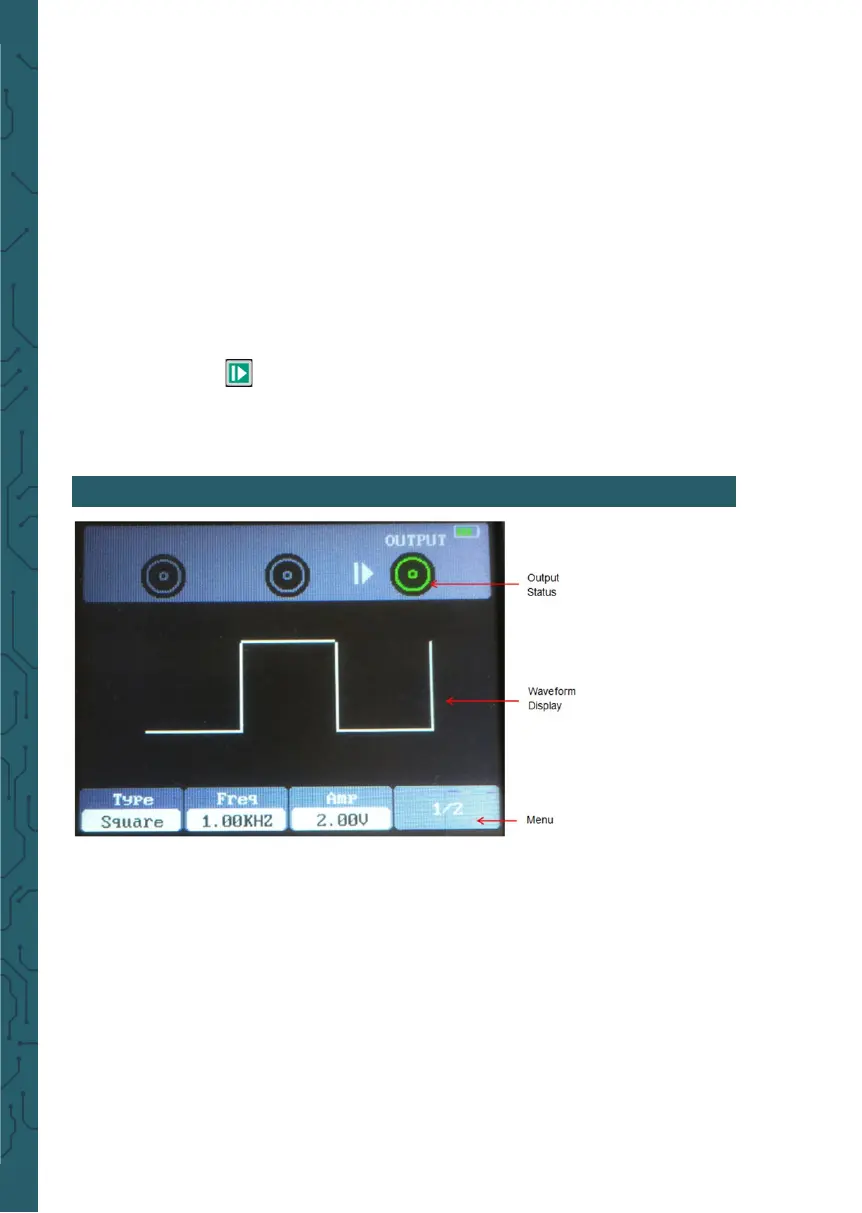
Operation description
Press the power button
to turn on, and then
press the "AWG" button
to enter the waveform
generator function in-
terface.
1. Set type
Press F1 button to select the desired signal waveform, the optional waveform type
includes square, triangle, sine, trapezoidal and four arbitrary.
2. Set frequency
Press F2 button to select Frequency, then use the up, down, le and right direction
keys to adjust the frequency, press F2 button to open the digital keyboard again, use
the up, down, le, right direction keys and Enter key to set frequency parameter,
select "OK" and press Enter button to confirm.
3. Set amplitude
Press F3 button to select Amplitude, then use the up, down, le and right direction
keys to adjust the frequency, press F3 button to open the digital keyboard again, use
the up, down, le, right direction keys and Enter key to set frequency parameter,
select "OK" and press Enter button to confirm.
7. SIGNAL GENERATOR


 To Next Page