Cancellation
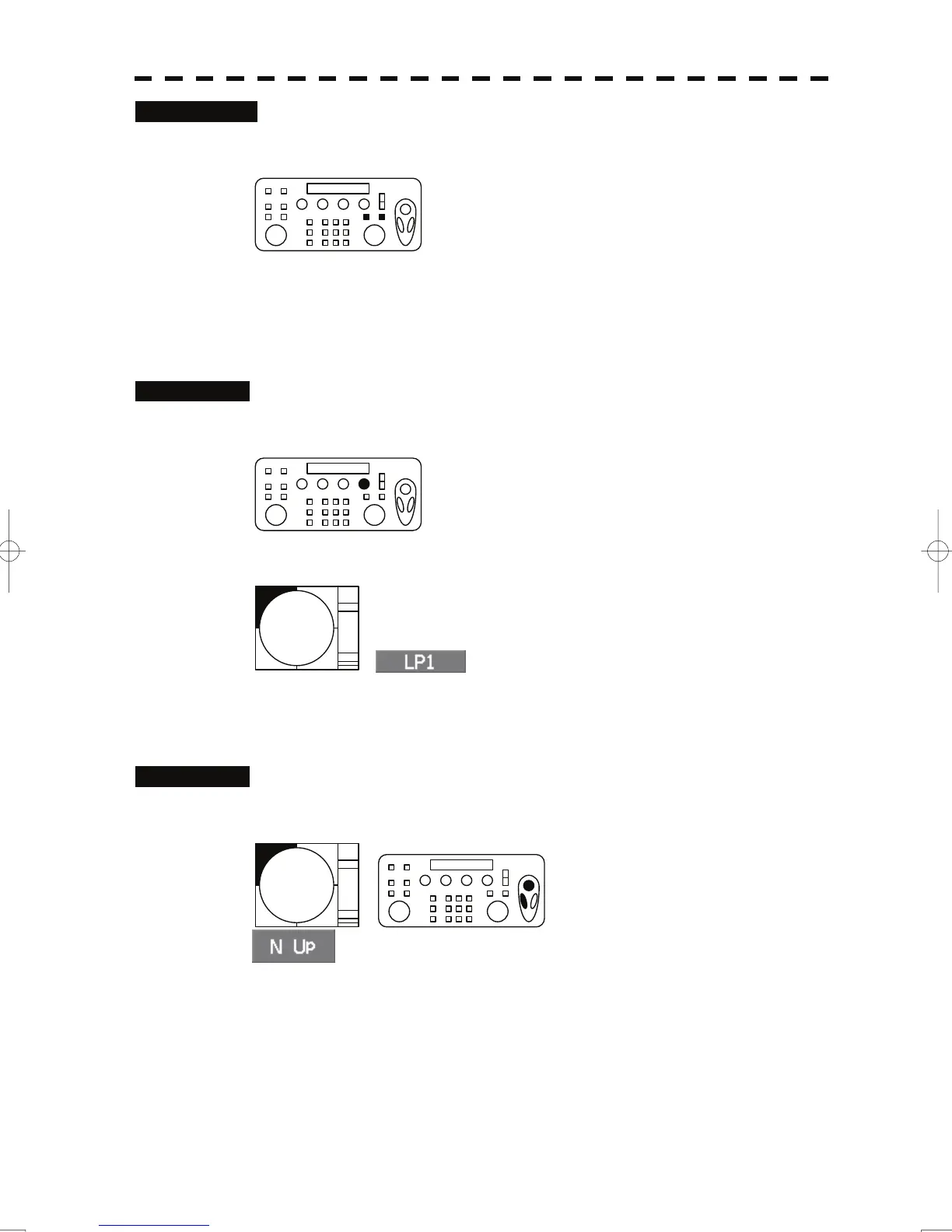
1 Press the [VRM1] or [VRM2] key again.
The selected VRM display will disappear.
2.10 Switch Transmitter Pulse Length [GAIN]
Procedures
1 Press the [GAIN] dial.
The selected pulse length will be displayed in the pulse length indication.
2.11 Switch Azimuth Display Mode (AZI Mode)
Procedures
1 Put the cursor on the azimuth display mode switching, and left-click.
The azimuth display modes are switched.
10



 To Next Page
 Loading...