19
To Print a Log Report
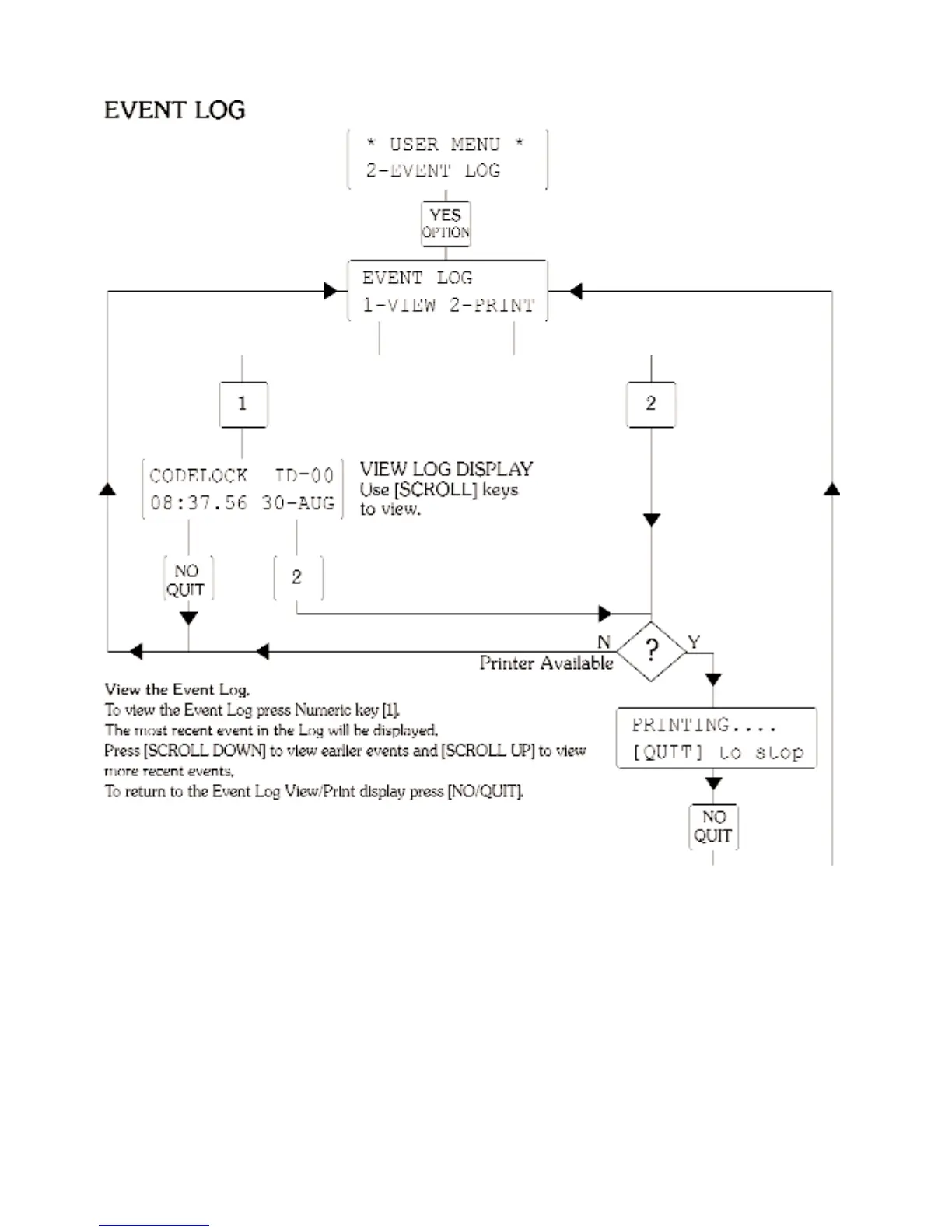
Printing will start at the event currently being viewed and progress to earlier events.
This allows you to use the View option to select a point from which to begin your printout.
If you print from the Event Log View/Print display printing will start from the most recent event.
When you are ready to print press Numeric key [2].
When the oldest entry has been printed, or if the [NO/QUIT] has been pressed, the printer will rule off
the report, “PRINT TERMINATED” will be displayed for a few seconds before the display reverts to the
Event Log View/Print screen.
If the printer is not connected or is switched off the option 2=PRINT will be ignored.



 To Next Page