22
This means that certain zones have been programmed by the installation engineer to be Display
and Log Only ; these zones will not be able to give an alarm response until the engineer has
reprogrammed the system.
Trouble Shooting
1. Autolog Display
The RS125 has a system called the Autolog Display; this is designed to bring any significant
recent events to the User’s attention. These must be acknowledged as part of the Setting or
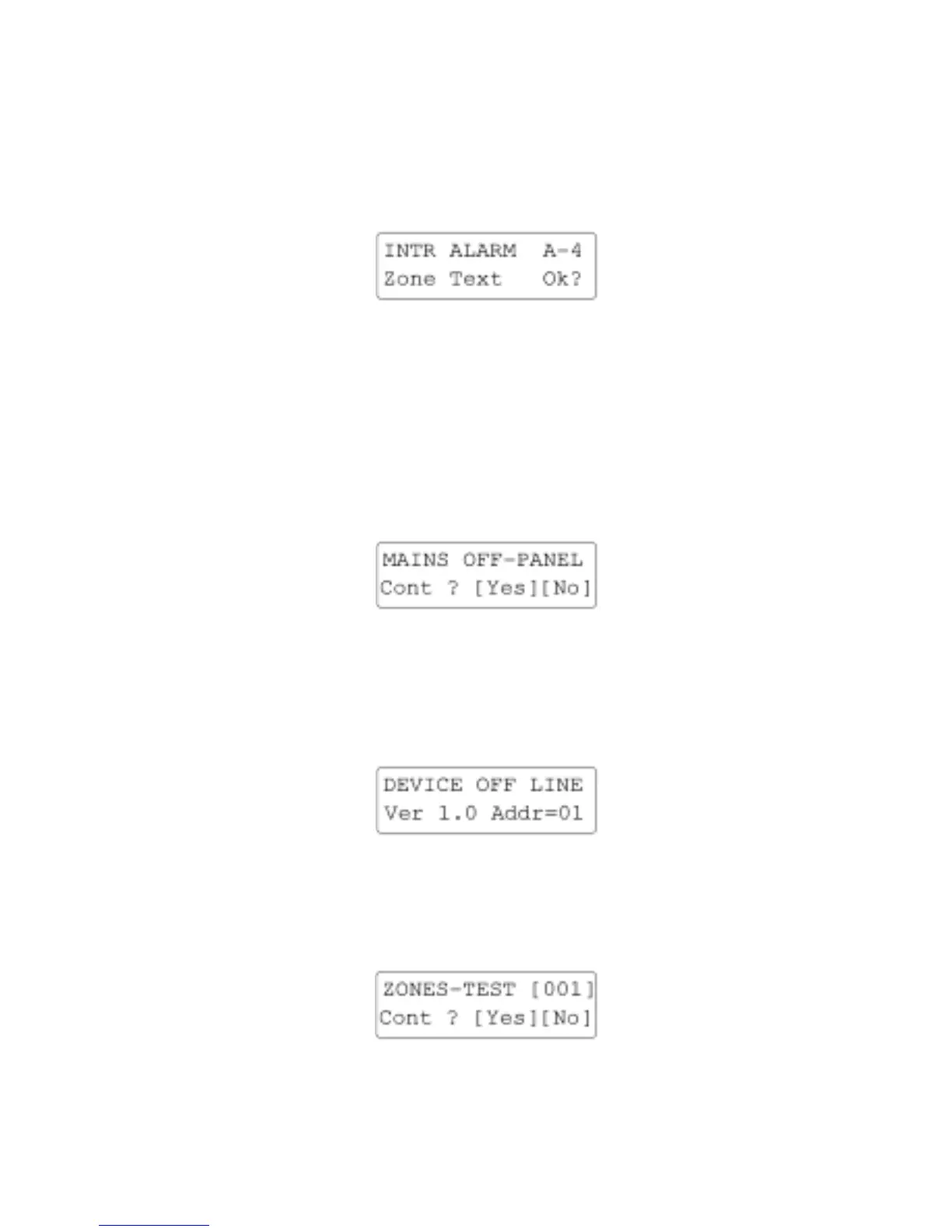
Unsetting procedure. This display is of the form:-
You need to keep pressing the [YES/OPTIONS] key until the list is clear, the event details
remain on the Log and can be re-examined later if required.
2. Internal System Monitors
The RS125 contains Internal System Monitors which ensure that any technical hazard (e.g. Loss
of Mains) which could cause a system malfunction are notified at the earliest possible
opportunity. The panel will respond by giving a System Alarm; use your Access Code to silence
any audible warnings and take note of the display. The System Monitor can also report Standing
Faults; in some cases you can still set with a Standing Fault (e.g. No Mains) because the system
security is unaffected. The display is of the form:-
[NO/QUIT] skips over any other messages, [YES/OPTION] continues down the message list.
Once the list is clear Exit Tone may begin; enter your Access Code + [FULL] to abandon
setting. In other situations you may need to contact your Alarm Company to rectify a fault.
3. Device off Line
If the Remote Keypad is showing the following message:-
The Remote Keypad has lost communication with the Panel and you must contact your Alarm
Company immediately.
4. Zones on Soak Test
You may see the following display when setting the system:-



 To Next Page