10
Testing
Enter the 4-Digit Master Code. OPEN light starts flashing.
Press 00
All lights illuminate
You are now in Menu Mode
Enter a 2-Digit Opcode to select a specific system testing function as detailed below
Upon completion of each test
Either
Carry out next test by selecting a new Opcode
Or
Select Opcode 99 to exit Menu Mode
Sounder Test
To test internal/exterior sounders and strobe light, if fitted
Select Opcode 60
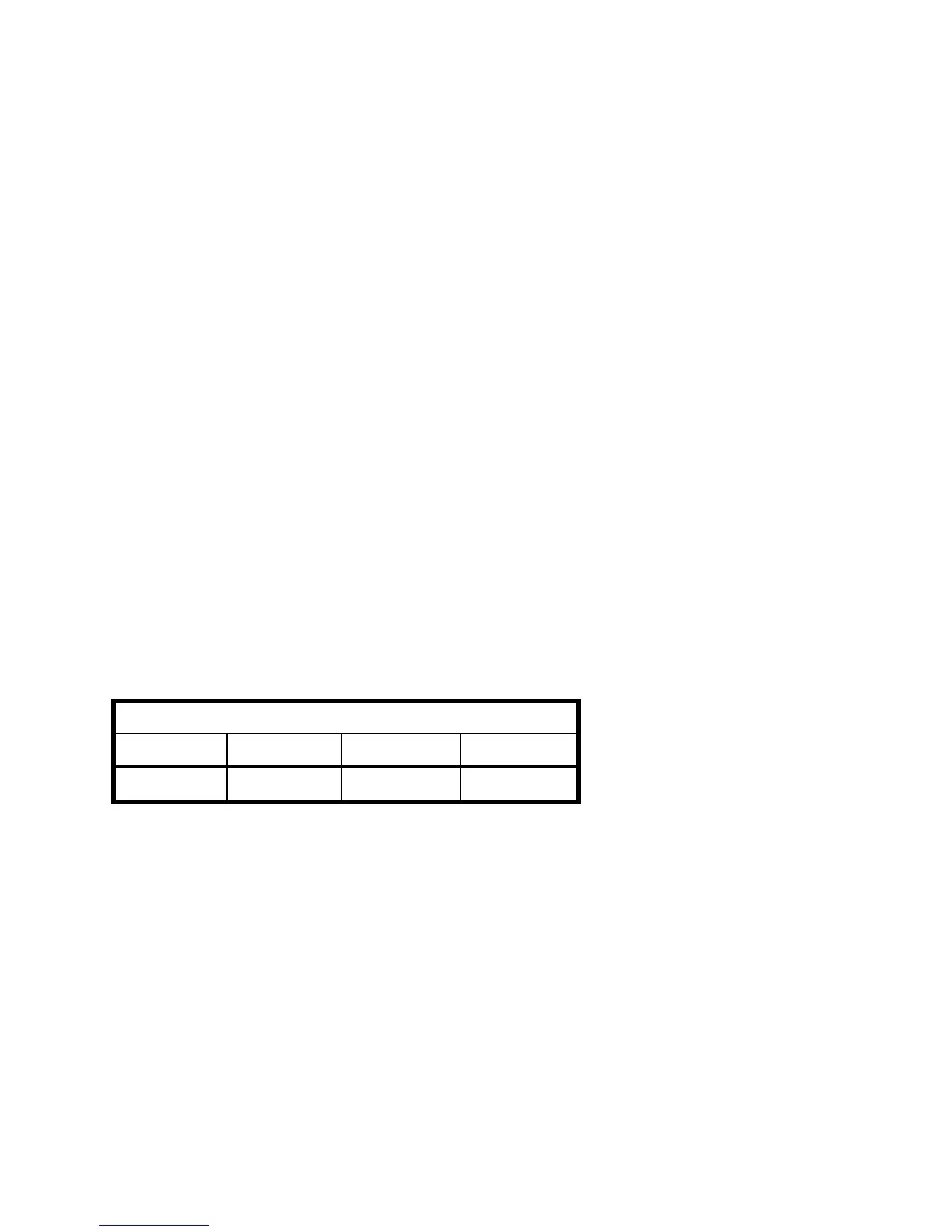
Press numbered key 1-4 to test required sounder (see table below)
Press key again to end test
Press other numbered keys 1-4 as required
Press RESET to terminate the test.
Zone lights
1234
Bell Strobe Exit Tone Alarm Tone
Walk Test
To walk test all 8 detection zones
Select Opcode 62
Exit Tone indicates no fault condition
Fault Tone indicates fault condition
Clear all faults before you carry out the walk test
As each detector is activated, Fault Tone sounds
Then Exit Tone resumes
When you have finished Walk Testing press RESET to terminate the test



 To Next Page