2
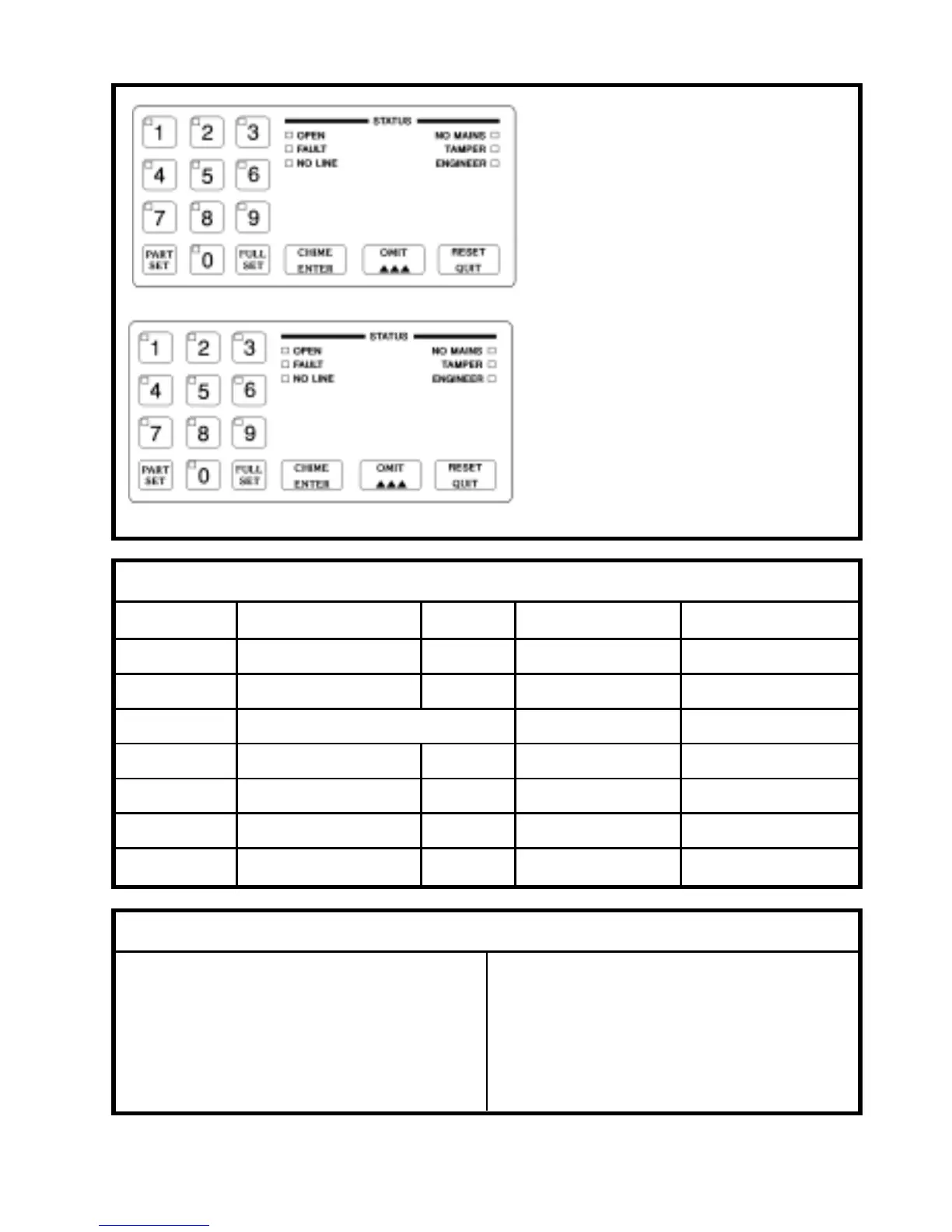
Function Keys and Status Lights
These keys are used to select
different operating modes and to
reset after an alarm. These Status
lights indicate System Status.
(See pages 3 to 5)
Numeric Keys and Zone Lights
These keys are used for entering
your security code to turn the
system on and off. These keys are
also used to program the
system. Eack key incorporates a
Zone/Status light.
(See pages 7 to 11)
DESCRIPTION OF SOUNDS
Keypad press - Quick blip
Entry sound - Solid tone pulsed on and
off slowly
Exit sound - Solid tone
Tamper sound - Fast Broken Tone
Alarm sound - Wailing tone
Fire sound - Two tone sound
Night Setting - Soft Clicking
Chime - Warble
Fault sound - Fast Broken Tone
Error Tone - Buzz
LIGHT INDICATORS
CONDITION ON/CONTINUOUS OFF SLOW FLASH QUICK FLASH
OPEN Unset System Set Waiting for Blue Key Chime Mode
FAULT Setting Fault Ok System Fault Activation
NO LINE Refer to Communicator Section
NO MAINS No Mains Power Ok/Set MainsRestored/Fail1Hr
TAMPER Standing Tamper Fault Ok Panel/Bell Lid Tamper Zone/RKP Tamper
ENGINEER Engineer On Site Ok Engineer Needed Service Needed
ZONES 1-10 Zone in Fault Ok Zone Omitted First To Alarm



 To Next Page