Need help?
Do you have a question about the JST WC Series and is the answer not in the manual?
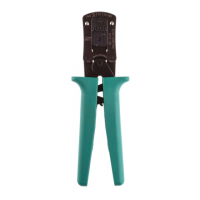
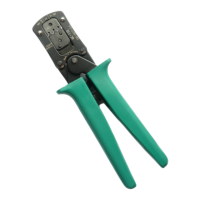
Details the application area for processing JST contacts and specific socket types.
Step-by-step instructions for using the JST crimp tool, including opening, inserting contacts, and closing.
 General
| Material | Steel |
|---|---|
| Manufacturer | JST |
| Series | WC |
| Handle Material | Plastic |
| Features | Ergonomic Handle |
| Wire Gauge (AWG) | 16-28 |
| Wire Range | 16 AWG to 28 AWG |
| Terminal Range | 16 AWG to 28 AWG |


 To Next Page