16
Be sure to mute the audio signal of a mixer or amplier before turning on the receiver and
transmier.
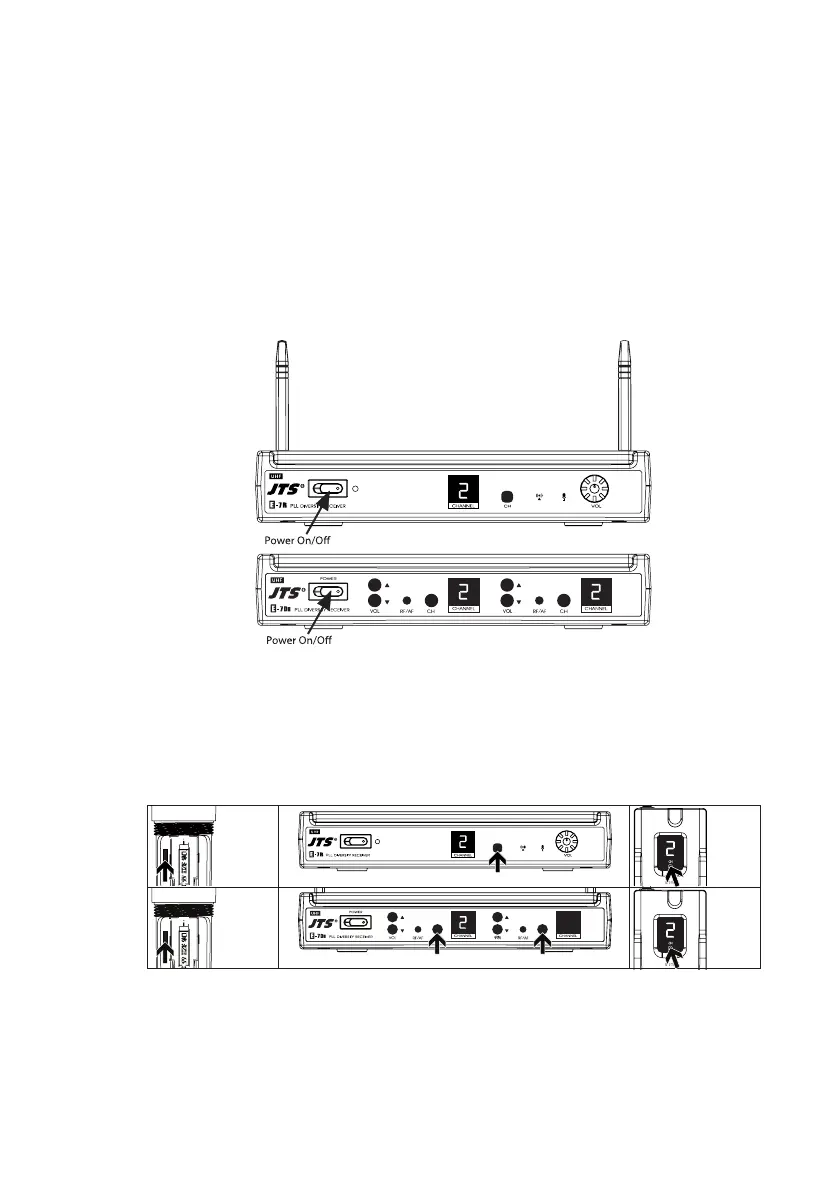
(1)Power on
Turn AF level on the receiver completely counter-clockwise to the minimum level, and switch
on the receiver. As soon as you turn power of the receiver on, the power LED lights red,
meanwhile the RF signal and AF LED light up to indicate the receiver is ready for operating.
Always it’s a good idea to keep “open space” between transmier and receiver, that will improve
RF reception.
(2) Selecting channel for the receiver and transmier
1. Select a desired channel for the receiver and transmiers.
Both receiver and transmiers are preprogrammed with 16 channels.
2. Make sure the channel of receiver matches that of the transmier.
3. When 2 or more transmiers and receivers are being used in the same location, they must
be set up to use dierent channels. If existing channel is being interfered, please change to
another non-interference channel.
6. System operation
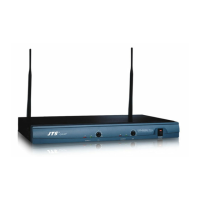
E-7R
E-7R
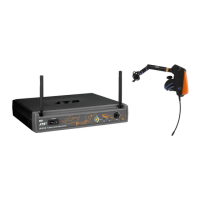
E-7Du
E-7Du


 To Next Page