8
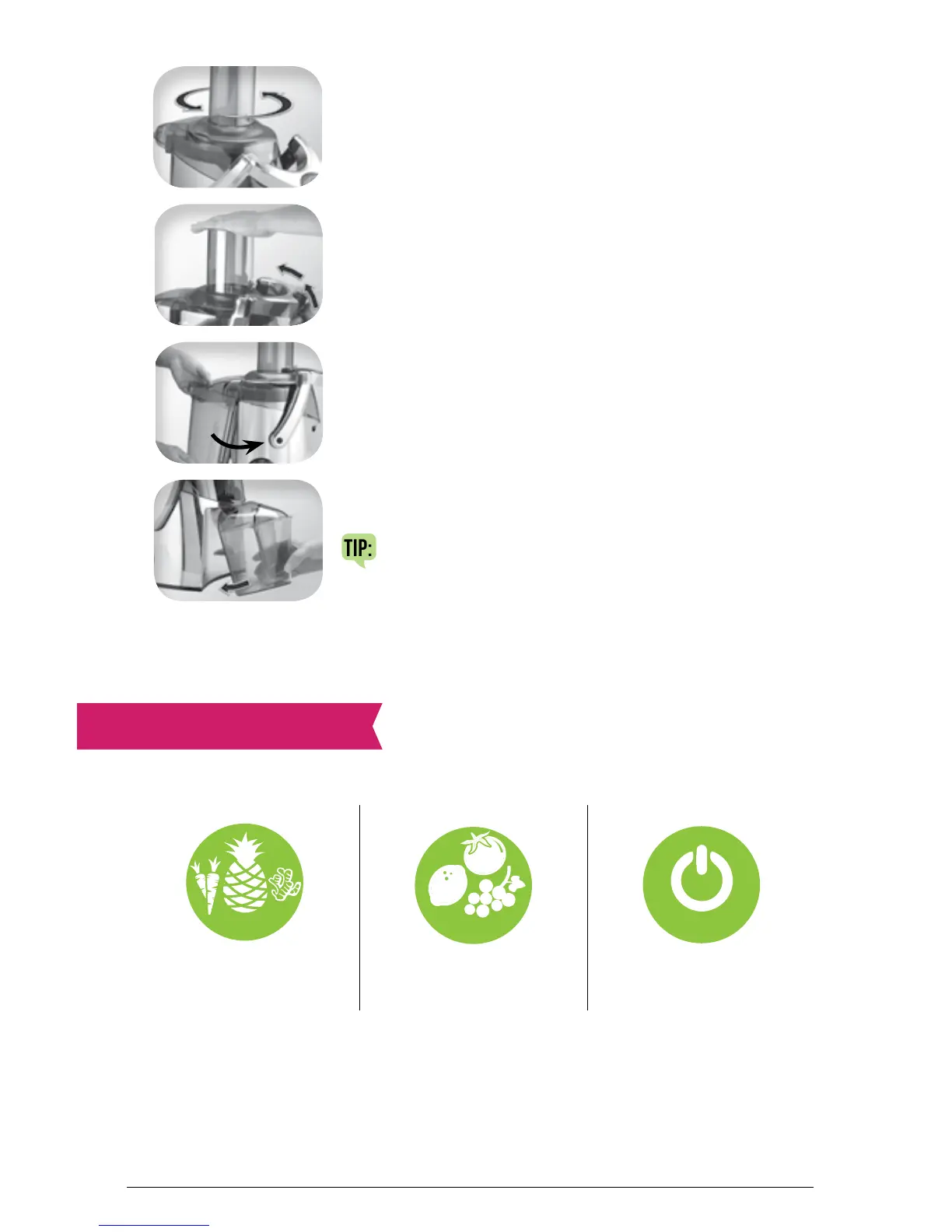
Step 4: Attach feed chute to lid turning
counterclockwise to lock.
Step 5: Lift lid locking lever up to lock in place.
Step 6: Tilt pulp basket and slide beneath pulp
opening of lid until it clicks in place.
Step 7: Place juice pitcher below the juice spout.
TIP: Remove the foam separator for a
more frothy juice!
Important: Juicer will not operate if the lid locking lever is not properly
attached and pulp basket is not properly placed against the motor base.
SPEED SELECTION
This juicer has two speed options: LOW (1) and HI (2). Speeds are
selected simply by turning the speed control dial to the desired setting.
h
i
•
2


 To Next Page