Menu functions
34
9.1.1. Status at the end of a program
Program end StdBy , PSetp, Setp 1, Setp 2 , Setp 3
This parameter is used to determine if the unit switches to the -OFF-
condition at the end of a profile or if temperature control is continued,
and the working temperature setpoint that is to be used if
temperature control is continued.
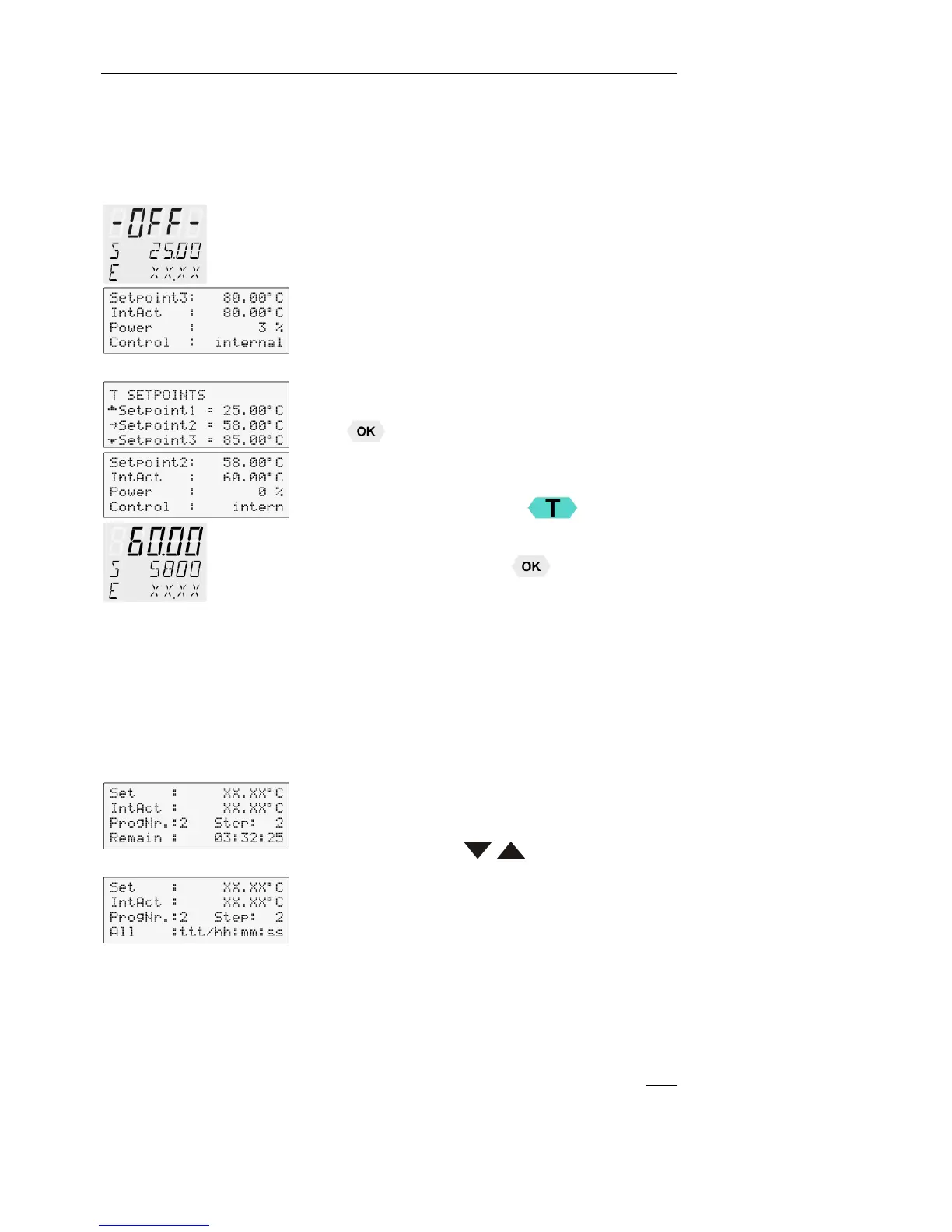
StdBy – If the end of the profile is reached, the circulator switches to
the -OFF- condition. The VFD display indicates the working
temperature setpoint that was displayed in line 2 before the program
was started (example: S 25.00 °C ).
PSetp –(Setpoint of the ProGrammer) At the end of the program, the
setpoint of the last program step is written to the position of setpoint 3
(example: 80.00 °C) and indicated in line 1 of the LCD display. The
circulator operates and controls to this temperature until the key
is pressed or a new profile is started.
Setp 1, Setp 2, Setp 3 – (“Setp” short for Setpoint)
Before starting the programmer, a temperature value is set for one of
the three setpoints in the
menu.
(example: setpoint 2 58.00 °C)
The circulator operates and controls to this temperature at the end of
the profile until the key
is pressed or a new program is started.
9.1.2. Indication after successful start
Examples:
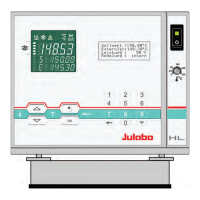
The started programmer displays the currently calculated setpoint in line
1. The value changes until the final temperature of the section is reached
(temperature ramp).
1
st
line: Setpoint of the programmer
2
nd
line: Actual temperature value
for internal control = IntAct: xxx.xx
for external control = ExtAct: xxx.xx
3
rd
line: Selected profile and the current section (step).
4
th
line: With the keys, the following information can be
displayed in line 4.
Remaining time of the current section (standard display)
Total remaining time: profile x number of repetitions
(All: Days/hours:minutes:seconds)
Particularities :
1. If a total time of more than 999 days is calculated, only the hours
are displayed by the unit.
(All: hours:minutes:seconds)
2. If the time period of a section is edited after
the start, then the
remaining total time can no longer be displayed.


 To Next Page