13
2 Operation
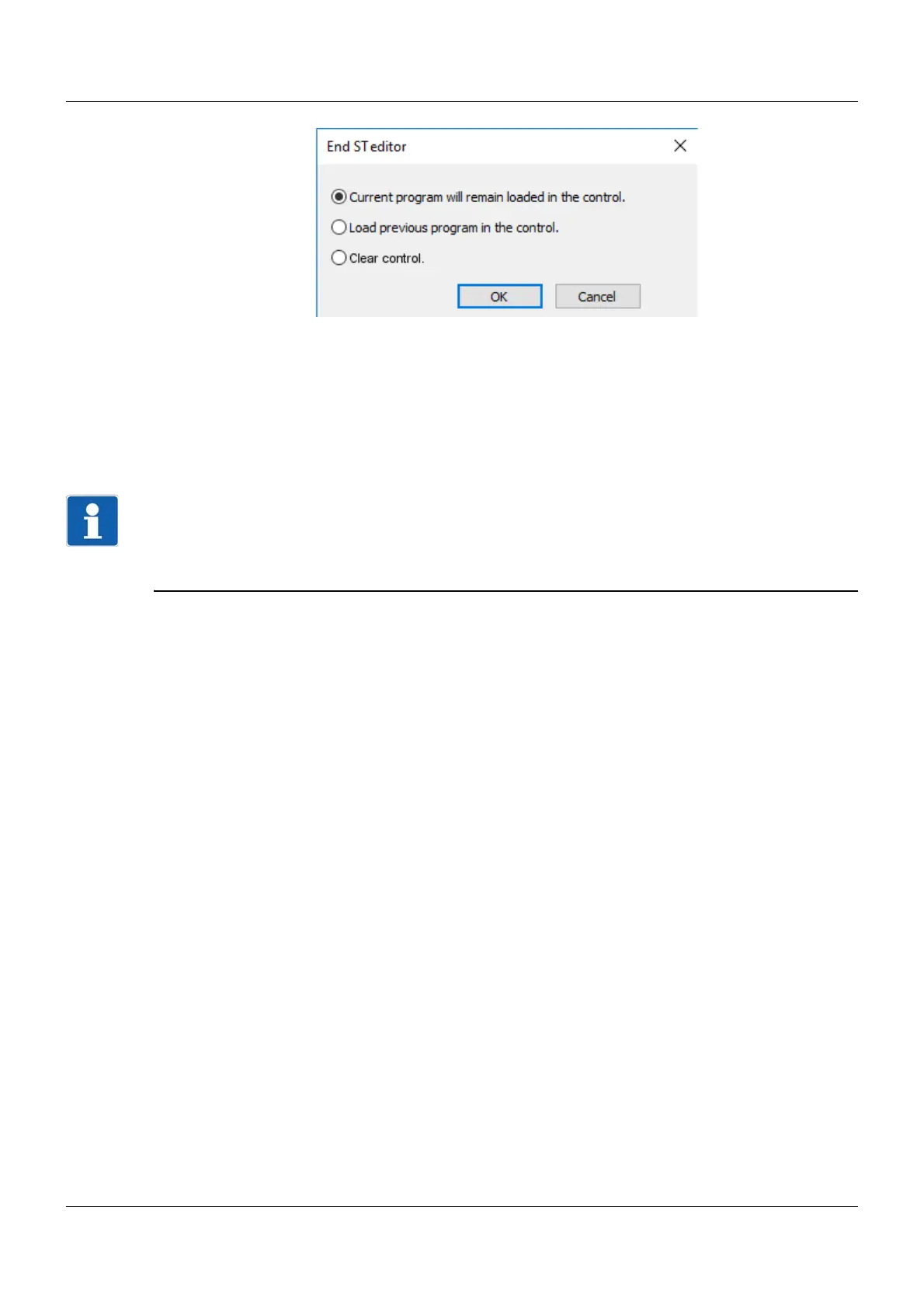
• Current program will remain loaded on the control.
The program last loaded onto the device in debugging mode must be used.
• Load previous program onto the control.
The program last loaded onto the device in debugging mode must not be used. Instead, the previous
(continuously loaded onto the device) program is used, if available.
• Clear control.
Neither the program last loaded onto the device in debugging mode nor the previous program must
be used.
NOTE!
In debugging mode, the program is only temporarily loaded onto the device (no backup in case of a pow-
er failure). In order to make changes permanently effective on the device, the setup file must be trans-
ferred to the device after exiting the ST editor (close ST code window by pressing "OK", data transfer to
the device).



 To Next Page