41
4 Visualization
Execute
signature
Whether an electronic signature can be executed is decided through the PC
Security Manager Software (PCS).
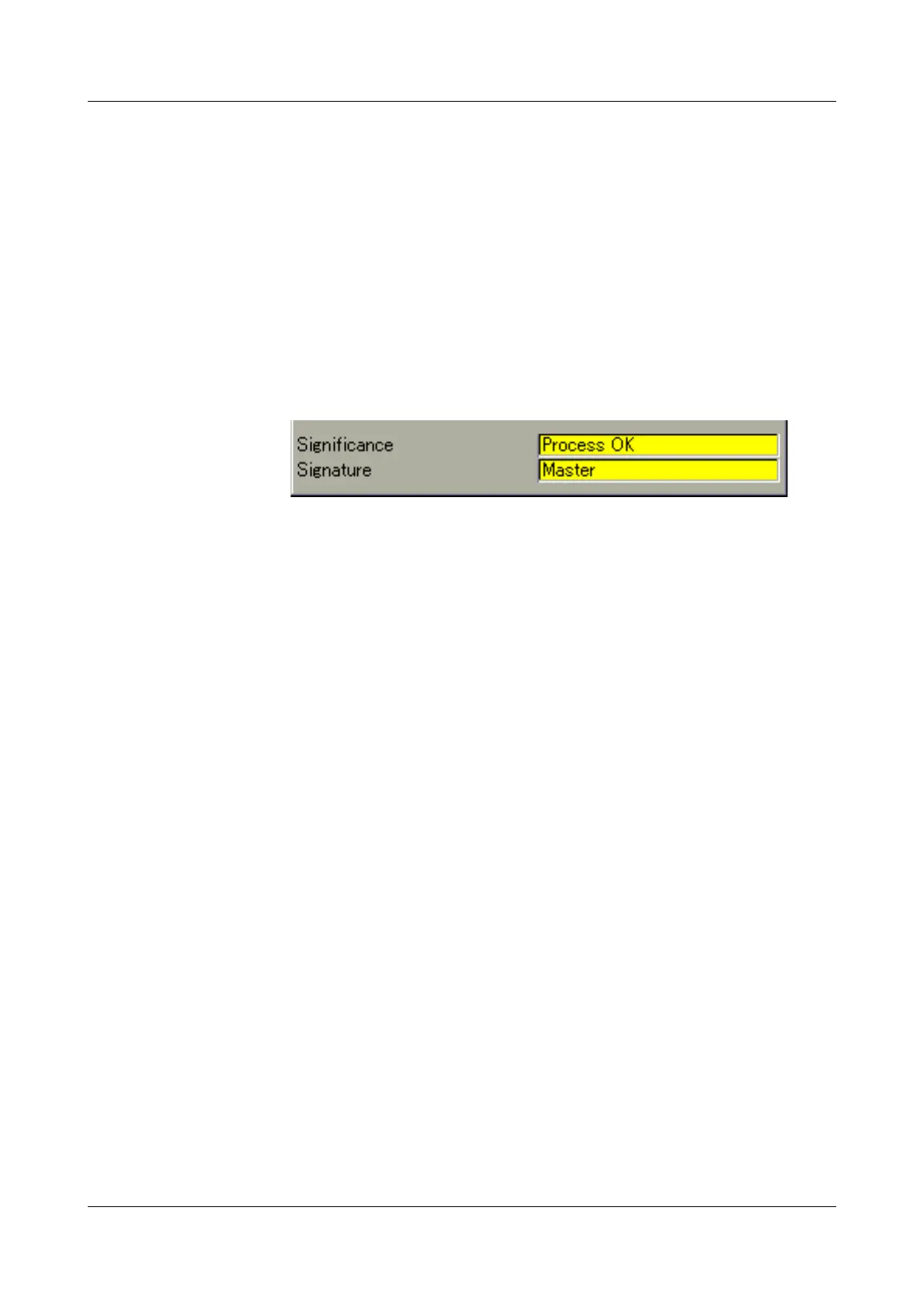
Line 1 The text in the left column is set in the Configuration menu through Electronic
signature
Î Description parameter.
The text in the right column is set during signing if in the Configuration menu
the Electronic signature
Î Signific. electr. signature Î Batches Î Display text
library parameter is set to “Yes”. One of 128 texts can be selected. The con-
tent of the 128 texts can be edited with the setup program.
Line 2 The text in the left column is set in the Configuration menu through the Elec-
tronic signature Î Electronic signature parameter.
In the right column the user name appears after signing.
Signing
batches at a
later stage
Only one completed batch protocol can be made visible and signed in the
recorder. If you fail to sign, the electronic signature can be executed at a later
stage in the PC Evaluation Software (PCA3000).
Change
batch/
plant
Depending on how many plants have been configured the corresponding
batch data will be shown in its own batch visualization.



 To Next Page