59
8 Device Manager
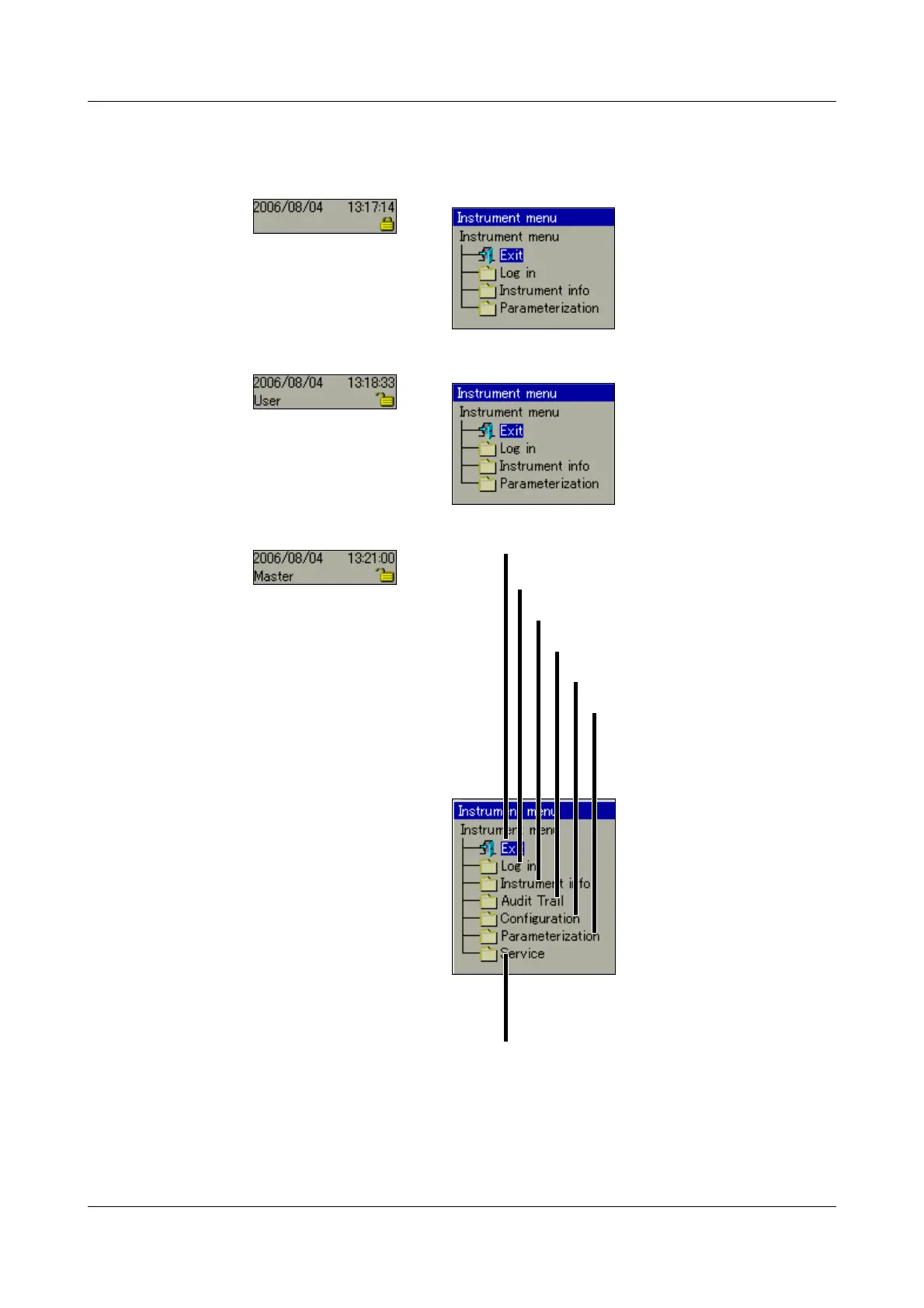
The functions of the Device manager vary, depending on whether a user is
logged in or not.
No user
logged in
“User”
logged in
User
“Master”
logged in
The differences between “No user logged in” and “User logged in”
only become visible in the “Parameterization” submenu.
Additionally, differences are possible through the application of the
PC Security Manager Software (PCS).
Parameterization
Configuration
Device audit trail
Device information
Log-in and log-out
Close Device Manager
Service functions



 To Next Page