47
5 Memory Presentation (History)
The Memory presentation function can be used to display and check data
from the internal main memory (SRAM) of the instrument. The size of the
memory for memory presentation can be configured.
The memory presentation can be activated in the visualization modes “Curve
presentation” and “Binary presentation”, and is also used to display
completed batches.
For this type of display one distinguishes between vertical and horizontal pre-
sentation. Only one of the two presentation types can be active for all groups.
v Configuration
Î Screen Î Diagram display
Activate
memory
presentation
(History)
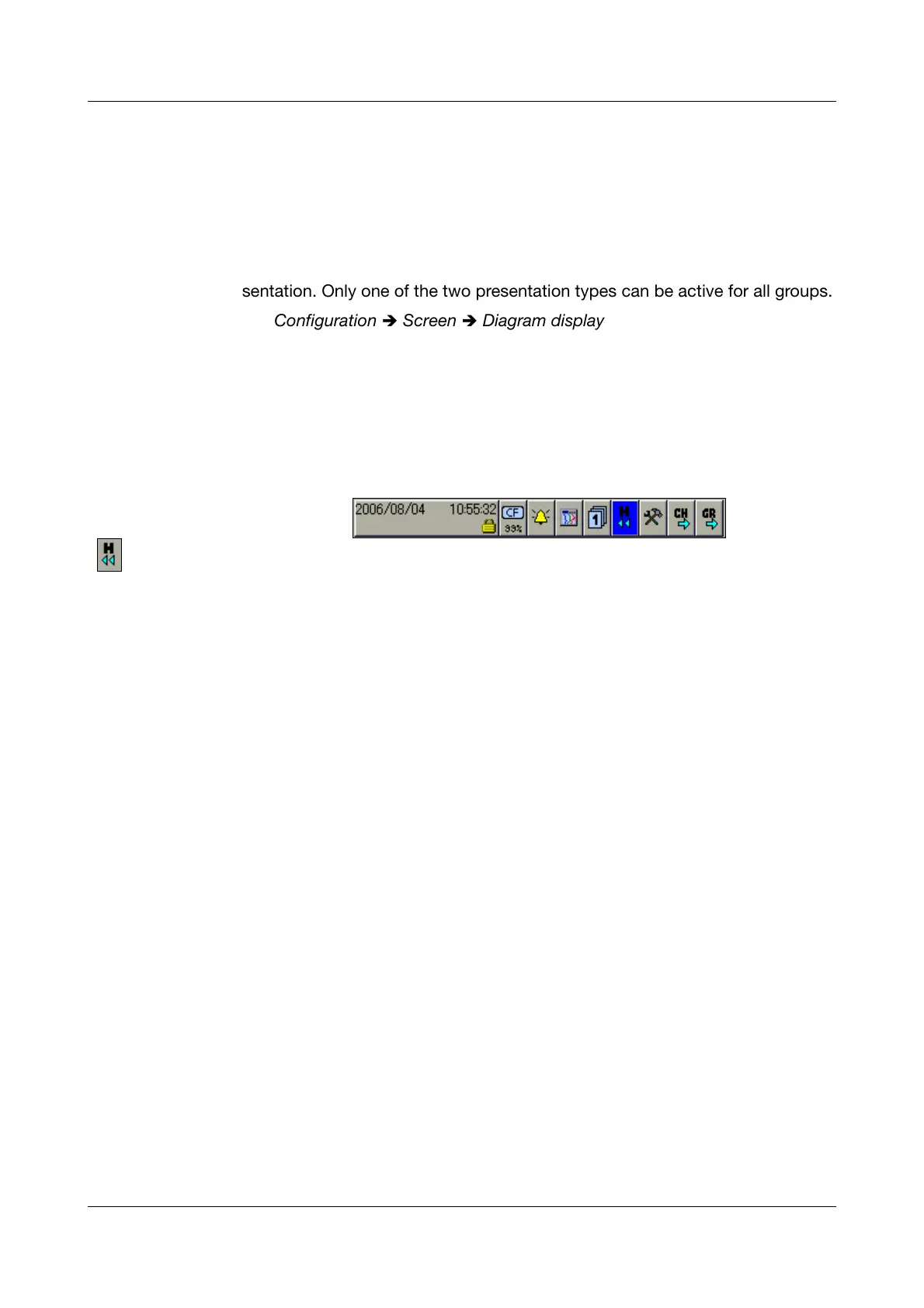
h In “Curve presentation” or “Binary presentation”, rotate and press the “H”
symbol to select and activate the History presentation.
The memory presentation can only be called up if the parameter
Configuration
Î Groups Î Group x Î Parameters Î Status is set
to “Display, save” in the configuration for the group.



 To Next Page