8 Device Manager
60
8.1 Close Device Manager
Close the device manager and reactivate the previous visualization.
8.2 Log-in and Log-out
h Select the Device manager in the header, by rotating the control
knob.
h Activate the Device manager by pressing the control knob.
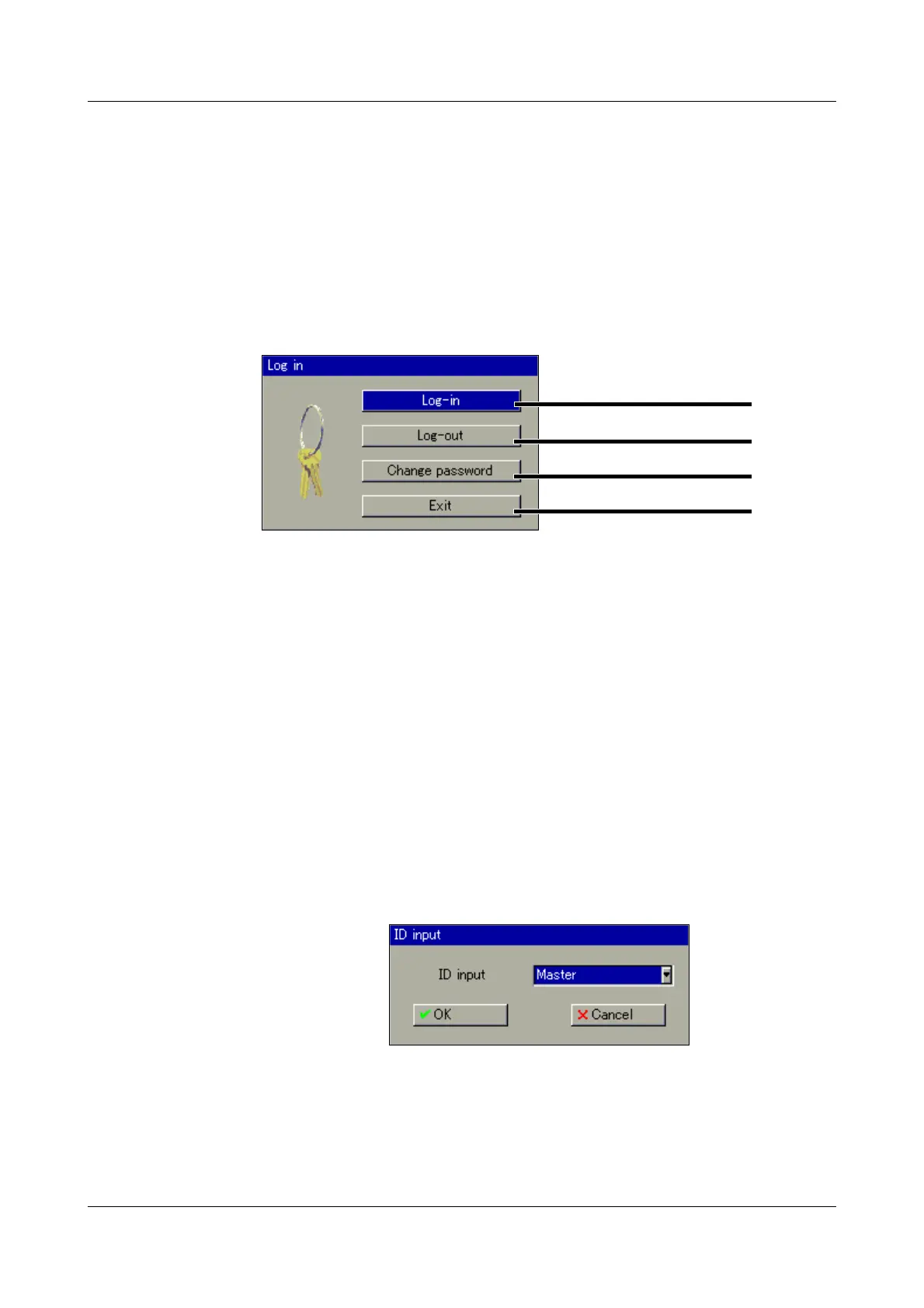
h In the Device manager activate the function Log in.
Default
users
Log-in h In the menu Device manager
Î
Log-in, activate the function Log-in.
h Select the user. The user name can be changed by rotating the control
knob.
Log-in
Log-out
Change password
Close dialog
The paperless recorder is delivered ex-factory with an internal user
list which contains two users.
1. User: Master password: 9200
2. User: User password: 0
The setup program can be used to alter the two user names along
with their passwords and access rights. Then this information can
be transferred to the device.
Through the PC Security Manager Software (PCS), another user
list (device rights file) can be created and transferred to the inst-
rument.
v Additional information about the PC Security Manager Software
(PCS) can be found in the Operating Manual B 709703.0.



 To Next Page