43
4 Visualization
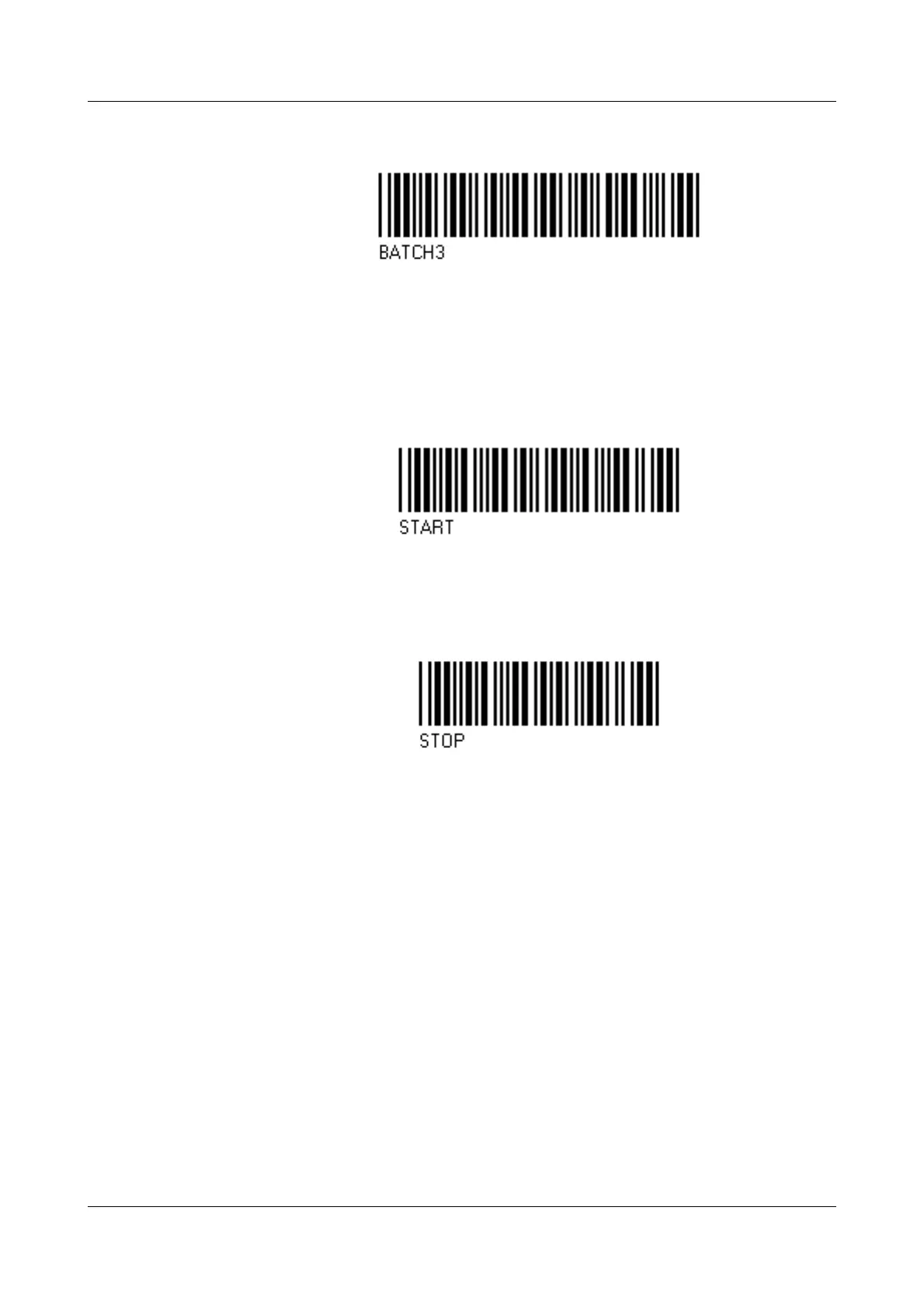
Activate and display (if required) batch report for batch (plant) 3:
Start and stop
batch
report
If the batch report is configured for start/stop via barcode reader, then it will be
started and stopped as follows.
Start batch:
h Scan bar code for “Batch report for batch (plant) 1 — 3”.
h Scan start.
Stop batch:
h Scan bar code for “Batch report for batch (plant) 1 — 3”.
h Scan stop.
If a batch report is stopped, then texts that have been activated by
a bar code will be reset to the standard text in the currently active
batch report depending on the parameter "Delete line".
In the completed batch report, the texts will be saved.



 To Next Page