JUNCTEK
JDS8000 Series User’s Manual
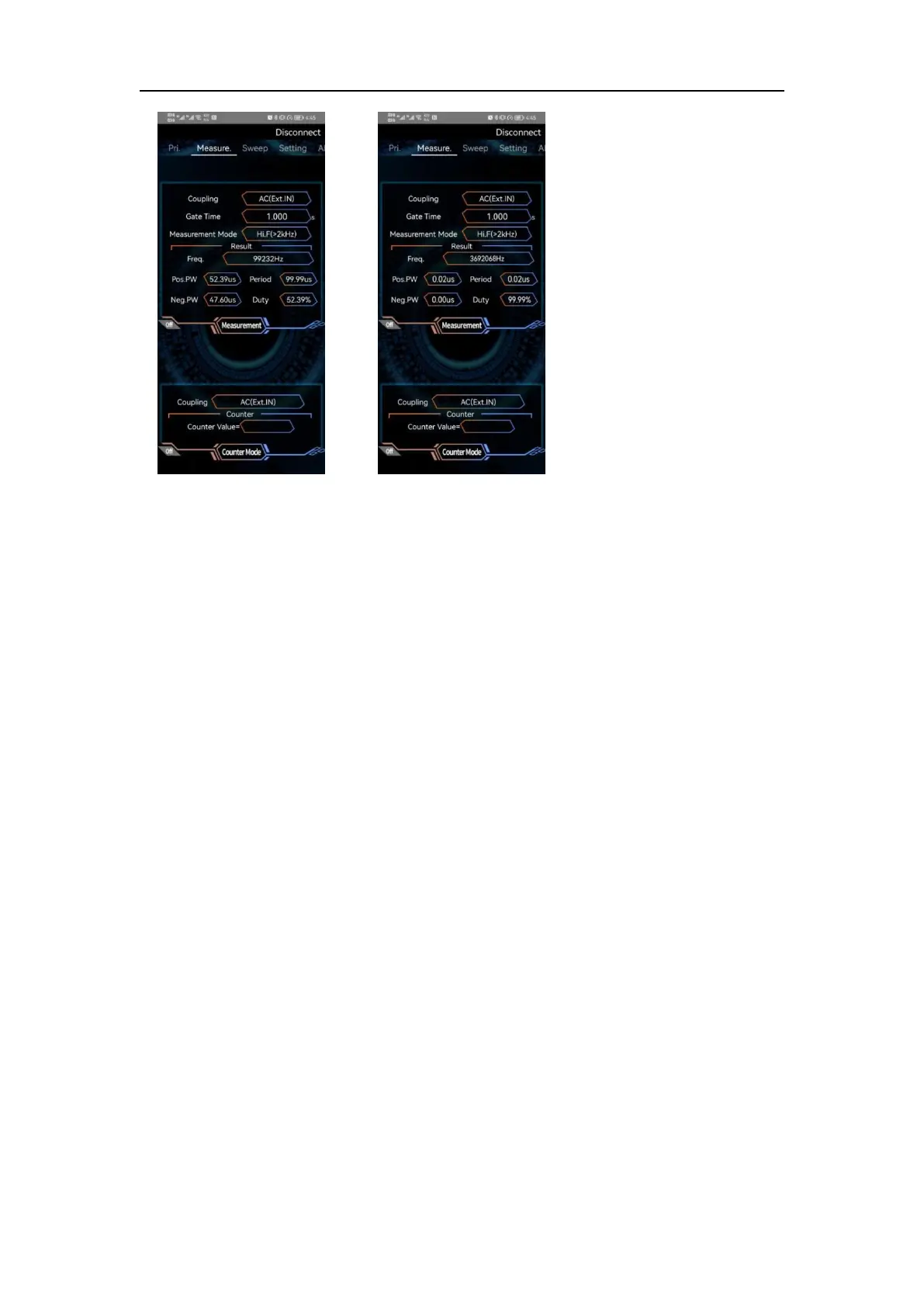
Figure 3-9-30
Measurement mode
Figure 3-9-31
Counter mode
Sweep, voltage control function operation
Sweep frequency: After the sweep function is enabled, click sweep type to
select sweep frequency; in sweep frequency, sweep channel, sweep time,
sweep direction, sweep mode, start frequency, and stop frequency can be set.
As shown in Figure 3-9-32 below.
Sweep Amplitude: After the sweep function is enabled, click the sweep type to
select the sweep amplitude; in the sweep width, you can set the sweep
channel, sweep time, sweep direction, sweep mode, start amplitude, and stop
amplitude. As shown in Figure 3-9-33 below.
Sweep duty cycle: After the sweep function is enabled, click the sweep type to
select the sweep duty cycle; in the sweep duty cycle, you can set the sweep
channel, sweep time, sweep direction, sweep mode, start duty cycle, and stop
duty cycle. As shown in Figure 3-9-34 below.
Voltage control frequency: After the voltage control function is turned on, click
the voltage control type to select the voltage control frequency; in the voltage
control frequency, you can set the maximum voltage calibration, the minimum
voltage calibration, the voltage control mode, the start frequency, the stop
frequency, the voltage control channel. As shown in Figure 3-9-35 below.
Voltage control amplitude: After the voltage control function is enabled, click
the voltage control type to select the voltage control amplitude; in the voltage
control amplitude, you can set the maximum voltage calibration, the minimum
voltage calibration, the voltage control mode, the start amplitude, the stop



 To Next Page