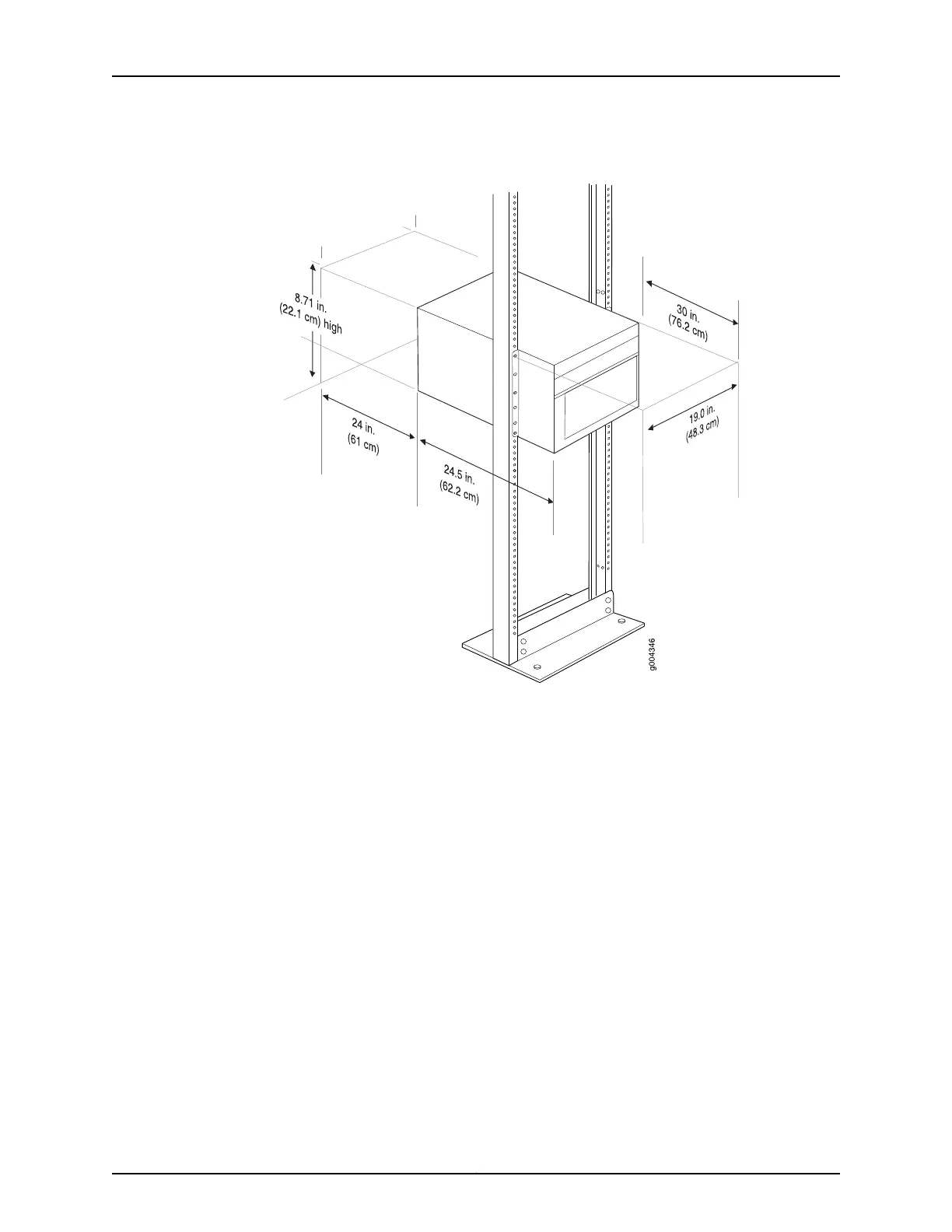
Figure 1: MX240 Rack Clearance and Router Dimensions
Tools Required to Unpack and Prepare the MX240 Router for Installation
To unpack the router and prepare for installation, you need the following tools:
•
A mechanical lift—recommended
•
Phillips (+) screwdrivers, numbers 1 and 2
•
2.5-mm flat-blade (–) screwdriver
•
7/16-in. (11 mm) torque-controlled driver or socket wrench
•
1/2-in. or 13-mm open-end or socket wrench to remove bracket bolts from the shipping
pallet
•
Electrostatic discharge wrist strap
•
Antistatic mat
Proceed to “Step 2: Install the Mounting Hardware in a Four-Post Rack or Cabinet or an
Open-Frame Rack” on page 6.
5Copyright © 2015, Juniper Networks, Inc.
Tools Required to Unpack and Prepare the MX240 Router for Installation



 To Next Page