12
1 Preparing and using for the first time
You can find out what the water hardness is by using the Aquadur®
test strip supplied as standard.
T Hold the test strip briefly (for 1second) under flowing water.
Shake off the water.
T Wait for about 1minute.
T You will then be able to read the degree of water hardness
from the discoloration of the Aquadur® test strip and the
description on the packaging.
Level Display Degree
(°dH)
Degrees of general
hardness (°dGH)
Parts per
million (ppm)
Indicator Strip number
of ‘reddish’ fields
Not active – – – –
Very soft water <3 <3 < 53.4 None
Soft water > 4 > 4 > 71 1
Hard water > 8.4 > 8.4 > 150 2
Very hard water > 14 > 14 > 250 3
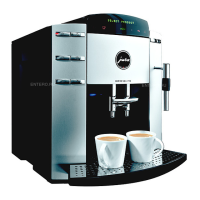
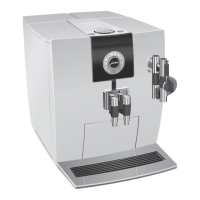
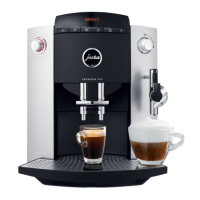
E Water is heated in the IMPRESSA. As a result, calcification
occurs during normal use and is indicated automatically.
Before using the IMPRESSA for the first time the hardness of
the water used must be adjusted. Use the supplied Test sticks
for this.
E If the filter is activated, the program step Water Hardness no
longer appears.
E The IMPRESSA has 5 hardness degrees which can be used and
are displayed while you are adjusting the water hardness
The displayed information means the following.
U
LEVEL ––: Water hardness function switched off
U
LEVEL 1: water hardness degree 1 to 7°
U
LEVEL 2: water hardness degree 8 to 15°
U
LEVEL 3: water hardness degree 16 to 23°
U
LEVEL 4: water hardness degree 24 to 30°
When the IMPRESSA leaves the factory it is adjusted to LEVEL 3. You
can adjust another hardness. To do this, proceed as follows:
READY
T Press the programming key O (4), illuminated ring (2) is
active.
FILTER
Determining the water
hardness
Adjusting the water
hardness


 To Next Page
 Loading...