J
uvent 1000 Instruction Manual
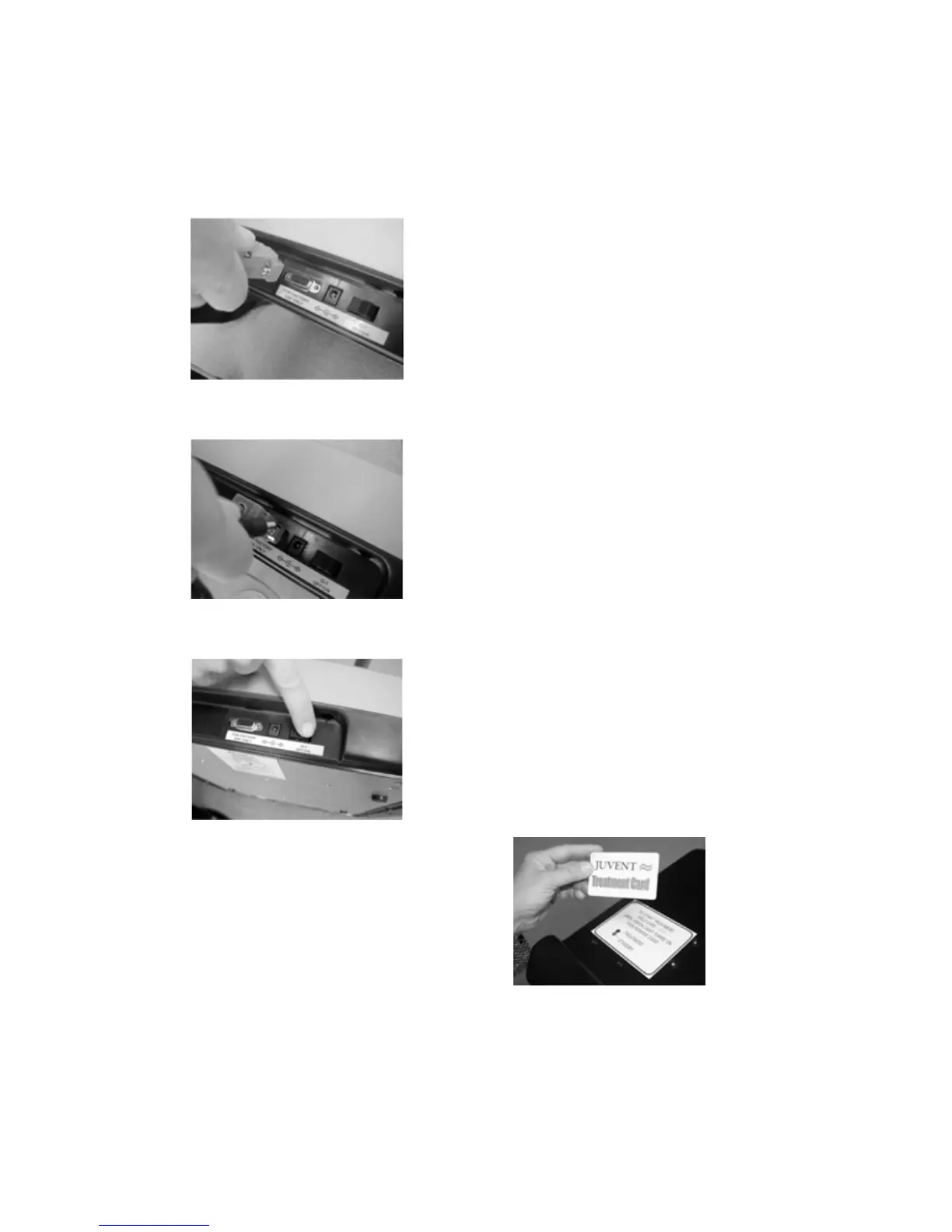
7. Connect the free end of the RS-232 cable
to the Juvent 1000 device as shown in
Figure 9. Tighten the two screws, but do
not overtighten.
Plug the free end of the power supply cord
into the Juvent 1000 as shown in
Figure 10.
8. Plug the AC power plug into an AC
outlet (Ensure the outlet is not
controlled by a wall switch).
9. Turn on the Juvent 1000 power switch.
(Figure 11)
10. At this point the device and RFID
“Standby” indicators should be on.
Figure 9
Figure 10
Figure 11
9



 To Next Page