3
Preparation
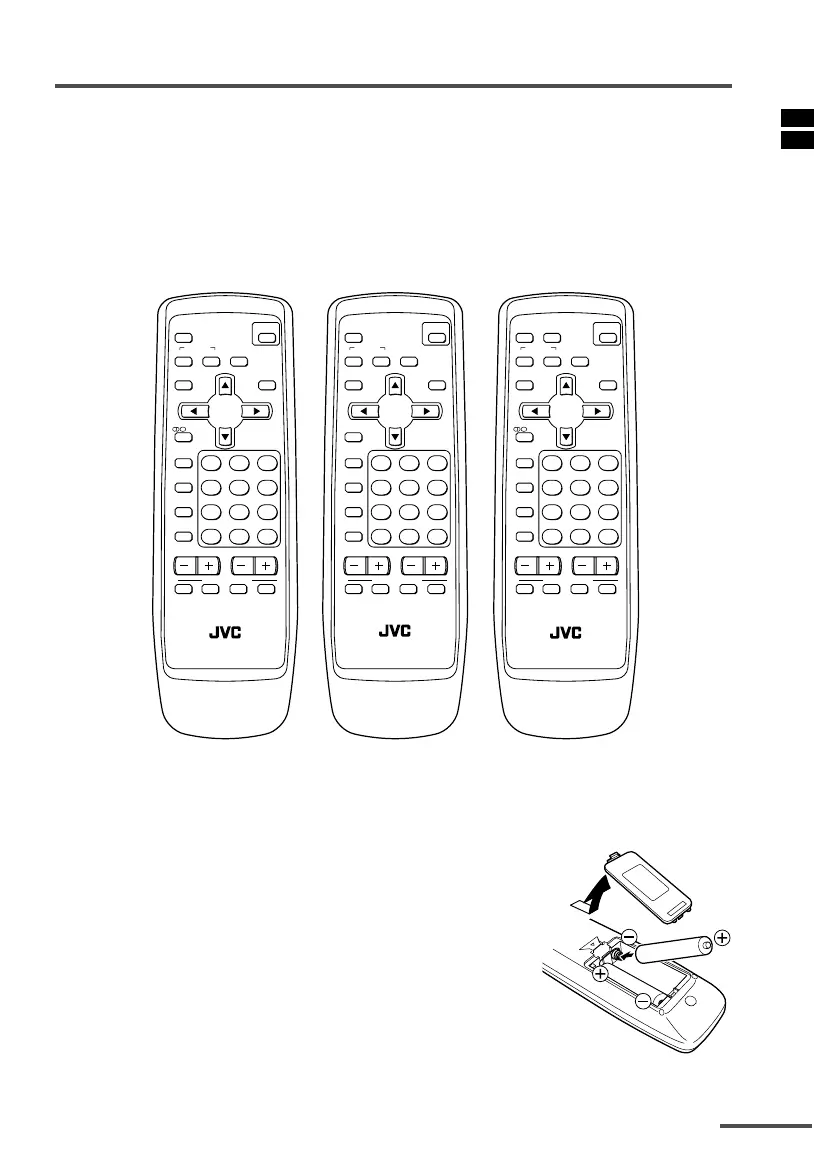
1 Confirm which remote control you have
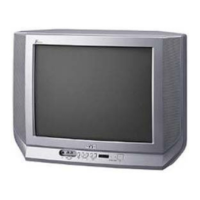
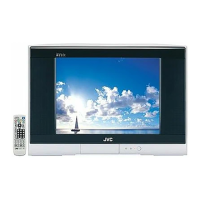
Your TV comes with one of the three remote controls shown below. Functions you
can operate differ depending on the type of remote control.
<RM-C1303><RM-C1305><RM-C1307>
For TV model: For TV model: For TV model:
AV-21V511 AV-21V311 AV-21V531
AV-29V511 AV-29V311 AV-29V531
MUTING
OFF
TIMER
ECO
SENSOR
PICTURE
MODE
CHANNEL
SCAN
SYSTEM
COLOUR SOUND
MENU
CHANNEL
RETURN
+
POWER
DISPLAY
Ι
/
ΙΙ
TV/VIDEO
VOLUME
123
456
789
0
-
/
--
CINEMA
SURROUND
TV
RM-C1303
FAVORITE CH
MUTING
OFF
TIMER
ECO
SENSOR
PICTURE
MODE
CHANNEL
SCAN
SYSTEM
COLOUR SOUND
MENU
CHANNEL
RETURN
+
POWER
DISPLAY
Ι
/
ΙΙ
TV/VIDEO
VOLUME
123
456
789
0
-
/
--
CINEMA
SURROUND
TV
RM-C1305
FAVORITE CH
MUTING BASS
OFF
TIMER
ECO
SENSOR
PICTURE
MODE
CHANNEL
SCAN
SYSTEM
COLOUR SOUND
MENU
CHANNEL
RETURN
+
POWER
DISPLAY
Ι
/
ΙΙ
TV/VIDEO
VOLUME
123
456
789
0
-
/
--
CINEMA
SURROUND
TV
RM-C1307
FAVORITE CH
2 Insert the batteries into the remote control
Correctly insert two batteries, observing the
,
and
.
polarities and inserting the
.
end first.
CAUTION:
Follow the cautions printed on the batteries.
Notes:
• Use AA/R6/UM-3 dry cell batteries.
• If the remote control does not work properly, fit new batteries.
The supplied batteries are for testing, not regular use.



 To Next Page