V-Chip
32
Setting ratings with the V-Chip button
Example 2:
If you want to set your V-Chip settings to block all programming above a current setting such as
TV PG-V (with violence):
Press Z
ERO when TV-PG - V is displayed
All Programming above TV-PG - V (with Violence) will be blocked.
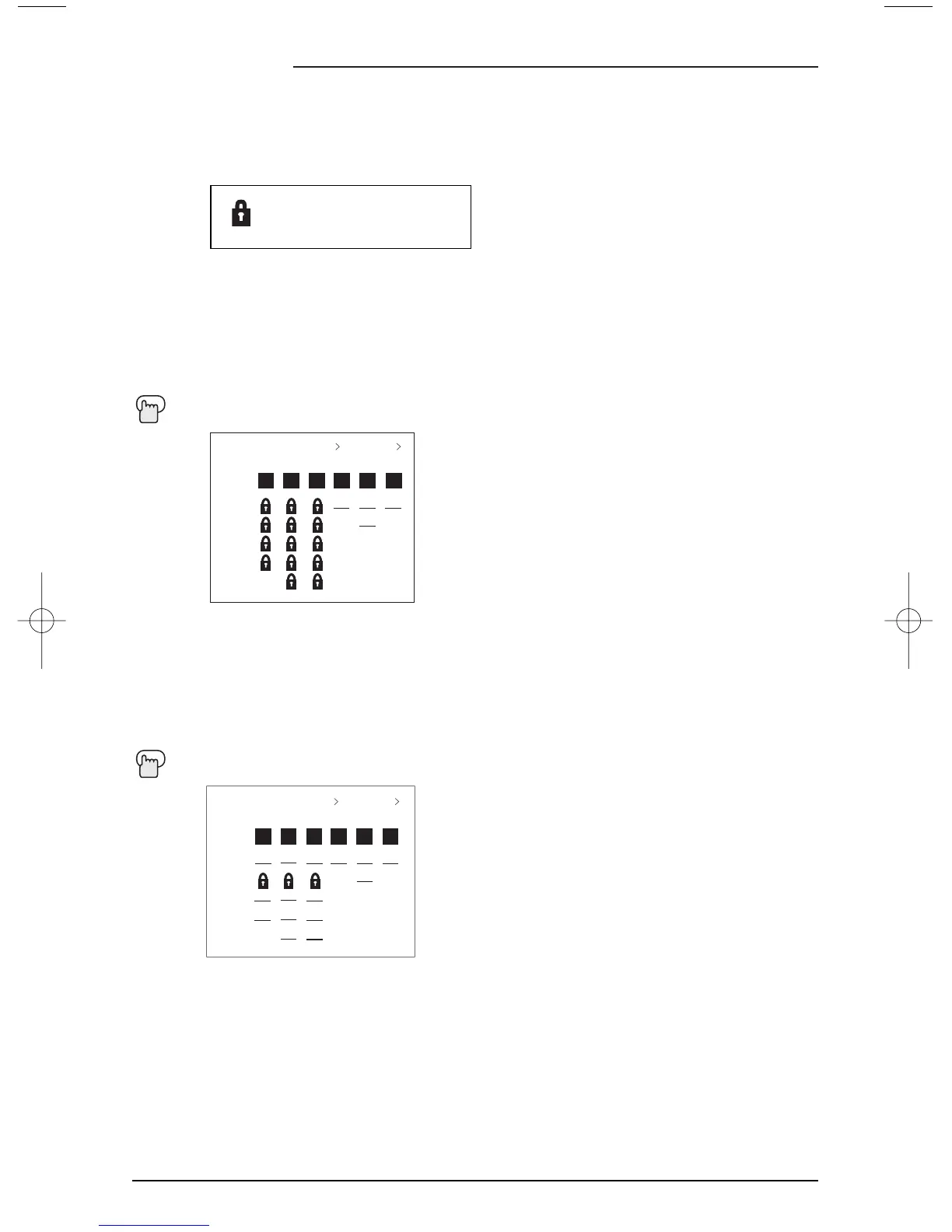
To access Rating information about a certain program, press the V-C
HIP button while viewing
that program. A display like this will appear:
If you decide you want to block this category of viewing, press "0" while the above screen is
visible, and all programs from that category will be blocked.
Example 1:
If you want to set your V-Chip settings to block all programming above TV-PG:
Press Z
ERO when TV-PG is displayed
All Programming above TV-PG will be blocked.
• For Children's programming you can block TV-Y and Y7 programs by Pressing “0” when Y is
displayed during a program. Programming for audiences other than children’s audiences will
not be affected.
PROGRAM IS RATED :
TV-PG - V





 To Next Page