Button Functions
Use the 100+ button to directly access channels above Channel 99. For example to move to
channel 124, press100+, 2 (two), 4 (four).
100+ Button
Return+
Input
Selects the signal input source for the television: TV (for Antenna or Cable) or Video-1, 2 or 3
for video devices like VCR’s, DVD players, or camcorders.
I
NPUT
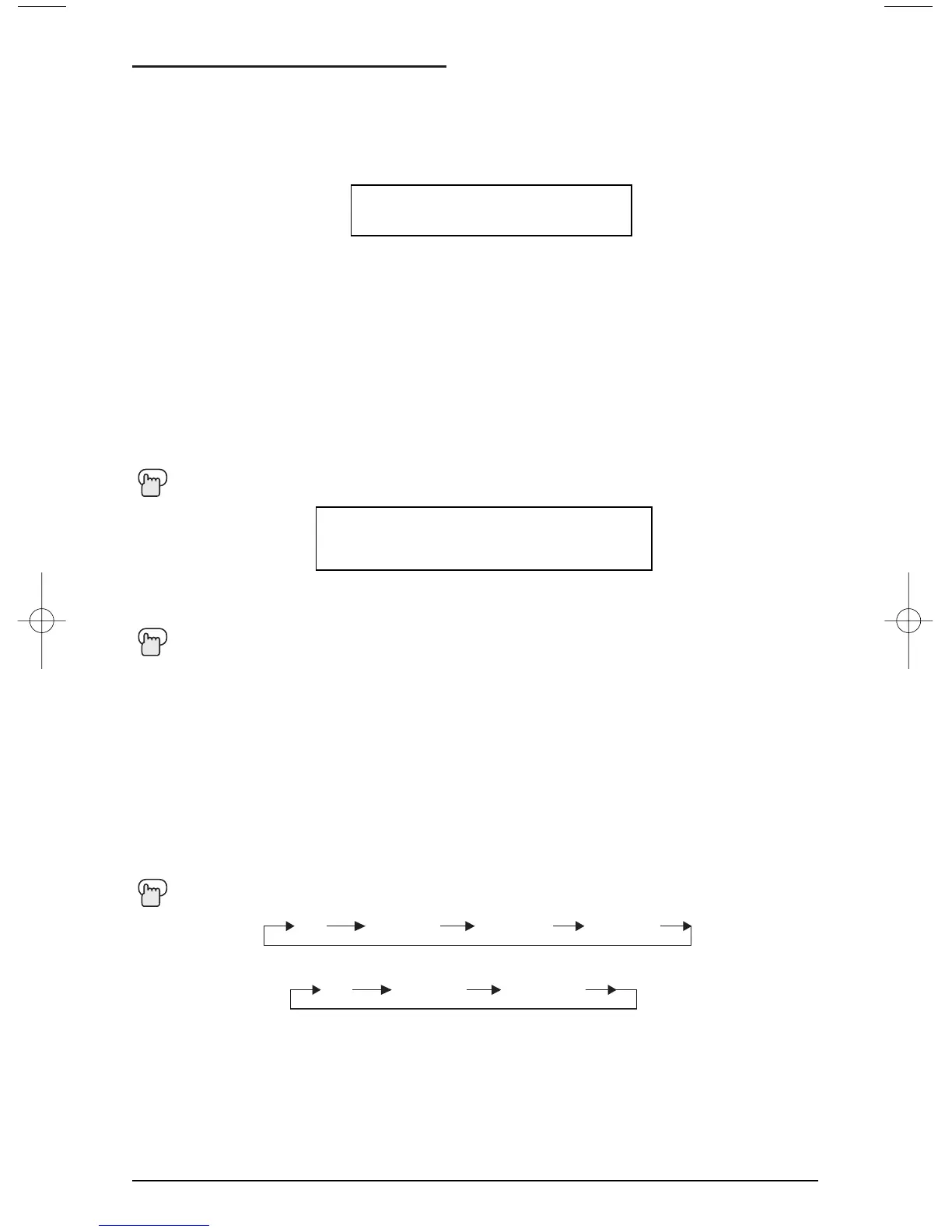
TV VIDEO-1 VIDEO-2
VIDEO-3
The RETURN+button has two functions:
Return - Returns to the channel viewed just before the channel currently onscreen.
Return+ - Lets you program a specific channel to return to while scanning through the chan-
nels using the CH+ and CH- buttons.
R
ETURN+ and hold for three seconds
The channel currently active has been programmed as your Return+ channel. Now scan
through the channels using the C
HANNEL+/- buttons
R
ETURN+
You will return to your programmed channel.
• To cancel your Return+ channel, press and hold the RETURN+button for three seconds. The
message “RETURN CHANNEL CANCELLED!” will appear.
• Return+ works only with the CHANNEL+/- buttons. Pressing any number key will cancel
Return+.
RETURN CHANNEL
PROGRAMMED !
TV VIDEO-1 VIDEO-2
AV-27320 only
BBE (RM-C252 only)
BBE high definition audio adds natural, clear and extraordinary sound quality to any program.
Turn BBE On or Off using the BBE button.
BBE ON OFF
• BBE is a registered trademark of BBE Sound, Inc. For U.S., licensed from BBE Sound, Inc.
under USP 4638258, 4482866 and 5510572. For Canada, licensed from BBE Sound, Inc.
BBE is a registered trademark of BBE Sound, Inc.
NOTE:
45
FE English 5/13/02 8:52 AM Page 45







 To Next Page