Button Functions
44
Video Status
Sleep Timer
Hyper Surround (RM-C255, RM-C253 and RM-C252 only)
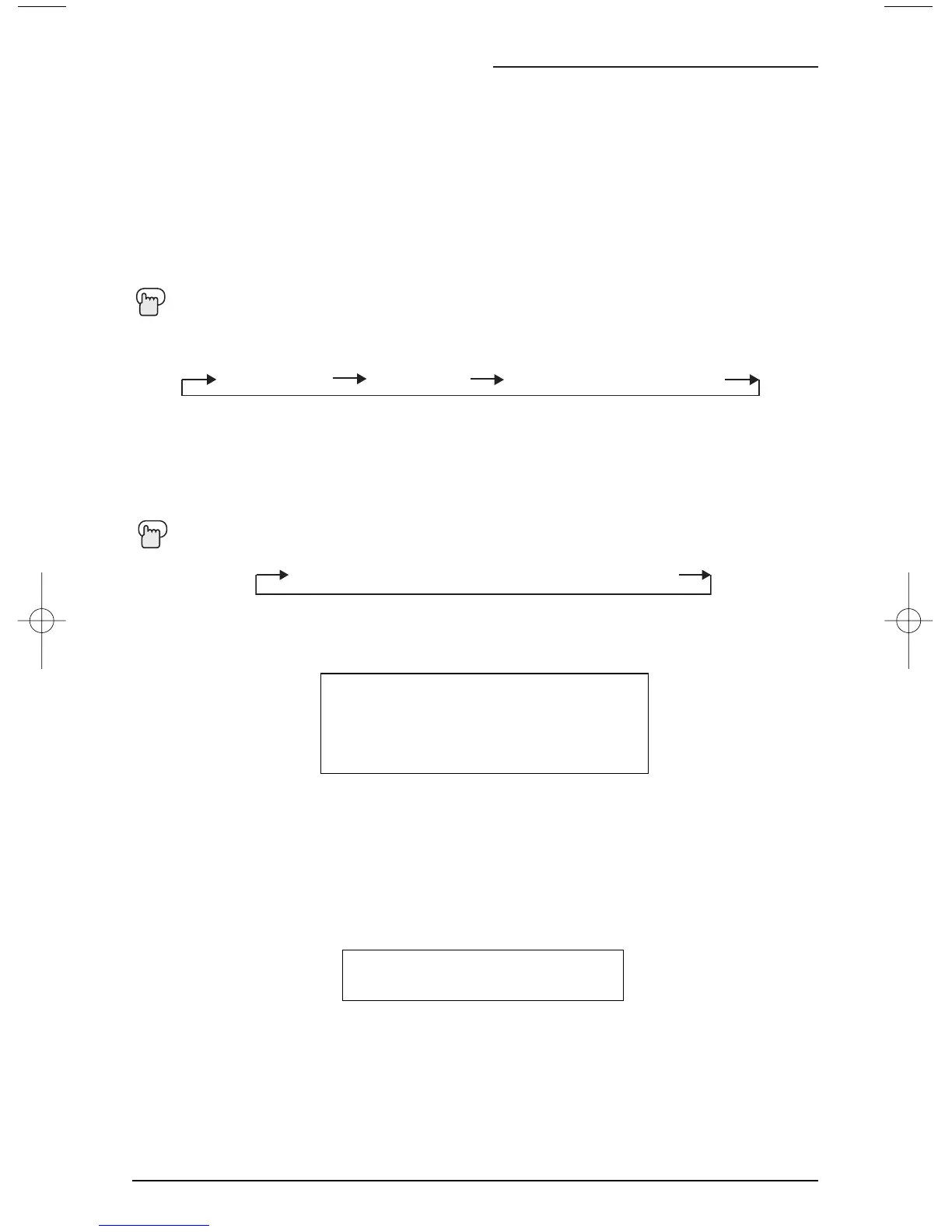
The VIDEO
STATUS button gives you a choice of three TV picture display settings, including a
display of your own preferences.
Standard - Resets the picture display to the factory settings.
Dynamic - Heightens contrast.
Theater - Gives a rich, film-like look to video. (AV-27D303, AV-27D203 and AV-20D303 only)
Sports - When you watch a sports program. (AV-27330, AV-27320 and AV-27S33 only)
Press the V
IDEO STATUS button
The Sleep Timer can turn the TV off for you after you fall asleep. Program it to work in intervals
of 15 minutes, for a total time of up to 180 minutes.
Press the S
LEEP TIMER button
Sleep Timer Message
20 seconds before the automatic shutoff, this message will appear:
You then have 20 seconds to press the Sleep Timer button to delay the shutoff for another
15 minutes.
GOOD NIGHT!!
PUSH SLEEP TIMER BUTTON
TO EXTEND.
Creates a deep, three-dimensional sound effect by channeling the audio through the TV's front-
firing speakers. Press the H
YPER SUR. (Hyper Surround) button to turn the effect on or off.
HYPER SURROUND ON OFF


 To Next Page
 Loading...