No. 51686
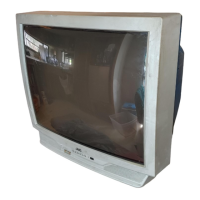
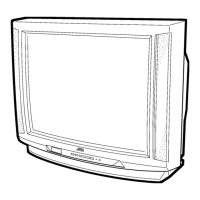
V-27D201
V-32D201
14
BASIC OPERATION OF SERVICE MENU
1. The adjustment using SERVICE MENU
The following adjustment items use the SERVICE MENU in the series of the adjustment. The adjustments are made on the basis of the
initial setting values. The adjustment values which adjust the screen to the optimum condition can be different from the initial setting values.
With the SERVICE NEMU, various settings can be made, and they are broadly classified in the following items of settings.
PICTURE
Adjustment of the VIDEO/CHROMA and DEFLECTION circuits.
SOUND
Adjustment of the AUDIO circuit.
THEATER
Setting of the THEATER MODE screen.
OTHERS
Setting of the screen that except the THEATER MODE.
LOW LIGHT
Adjustment of the WHITE BALANCE (Low light) circuit.
HIGH LIGHT
Adjustment of the WHITE BALANCE (High light) circuit.
RF AFC
Verification of the RF AFC adjustment. Because of it’s no requirement on the service (
Do not adjust
).
VCO (CW)
Adjustment of the IF VCO circuit.
I
2
C BUS CTRL
Display and adjust the I
2
C BUS CTRL condition, but it is no requirement on service.
(
Do not adjust and fix on.)
2. Key operation of the SERVICE MENU
[Enter to SERVICE MENU]
Press the
SLEEP TIMER
key and set the
SLEEP TIMER
for
0 MIN
.
Then press the
DISPLAY
key and the
VIDEO STATUS
key of the remote control unit
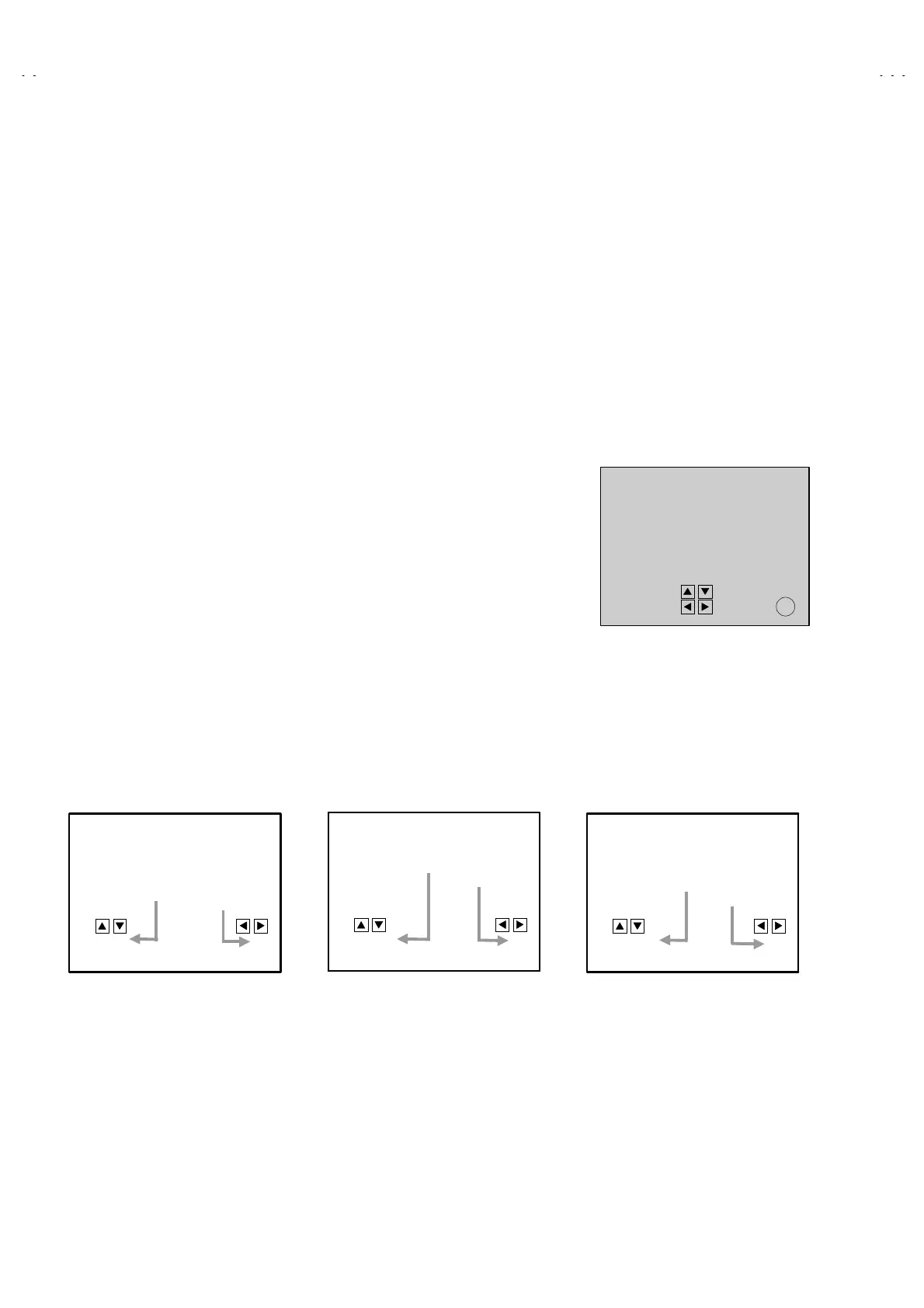
at the same time. Then enter the SERVICE MENU screen shown in figure.
[Exit form SERVICE MENU]
When complete the adjustment work, press the EXIT key to return to the main
SERVICE MENU. And then press the EXIT key again, return to the normal screen.
[Select from main menu]
In main SERVICE MENU, press the UP or DOWN key on the remote control unit, to select any of the adjustment items.
The letters of the selected items are displayed in yellow.
[PICTURE, SOUND and OTHERS]
1) Select any of
PICTURE
,
SOUND
or
OTHERS
items, then press the LEFT or RIGHT key in main SERVICE MENU, the selectable
screen will be displayed as shown in figure page later.
2) Then the UP or DOWN key is pressed, the
PICTURE
mode screen or the
SOUND
mode screen or the
OTHERS
mode screen is
displayed, and their setting can be performed.
1. OSD POS.
OTHERS MODE
SETTING VALUE
SETTING ITEM
1. BRIGHT
PICTURE MODE
SETTING ITEM
SETTING VALUE
1. NOISE DET
STATUS
SOUND MODE
SETTING VALUE
SETTING ITEM
EX
IT
EXIT BY
SERVICE MENU (MAIN MENU)
SERVICE MENU
PICTURE SOUND
THEATER OTHERS
LOW LIGHT HIGH LIGHT
RF AFC
VCO
CW
I2C BUS CTRL
SELECT BY
OPERATE BY



 To Next Page