EasyManua.ls Logo

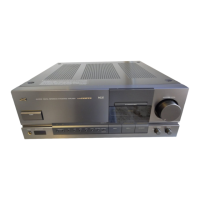
JVC AX-Z1010TN - Troubleshooting

JVC AX-Z1010TN
67 pages
Print Icon
To Next Page IconTo Next Page
To Previous Page IconTo Previous Page
Loading...
I
AX-Z1010TN
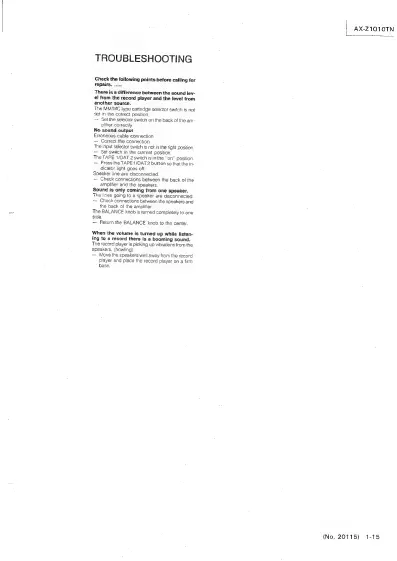
TROUBLESHOOTING
Check
the
following
points
before
cailing
for
repairs.
...
There
is
a
difference
between
the
sound
lev-
el
from
the
record
player
and
the
level
from
another
source.
The
MM/MC
type
cartridge
selector
switch
is
not
set
in
the
correct
position.
-~
Set
the
selector
switch
on
the
back
of
the
am-
plifier
correctly.
No
sound
output
Erroneous
cable
connection
Correct
the
connection
The
input
selector
switch
is
not
in
the
right
position.
Set
switch
in
the
current
position.
The
TAPE
1/DAT
2
switch
is
in
the
"on"
Position.
Press
the
TAPE
1/DAT
2
button
so
that
the
in-
dicator
light
goes
off.
Speaker
line
are
disconnected.
Check
connections
between
the
back
of
the
amplifier
and
the
speakers.
Sound
is
only
coming
from
one
speaker.
The
lines
going
to
a
speaker
are
disconnected
~—
Check
connections
between
the
speakers
and
the
back
of
the
amplifier.
The
BALANCE
knob
is
turned
completely
to
one
side.
Return
the
BALANCE
knob
to
the
center.
When
the
volume
is
turned
up
while
fisten-
ing
to
a
record
there
is
a
booming
sound.
The
record
player
is
picking
up
vibrations
from
the
speakers,
(howling)
Move
the
speakers
well
away
from
the
record
player
and
place
the
record
player
on
a
firm
base:
(No.
20115)
1-15

Related product manuals