EasyManua.ls Logo

JVC CA-DXJ20 - User Manual

JVC CA-DXJ20
52 pages
Print Icon
To Next Page IconTo Next Page
Loading...
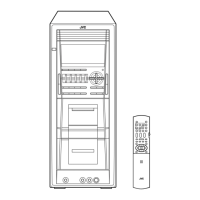
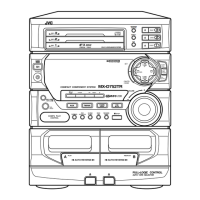
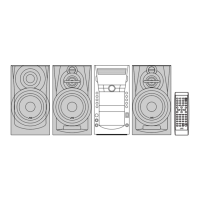
COMPACT COMPONENT SYSTEM
INSTRUCTIONS
GVT0207-001B
[US, UN, UG, UX, A, UW]
SUPER VIDEO
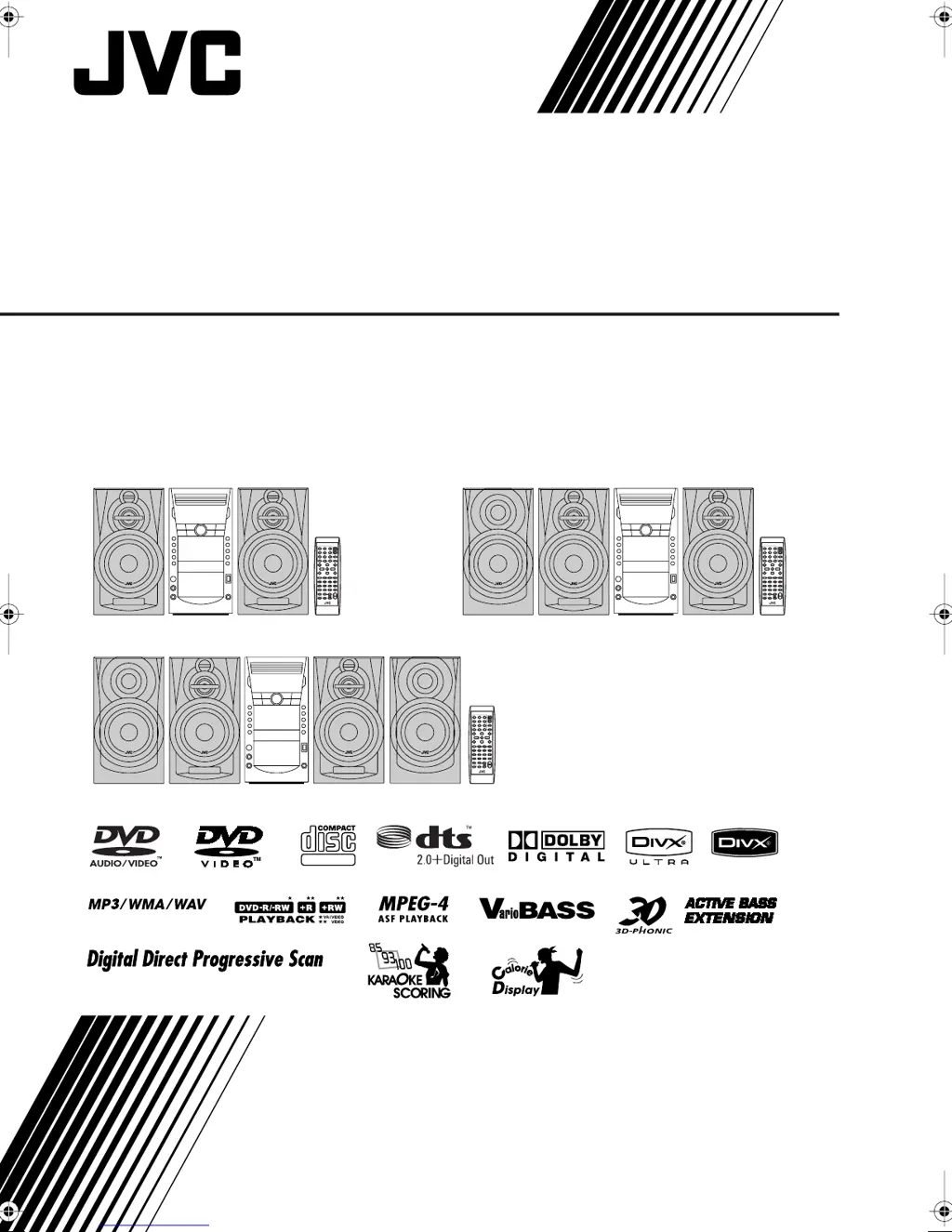
CA-DXJ30
CA-DXJ10/J20
CA-DXJ30
CA-DXJ10
CA-DXJ20
CA-DXJ30
CA-DXJ30
CA-DXJ20
CA-DXJ10
DXJ_Cover[U].fm Page 1 Monday, February 12, 2007 9:57 AM

Table of Contents

Questions and Answers

  • D
    Douglas BernardSep 9, 2025
    What to do if the cassette holder cannot be opened on JVC CA-DXJ20 Speaker System?
    • T
      Timothy AndersonSep 9, 2025
      The cassette holder may not open if the power supply from the AC power cord has been cut off while the tape was running. Turn on the System.
  • K
    katherinethompsonAug 23, 2025
    Why won't my JVC CA-DXJ20 play the disc?
    • J
      John MorrisonAug 23, 2025
      The disc might not play if you have inserted a DVD Video whose Region Code is not correct, or the disc is placed upside down. If the disc is upside down, place it with the label side up.
  • S
    Sara JohnsonAug 25, 2025
    Why are the operations disabled on my JVC Speaker System?
    • F
      fbrownAug 25, 2025
      Operations may be disabled because the built-in microprocessor may malfunction due to external electrical interference. Unplug the AC power cord and then plug it back in to resolve this.
  • M
    Michael MasonAug 26, 2025
    Why no picture appears on the screen of my JVC CA-DXJ20 Speaker System?
    • S
      Shelley RossAug 26, 2025
      The video cord connections may be incorrect or loose.
  • A
    Allison CarpenterAug 27, 2025
    Why is it impossible to record with my JVC CA-DXJ20 Speaker System?
    • R
      Richard HarrisAug 28, 2025
      It might be impossible to record if small tabs on the back of the cassette are removed or Karaoke Scoring is in use. If small tabs on the back of the cassette are removed, cover the holes with adhesive tape.
  • N
    Natasha WilliamsAug 29, 2025
    Why is it hard to hear broadcasts because of noise on my JVC CA-DXJ20 Speaker System?
    • K
      Kimberly JacksonAug 29, 2025
      It may be hard to hear broadcasts because of noise due to incorrect or loose antenna connections, the AM loop antenna being too close to the System, or the FM antenna not being properly extended and positioned.
  • A
    Amber ButlerSep 18, 2025
    Why doesn't the Daily Timer work on my JVC CA-DXJ20 Speaker System?
    • B
      Brian HansonSep 18, 2025
      The Timer starts working only when the System is turned off.
  • H
    hebertpatrickSep 22, 2025
    What does “CANNOT REC” mean on JVC Speaker System display?
    • M
      Melissa RamirezSep 22, 2025
      The System cannot perform recording.
  • M
    mistymartinezSep 8, 2025
    Why Karaoke Scoring function cannot be activated on JVC CA-DXJ20?
    • C
      Carrie HubbardSep 8, 2025
      You cannot use Karaoke Scoring while recording, or while the disc menu for DVD Video/SVCD/VCD is shown on the TV screen.
  • A
    anthonyherreraSep 4, 2025
    Why is the audio language different from the one I selected on my JVC CA-DXJ20?
    • W
      woodsvalerieSep 4, 2025
      Some discs/files are programmed to always use the original language initially. If this happens, press AUDIO after starting play.

Summary

Warnings, Cautions and Others

General Safety Cautions

Covers standby button, ventilation, flame sources, battery disposal, liquid placement, and earphone safety.

Laser Product Safety Information

Details on Class 1 Laser Product, user service, and visible/invisible laser radiation.

Caution: Proper Ventilation

Precautions

Installation and Environmental Handling

Guidelines for setting up the System with adequate ventilation and avoiding environmental hazards.

Power Sources and Moisture

Instructions for safely handling the power cord, unplugging the System, and dealing with moisture.

Internal Heat and Other Safety Notes

Ensuring proper ventilation to prevent overheating and general safety advice for internal components.

System Connections

Video, Audio, Antenna, Speaker, and Power Connections

Guides connecting video, audio, antenna, speakers, subwoofers, voltage selector, and the AC power cord.

Device and Mode Setup

USB Connection, Demonstration, and Color System

Instructions for connecting USB devices, managing demonstration mode, and setting color system/scanning modes.

Display Indication and Basic Playback

Understanding Display Indicators

Explanation of various indicators and symbols shown on the System's display during operation.

Powering On and Source Selection

Steps to turn on the System and choose the desired playback source (Disc, USB, Tuner, Tape, AUX).

Daily Operations - Playback

Volume Adjustment and Private Listening

How to control volume levels and use headphones for private listening.

Radio Operations

Tuning, Presets, and Volume Control

Instructions for tuning radio stations, setting AM intervals, and storing preset stations.

Disc and USB File Playback

Connecting USB Storage and Initiating Playback

Steps for connecting USB storage and initiating playback of discs or USB files.

On-Screen Guide Icons

Information on icons that appear on the TV screen indicating playback status and features.

Advanced Disc Navigation

Selecting Content, Menus, and Search Functions

Methods to navigate content, use disc menus, and search for specific points via time or slow-motion.

Tape Playback and Controls

Tape Handling, Direction, and PBC Playback

Inserting tapes, changing playback direction, using reverse mode, and PBC playback.

Sound Adjustments and Modes

Speaker Balance, Bass, and Sound Modes

Adjusting speaker output balance, customizing bass response, and selecting sound modes.

Picture and Special Effects

3 D Phonic, DVD Sound Level, and Picture Tone

Creating 3D sound, adjusting DVD volume levels, and customizing picture tone settings.

System Settings

Clock, Display Brightness, and Information Settings

Setting the clock, adjusting display brightness, and customizing displayed information.

Unique Video Disc;File Operations

Audio Track, Subtitle, and Viewing Angle Selection

Choosing different audio tracks, subtitle languages, and viewing angles during playback.

Special Playback Features

Bonus Group Playback and Picture Modes

Accessing bonus content on DVD Audio discs and using special picture playback modes.

Program and Random Playback

Programming Playback Order and Random Mode

Arranging playback order with Program Play and playing content randomly with Random Play.

On-Screen Operations

Using the On-screen Bar

Basic procedures for using the on-screen bar to check information and control playback.

Repeat Playback and Disc Ejection Control

Repeat Modes, A-B Repeat, and Disc Ejection Lock

Repeating playback segments, using A-B repeat, and locking disc trays.

Time and Chapter Search

Recording Operations

Recording onto Tape and Synchronized Recording

Instructions for recording audio sources onto tape and performing synchronized recording.

Tape Dubbing and Recording Control

Dubbing Tapes and One Track Recording

Copying tapes from deck A to deck B and recording specific tracks.

Enjoying Karaoke

Singing Along and Microphone Setup

Steps for connecting microphones and starting karaoke playback with vocal accompaniment.

Karaoke Sound Track and Skill Scoring

Adjusting Sound Track and Scoring Karaoke Skill

Modifying vocal tracks and using the System to score karaoke performance.

Karaoke Setting Adjustments

Echo, Key, Fanfare, and Scoring Level

Adjusting echo, key, fanfare, and scoring difficulty for karaoke.

Reserving Karaoke Songs-Karaoke Program Play

Timer Operations

Setting Timers and Automatic Power Off

Instructions for setting daily or recording timers and configuring automatic power off.

Setup Menu Operations

Language, Picture, File Type, and Screen Saver Settings

Configuring language, picture, file type, screen saver, and other system preferences.

Audio and Other Menu Settings

Digital Audio Output, Down Mix, Resume, and On-Screen Guide

Setting digital audio output, down mix, resume playback, and on-screen guide features.

Operating the TV

Additional Information and Maintenance

System Details and Maintenance Guidelines

Details on system features, connections, file playback, and tips for keeping the System clean.

Troubleshooting

Common Issues and Solutions

A guide to diagnosing and resolving common problems with the System's operation.

Specifications

System Specifications and Accessories

Technical details on amplifier, player, USB, accessories, and trademarks.

JVC CA-DXJ20 Specifications

General IconGeneral
BrandJVC
ModelCA-DXJ20
CategorySpeaker System
LanguageEnglish

Related product manuals