EasyManua.ls Logo

JVC DLA-RS65 - Page 48

JVC DLA-RS65
288 pages
Print Icon
To Next Page IconTo Next Page
To Previous Page IconTo Previous Page
Loading...
48
Operation
3
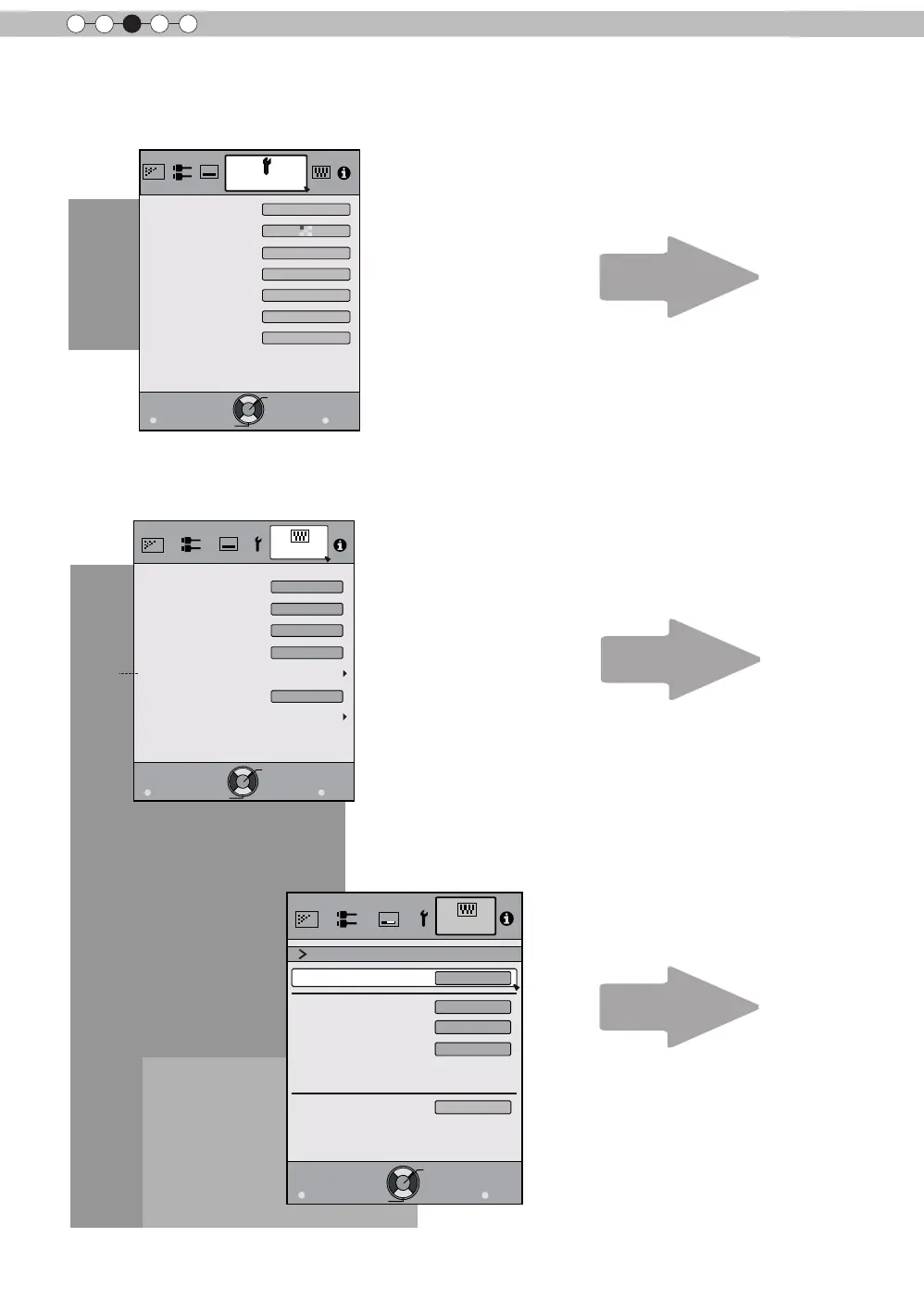
Adjustments and settings in the menu (continued)
Exit
MENU
BACK
Back
Select
Operate
IP Address 
Subnet Mask
Default Gateway
Network
DHCP Client
On
Function
Set
MAC Address :
AA-BB-CC-DD-EE-FF
192. 168. 0.254
255. 255. 255. 0
192. 168. 0. 2
[5-1] Network
[5-1]
Exit
MENU
BACK
Back
Select
Operate
Trigger
Off Timer
Remote Code
Network
Lamp Reset
Remote Code
High Altitude Mode
Off
Off
Off
Function
RS-232C
A
Exit
MENU
BACK
Back
Select
Operate
Display Setup
Back Color
Menu Display
Menu Position
On
Line Display
sec
Source Display
On
Logo
On
Language
English
Black
[4] Display Setup
[5] Function
P. 71
P. 72
P. 73

Table of Contents

Related product manuals