Others
87
ENGLISH
RS-232C Interface
It is possible to control this machine, if it is connected by an RS-232C cross cable (D-Sub9
pin) to a PC. Otherwise, this machine can be controlled via a computer network by connecting
it with a LAN cable and sending of control commands. Please use it after you have understood
this by reading professional books, or by discussing it with a system administrator.
Before you can control it via LAN, you have to establish a TCP-connection via a "3-way-handshake". It is
necessary for a connection authentication to send from the projector "PJ_OK" and - within 5 seconds after
sending a "PJREQ" – to receive "PJACK". Please perform this operation – after conrming the operating
status of the projector - again after establishment of a TCP connection, if you cannot send within 5 seconds
"PJ_NG" or could not receive "PJNAK".
RS-232C Specications
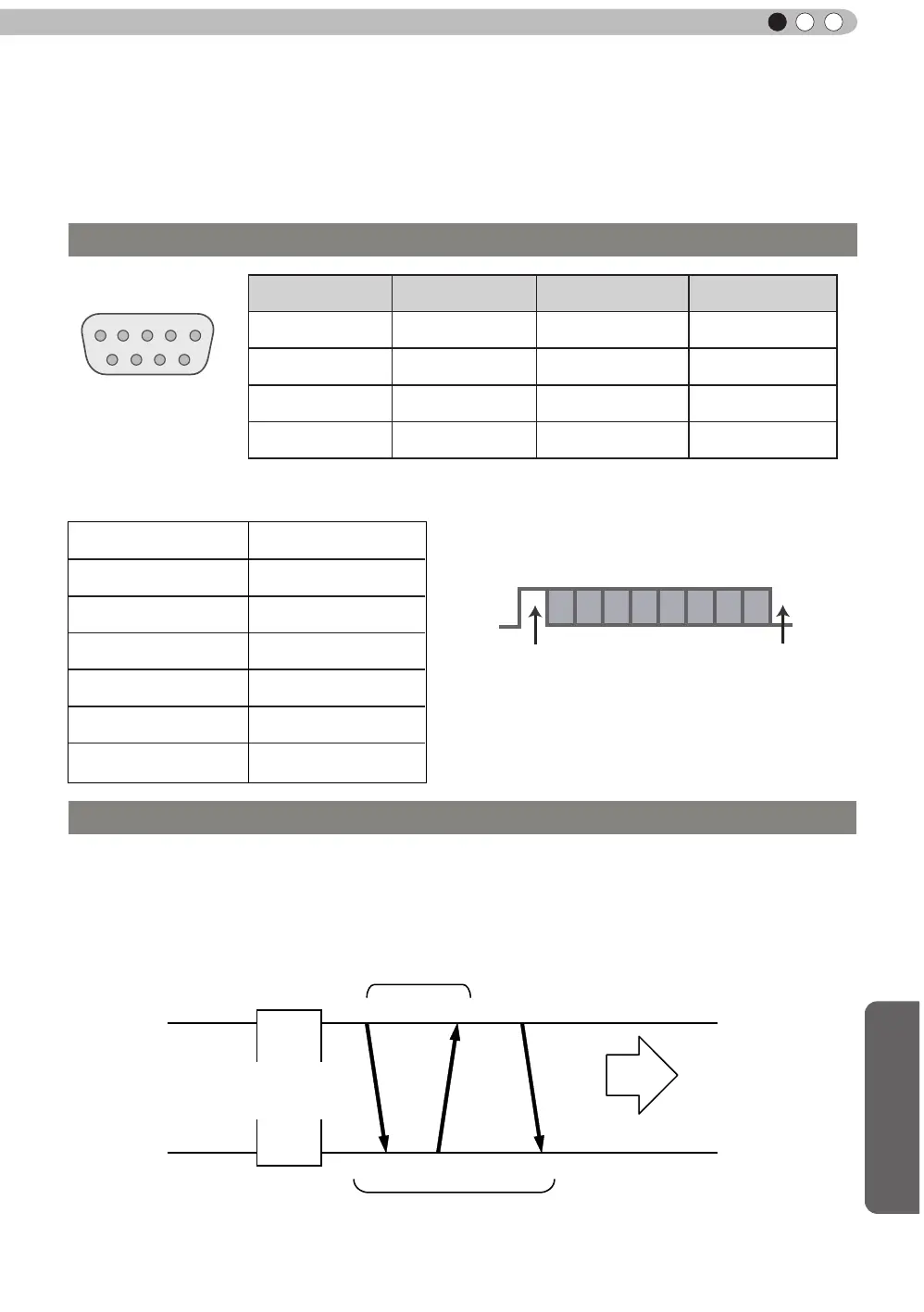
Pin No. Signal Function Signal Direction
2 RxD
Receive data PC→This unit
3 TxD
Transmit data This unit→PC
5 GND
Signal ground
-
1,4,6 - 9 N/C - -
Mode
Non-synchronous
Character Length
8 bit
Parity
None
Start Bit
1
Stop Bit
1
Data rate
19200 bps
Data format
Binary
This unit
Start Bit
Stop Bit
D6 D7D4 D5D2 D3D0 D1
●
PC refers to the controller such as a personal computer.
TCP/IP-connection
Control PC
Projector
PJ_OK
PJREQ
PJACK
Connection authentication procedure
Within 5 seconds
Projector Control
TCP-layer connection establishment
TCP port number 20554
Three-way handshake



 To Next Page