OPERATIONS
7
ENGLISH
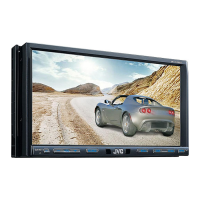
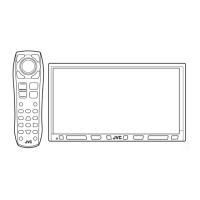
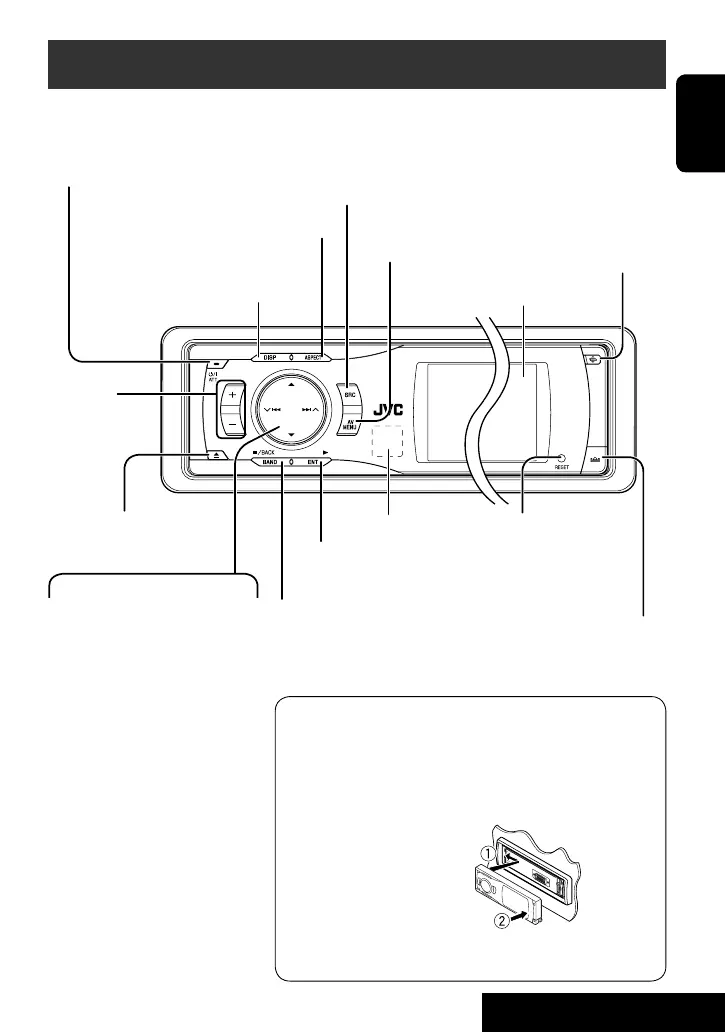
Basic operations — Control panel
• TUNER/SAT: Select the bands.
• DISC: Stop playback.
• On menus: Back.
Select the source.
TUNER = SAT (SIRIUS/XM) = DISC (DVD/VCD/CD) =CD-CH,
iPod, D.PLAYER, or EXT-IN = Bluetooth Phone =
Bluetooth Audio = AV-IN =(back to the beginning)
• You cannot select these sources if they are not ready.
Display window
Eject the disc.
*
1
<AV Menu> screens
You can use the menus to set up various settings.
The <AV Menu> screen consists of the following sub-menus—
Setup/Equalizer/Sound/Mode/List/Bluetooth.
• For details, see pages 37 to 46.
*
2
To attach the control panel
*
3
By holding 5 / ∞, you can display the list accessible for the
selected source.
• Turn on the power.
• Turn off the power [Hold].
• Attenuate the sound (if the
power is on).
Change the display information.
4 / ¢
• TUNER: Search for stations.
• SAT: Select channels.
• DISC: Select chapters/tracks.
• On menus: Go to next/
previous step.
• iPod/D.PLAYER: Select tracks.
• Bluetooth Audio: Reverse
skip/forward skip
5 / ∞*
3
• TUNER: Select preset stations.
• SAT: Select categories.
• DISC: Select titles/folders.
• On menus: Select items.
• iPod/D.PLAYER: Enter player’s
menu/pause or stop playback.
• Bluetooth Phone/Bluetooth
Audio: Select a device.
Change the control panel
tilt (Tilt1 – Tilt4).
Remote sensor
Adjust the
volume.
Reset the unit.
• Use only when the internal
system malfunctions.
Display or erase
<AV Menu>*
1
.
• DISC: Start playback.
• On menus: Enter.
Change the aspect ratio.
Detach the control panel*
2
.
EN_KD-AVX11J-f.indb 7EN_KD-AVX11J-f.indb 7 06.12.21 3:28:50 PM06.12.21 3:28:50 PM


 To Next Page
 Loading...