32
EDITING
Tape Dubbing
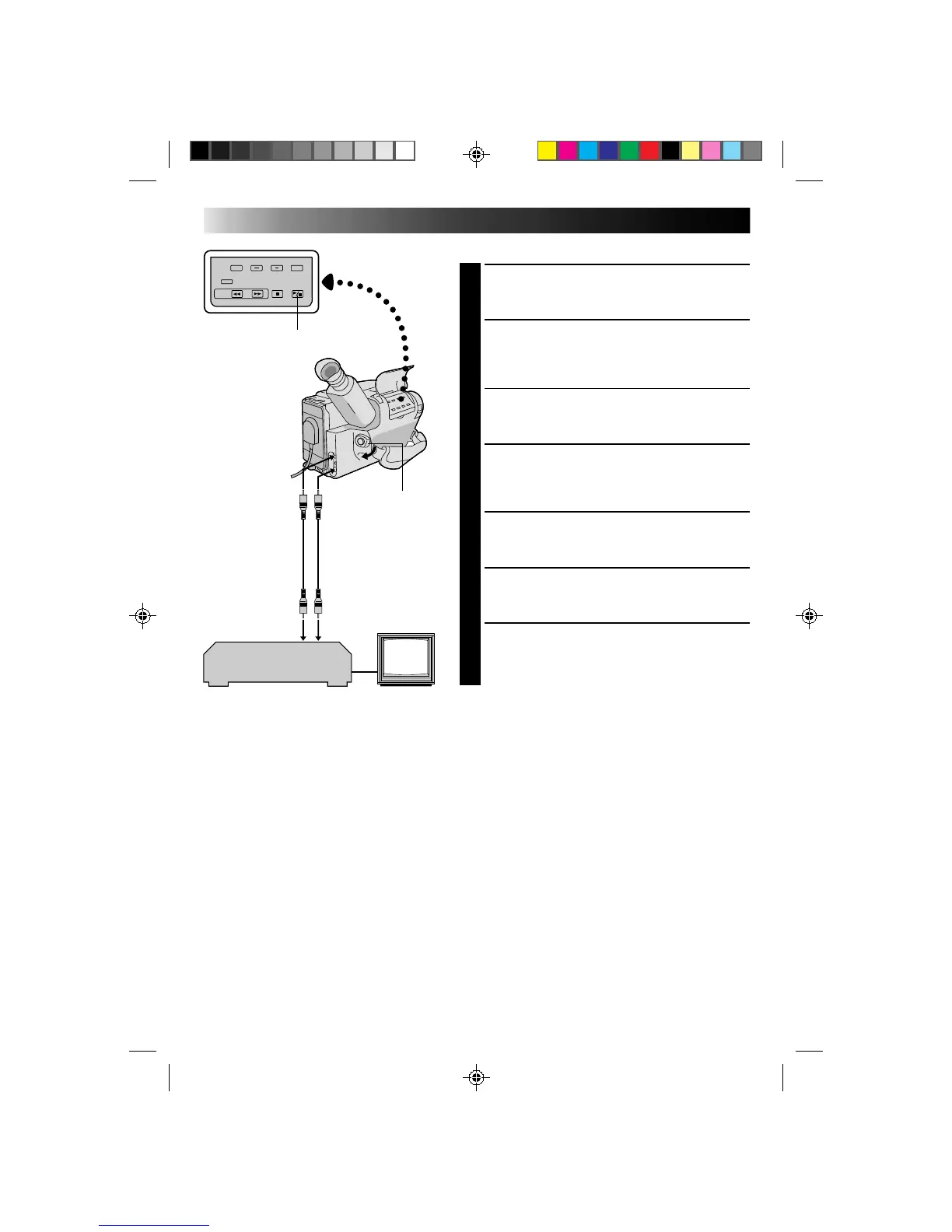
CONNECT EQUIPMENT
1
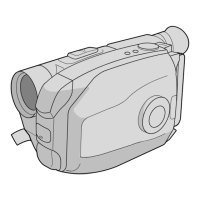
Following the illustration at left, connect the
camcorder and the VCR.
PREPARE FOR DUBBING
2
Set the camcorder’s power switch to PLAY, turn on
the VCR’s power, and insert the appropriate
cassettes in the camcorder and the VCR.
SELECT VCR MODE
3
Engage the VCR’s AUX and Record-Pause modes.
FIND EDIT-IN POINT
4
Engage the camcorder’s Play mode to find a spot
just before the edit-in point. Once it’s reached, press
PAUSE on the camcorder.
START EDITING
5
Press PLAY on the camcorder and engage the VCR’s
Record mode.
STOP EDITING TEMPORARILY
6
Engage the VCR’s Record-Pause mode and press
PAUSE on the camcorder.
EDIT MORE SEGMENTS
7
Repeat steps 4 through 6 for additional editing, then
stop the VCR and camcorder when finished.
PLAY/PAUSE
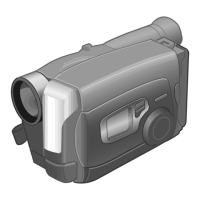
Power switch
VCR (Recording deck)
To AUDIO IN
To VIDEO IN
To AUDIO out
To VIDEO out
Audio and Video
cable (optional)


 To Next Page