18
.
E
S
M
T
T
.
T
X
T
.
I
I
R
O
P
A
W
T
T
E
O
B
.
L
L
T
S
S
I
B
E
E
U
C
Y
U
L
.
R
A
S
R
I
S
N
M
T
E
Z
E
E
E
E
T
R
M
R
U
A
P
M
M
E
A
O
A
H
E
N
U
N
U
A
N
U
T
T
P
U
O
O
.B
.
R
D
S
W
T
D
D
.
N
E
.
.
I
A
I
A
R
E
C
Z
L
D
P
S
T
E
X
O
X
E
E
P
E
T
T
M
O
L
U
S
O
M
L
A
T
R
Y
D
E
Y
I
N
S
E
N
M
T
G
E
E
T
M
H
DI
M
S
5
N
O
T
F
S
E
P
0
O
F
3
U
P
N
x
R
F
0
L
.
U
M
L
AL
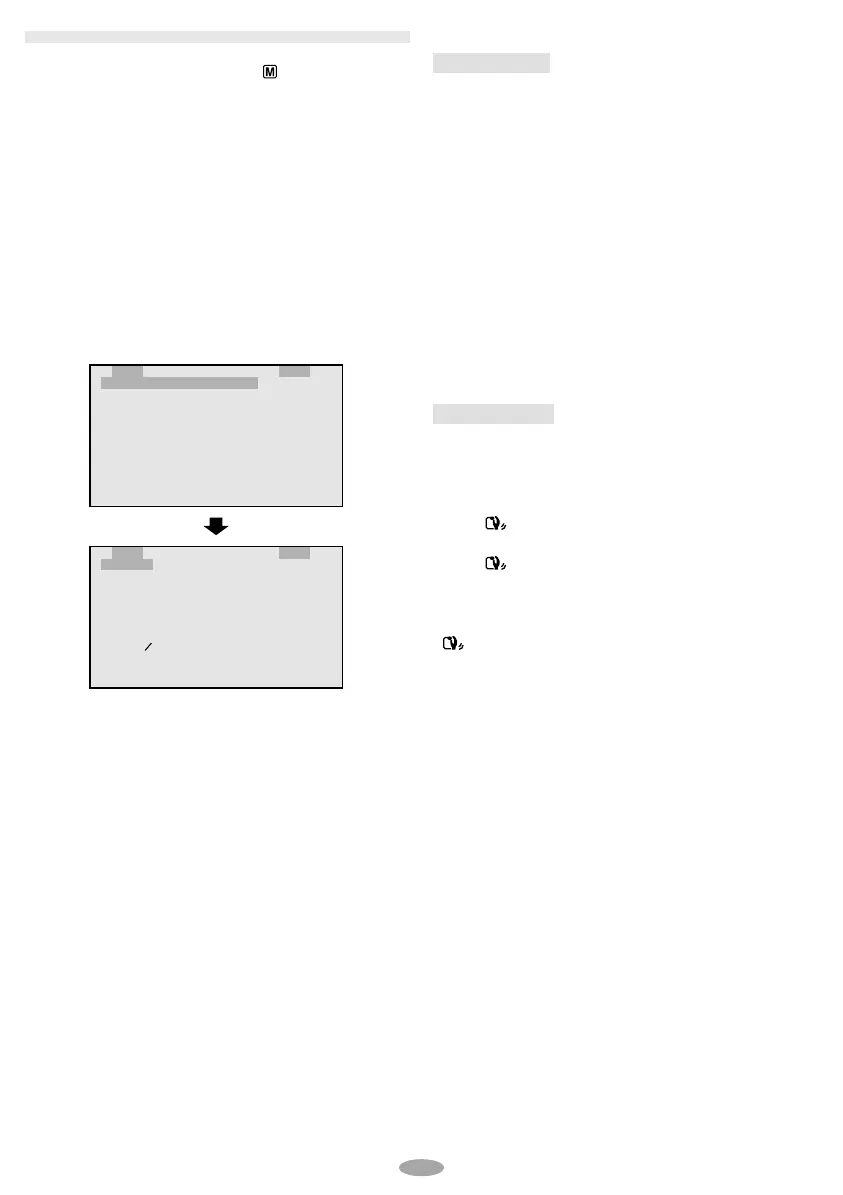
3 Press the MENU Wheel 1 in to display the
Setting Menu and rotate it to select the desired
setting.
4 Press the MENU Wheel 1 in. The Menu
Screen reappears with the highlight bar on
“
4
RETURN”. Press the MENU Wheel 1 in. The
normal screen reappears.
MENU SETTINGS
1 Set the Power Switch ! to “ ” while pressing
down the Lock Button 0 located on the switch.
2 Press the MENU Wheel 1 in. The Menu
Screen appears. Rotate the MENU Wheel
1 to
select the desired function.
•To go from CAMERA MENU to SYSTEM MENU,
rotate the MENU Wheel
1 to select “
4
TO
SYSTEM MENU” and press it. SYSTEM MENU is
composed of 2 pages. To go to the next page,
rotate the MENU Wheel
1 to select “
4
NEXT”
and press it.
•To return to CAMERA MENU from page 2 of
SYSTEM MENU, rotate the MENU Wheel
1 to
select “
4
TO CAMERA MENU” and press it.
CAMERA MENU
EXPOSURE
Manual exposure adjustment is recommended in
the following situations:
•When shooting using reverse lighting or when the
background is too bright.
•When shooting on a reflective natural background
such as at the beach or when skiing.
•When the background is overly dark or the
subject light.
1) Rotate the MENU Wheel
1 to select
“MANUAL”, then press it,
2) To brighten the image, rotate the MENU Wheel
1 downward.
To darken the image, rotate the MENU Wheel
1 upward.
The exposure control level increases /
decreases (maximum ±06).
STABILIZER
The Picture Stabilizer compensates for unstable
images caused by camera-shake, particularly at
high magnification.
ON : The Picture Stabilizer is activated.
s appears.
OFF : The Picture Stabilizer is disactivated.
s disappears.
•Accurate stabilization may not be possible in
certain conditions including excessive hand
shake.
•
s appears blinking if the Stabilizer cannot be
used.
GR-AXM250UC 3/11/03, 10:24 AM18



 To Next Page
 Loading...