9
#@ $ ^
() q w
e
&*
%
p
y
r
1
R
4
2
E
4
5
0
C
4
M
M
I
I
S
N
N
P
TWI
–
L
P
A
I
A
–
G
U
–
H
S
–
T
E
––––
6
–
T
+
M
–
3
0
W
–
0
2
B
+
1X
I
P
a
s
O
l
k
j
Y
T
R
Q
W
U
b
a
T
V
B
O
C
LUME
–
––––
–
–
1
6
:
–
S
2
–
P
3
–
:
–
4
4
A
–
5
T
+
S H D A GF
J
t
r
12
809!
5
6
7
34
u
180°
180°
90°
90°
i
o
E
;
25. 12. 02
1/2 S
11 : 45 : 18
BRIGHT
CONGRATULATIONS
g
f
h
d
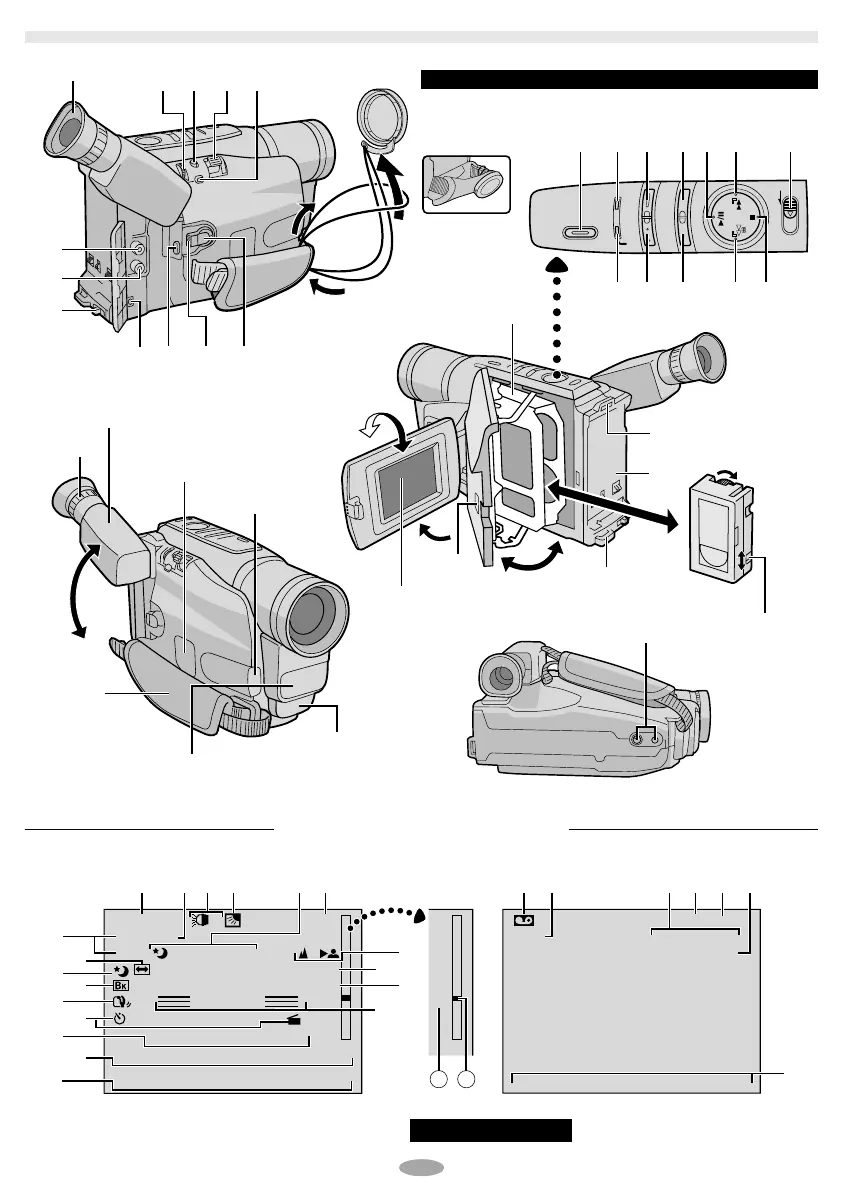
Eyepiece
During
shooting
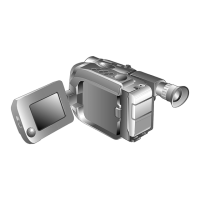
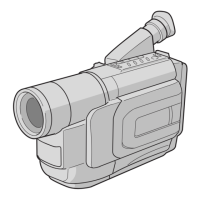
Refer to this diagram while reading the instructions.
Keep the lens
cap attached to
the camcorder.
Cassette holder
Turn the gear to
take up slack.
Erase
protection tab
LCD monitor
During Recording During Playback
Viewfinder
Speaker
pg. 25 for Warning Indications .
LCD Monitor/Viewfinder Indications
Video light
Microphone
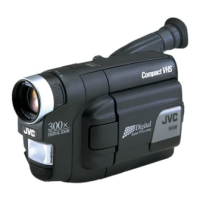
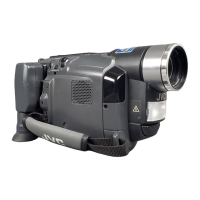
CONTROLS, CONNECTORS AND INDICATORS
GR-AXM250UC 3/11/03, 10:24 AM9



 To Next Page
 Loading...