108
Main Unit
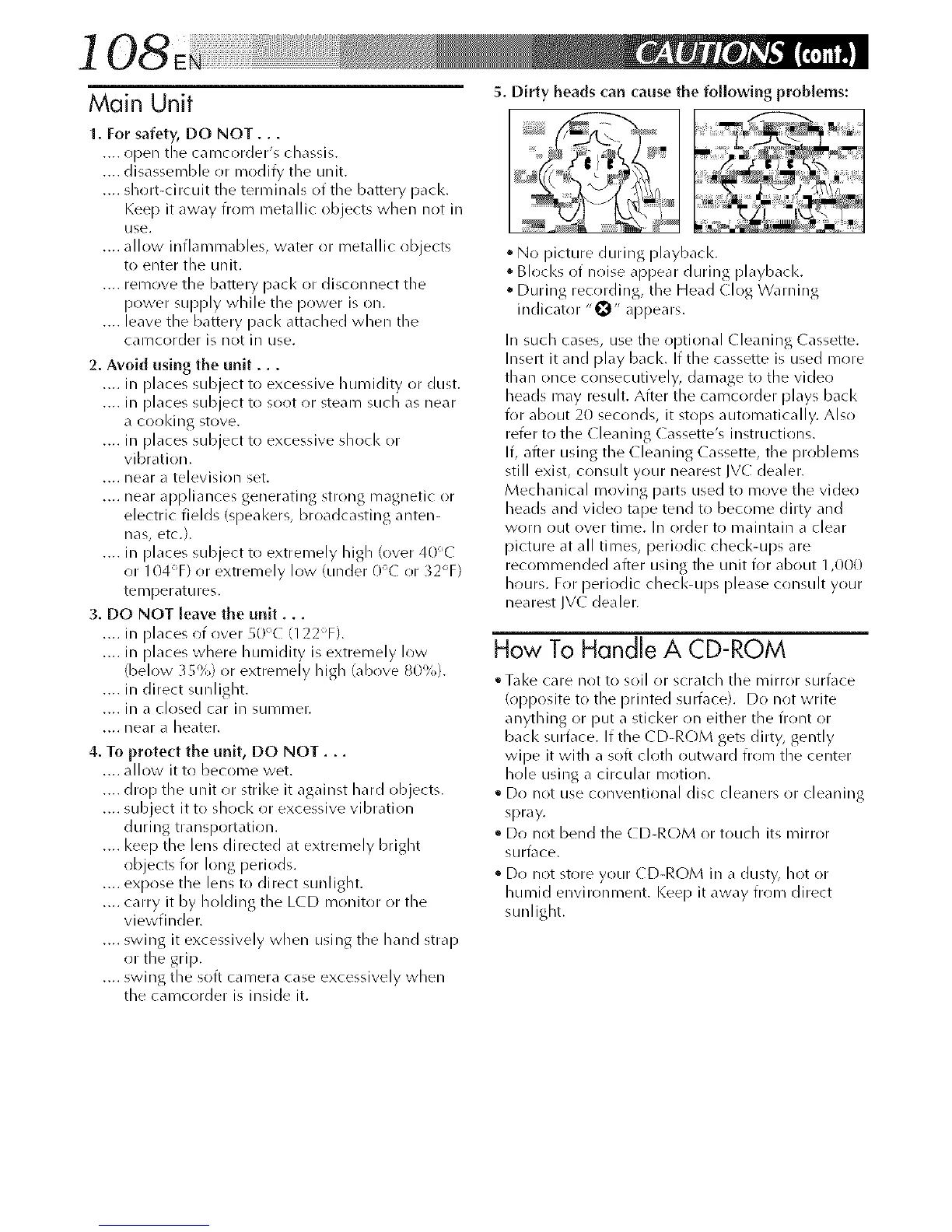
5. Dirty beads can cause the following problems:
1. For safety, DO NOT...
.... open tile camcorder's chassis.
.... disassemble or modify the unit.
.... sllort-circuit file terminals of the battery pack.
Keep it away from metallic objects when not in
use.
.... allow inflammables, water or metallic objects
to enter the unit.
.... remove the battery pacl< or disconnect tile
power supply while the power is on.
.... leave the battery pack attached when tile
camcorder is not in use.
2. Avoid using the unit...
.... in [)laces subject to excessive humidity or dust.
.... in [)laces subject to soot or steam such as near
a cooldng stove.
.... in [)laces subject to excessive shocl< or
vibration.
.... near a television set.
.... near appliances generating strong magnetic or
electric fields (speal<ers, broadcasting anten-
nas, etc.).
.... in [)laces subject to extremely high (over 40_C
or 104T) or extremely low (under 0°C or _2°F)
telTlperdttlres.
3. DO NOT leave the unit...
.... in [)laces of over 50% (122T).
.... in [)laces where humidity is extremely low
(below 35%) or extremely high (above 80%).
.... in direct sunlight.
.... in _1clr)sed cdr in SUl]/i]/er.
.... near a beater.
4. To protect the unit, DO NOT...
.... allow it to become wet.
.... drop the unit or strike it against hard objects.
.... subject it to shock or excessive vibration
during transportation.
.... I<eep the lens directed at extremely bright
objects for long periods.
.... expose the lens to direct sunlight.
.... carry it by holding the LCD monitor or the
viewfinder.
.... swing it excessively when using the hand strap
or the grip.
.... swing the soft camera case excessively when
the camcorder is inside it.
• No picture during playbacl<.
Blocks of noise appear during playbacl<.
• During recording, the Head Clog Warning
indicator "0" appears.
In such cases, use tile optional Cleaning Cassette.
Insert it and [)lay back. If the cassette is used more
than once c(insecutively, damage to the vide(!
beads may resuh. After the camcorder [)lays back
for about 20 seconds, it stops automatically. Also
refer to the (leaning ( assette's instructions.
If, after using the (leaning ( assette, tile problems
still exist, consult your nearest JVC dealer.
Mechanical moving parts used to move the vider!
beads and video tape tend to become dirty and
worn out over time. In order to maintaill a clear
picture at all times, periodic checl<-ups are
recommended after using the unit for about 1,000
Ilours. For periodic checl<-ups [)lease consult your
nearest JV( dealer.
How To Handle A CD-ROM
• Tal<e care not to soil or scratch tile mirror surface
(()[)[)()site to the printed sumface). Do not write
anything or put a sticker r)n either the front or
back surface. If the CD-RC)M gets dirty, gently
wipe it with a soft cloth outward from the center
hole using a circular i_/r)tir)n.
• Do not use conventional disc cleaners or cleaning
spray.
° Do not bend the CD-ROM or toucll its mirror
surface.
° Do not store your CD-ROM in a dusty, hot or
Ilumid environment. I<eep it away from direct
sunlight.


 To Next Page
 Loading...









