Date/Time Menu Explanations
iNDiCATiON
ON SCREEN
DISPLAY
OFF
ON
OFF
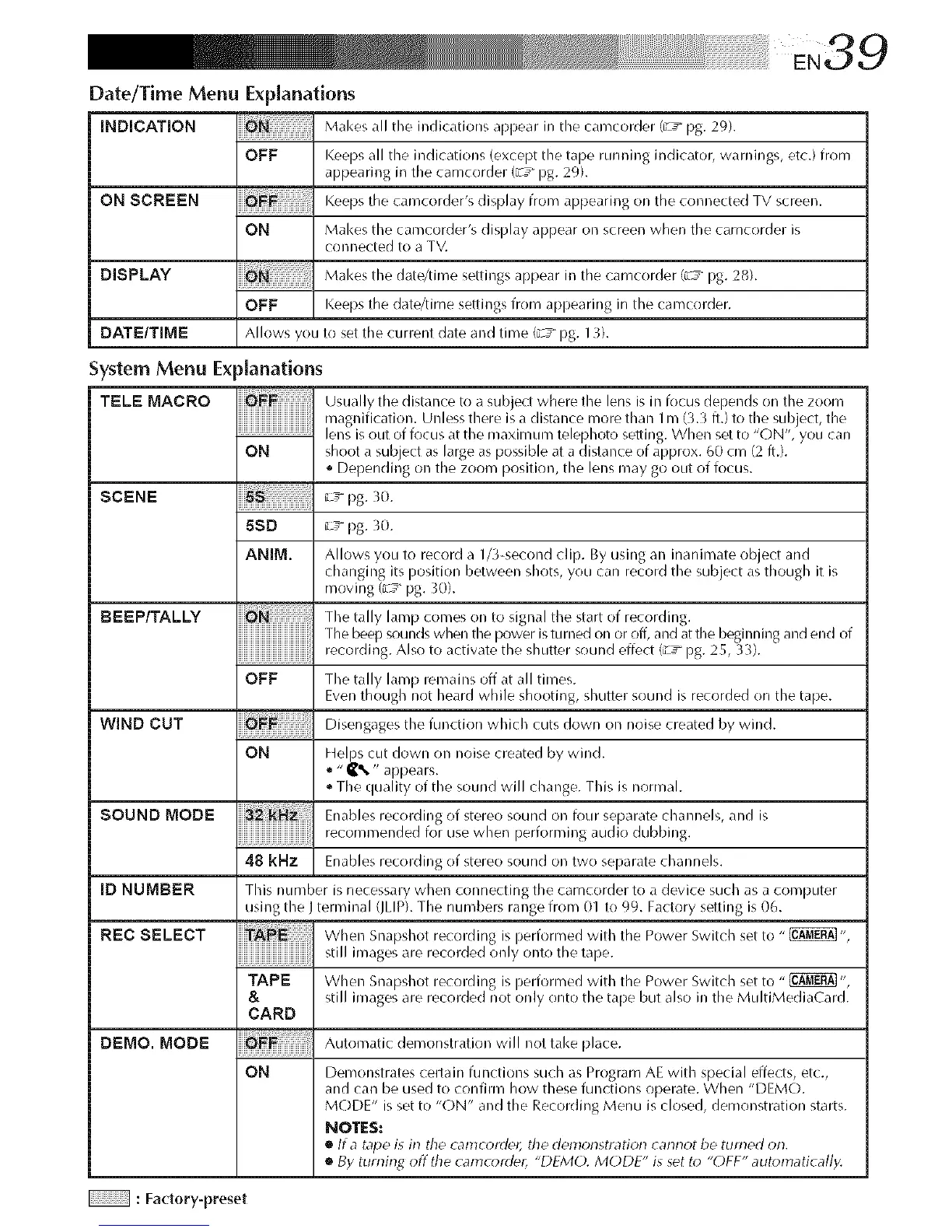
Makes all the indications aprlear in the carncorder (u"T pg. 29).
Keeps all the indications (except the tape rurlning indicator, warnings, etc.) from
appearing in the carncorder (;c_ pg. 29).
Keeps the carncorder's display from appearing on the connected TV screen.
Makes the carncorder's display appear on screen when the camcorder is
connected to a TV.
Makes the date/time settings appear in the carncorder (;c_ pg. 28).
Keeps the date/time settings from aprlearing in the carncorder.
DATE/TIME Allows yOLI to set the current date and time ¢ y pg. 13).
System Menu Explanations
TELE MACRO
ON
Usually the distance to a subject where the lens is in focus depends on the zoom
magnification. Unless there is a distance more than 1rn (3.3 ft.) to the subject, the
lens is out of focus at the maximum telephoto setting. When set to "ON', you can
shoot a subject as large as possible at a distance of approx. 60 cm (2 ft.).
* Depending on the zoom position, the lens may go OLItof focus.
SCENE _Tpg. 30.
BEEP/TALLY
WIND CUT
SOUND MODE
[DNUMBER
REC SELECT
5SO _T pg. 30.
ANIM. Allows you to record a 1/3-second clip. By using an inanimate object and
changing its position between shots, you can record the subject as though it is
moving (__ pg. 30).
The tally lamp comes on to signal the start of recording.
The beep sounds when the power isturned on or off, and at the beginning and end of
recording. Also to activate the shutter sound effect (_y pg. 25, 33).
OFF The tally lamp remains off at all times.
Even though not heard while shooting, shutter sound is recorded on the tape.
Disengages the function which cuts down on noise created by wind.
ON Helps cut down on noise created by wind.
="_% " appears.
The quality of the sourld will change. This is normal.
Enables recording of stereo sound on four separate channels, and is
recommenr]ed for use when performing audio dubbing.
48 kHz Enables recording of stereo sound on two separate channels.
This number is necessary when connecting the camcorder to a device such as a computer
using the J terminal (JLIP). The numbers range from 01 to 99. Factory setting is 06.
When Snapshot recording is ilerforrned with the Power Switch set to "_",
still images are recorded only onto the talle.
TAPE When Snapshot recording is ilerforrned with the Power Switch set to "_ ",
& still images are recorded not only onto the tape but also in the MultiMediaCard.
CARD
DEMO. MODE Automatic demonstration will not take place.
ON Demonstrates certain functions such as Program AE with special effects, etc.,
and can be used to confirm how these functions operate. When "DEMO.
MODE" is set to "ON" and the Recording Menu is closed, demonstration starts.
NOTES:
• tf a tape is in the c_mc_rde_i the demonstratk_r_ cann_t be turned _m.
• By turning off the camcorder, "DFM(). MODE" is set to "OFF" automatical/y.
: Factory-preset


 To Next Page
 Loading...









