t
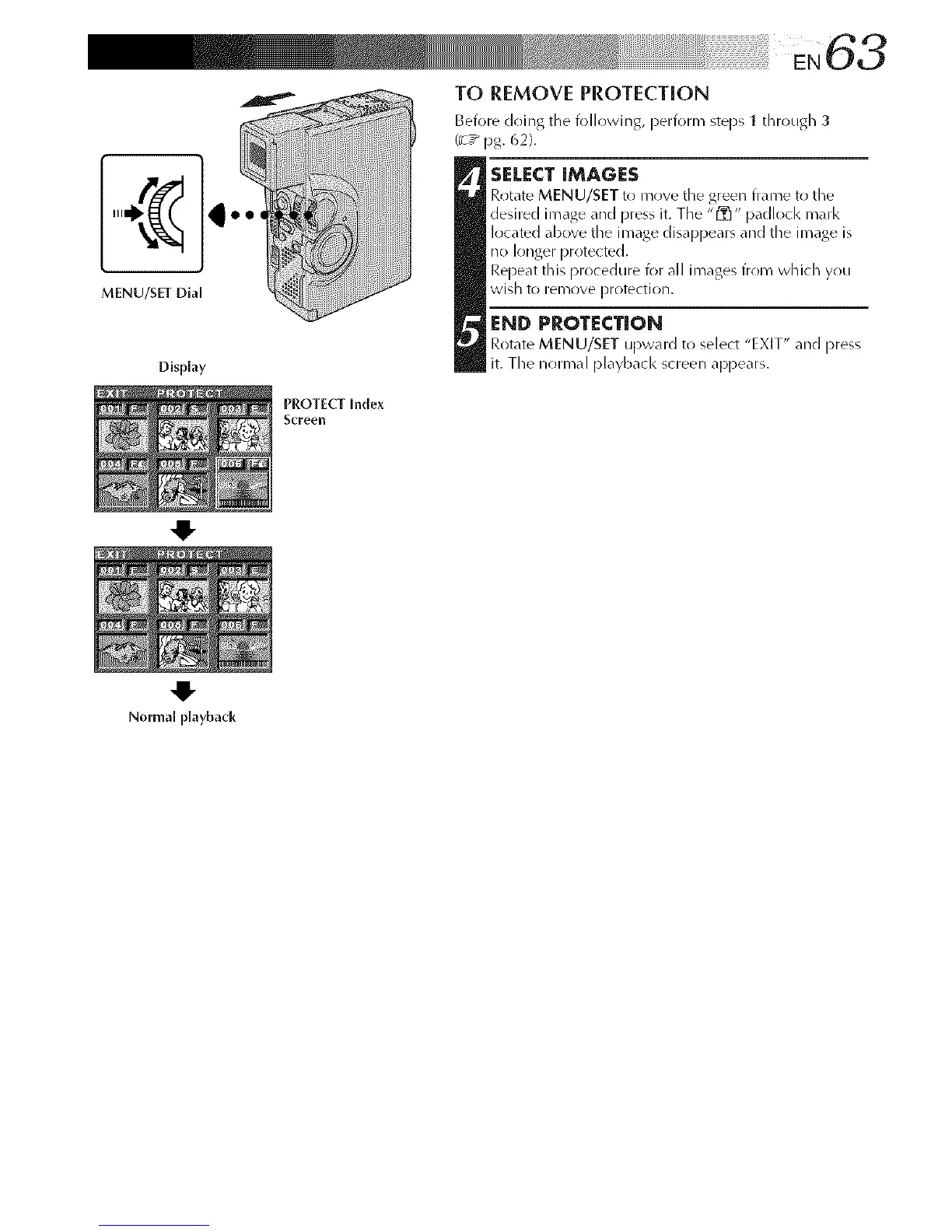
MENU/SET Dial
Display
Normal playback
PROTECT [nde×
Screell
TO REMOVE PROTECTION
Before doing the following, perform steps 1 dlrough 3
(_T_pg. 62}.
SELECT IMAGES
Rotate MENU/SET t_ move tile green frame to tile
desired image and press it. The "1_" padlocl< marl<
located above the image disappears and the image is
no longer protected.
Repeat this procedure I(>r all images from which you
wish to iemove protection.
END PROTECTION
RotateMENU/SETupwardto select"EXIT" andpress
it. Thenormal playbackscreenappears.



 To Next Page