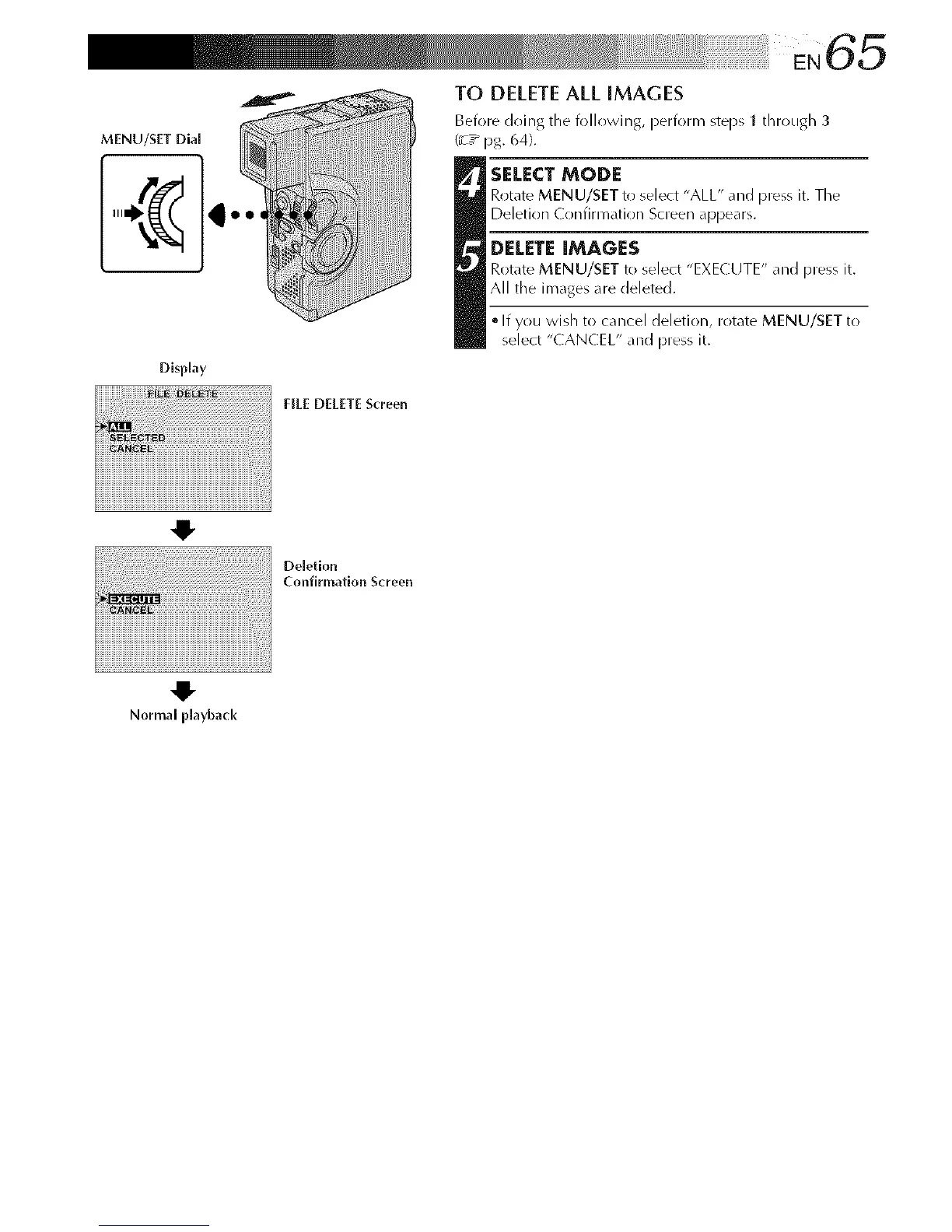
MENU/SET Dia[
Disphy
NEE DELETE Screen
TO DELETEALL iMAGES
Beiore doing the iollowing, periorm steps 1 through 3
(:7 _ pg. 64).
SELECT MODE
Rotate MENU/SET to select "ALL" and press it. Tile
Deletion Confirmation Screen appears.
DELETE IMAGES
Rotate MENU/SET to select "EXECUTE" and press it.
All the im_ges _re deleted.
• If you wish to cancel deletion, rotate MENU/SET to
select "CANCEL" and press it.
iiiii¸¸¸!;¸;¸;¸;¸;¸;¸;¸¸¸¸¸11i i i _ iili
I !i!i!oe,o,lo°
Confirmation Screen
iiiiiiii
Normal playback



 To Next Page