Menu Screen Explanations (cont.)
Each setting is linked with “@I DISPLAY”
or “IX4 SYSTEM”, which appears when the
Power Switch is set to “0” b pg. 40, 41).
The parameters are the same as in the
description on pg. 40,41.
(CR-DVM75 only)
Display
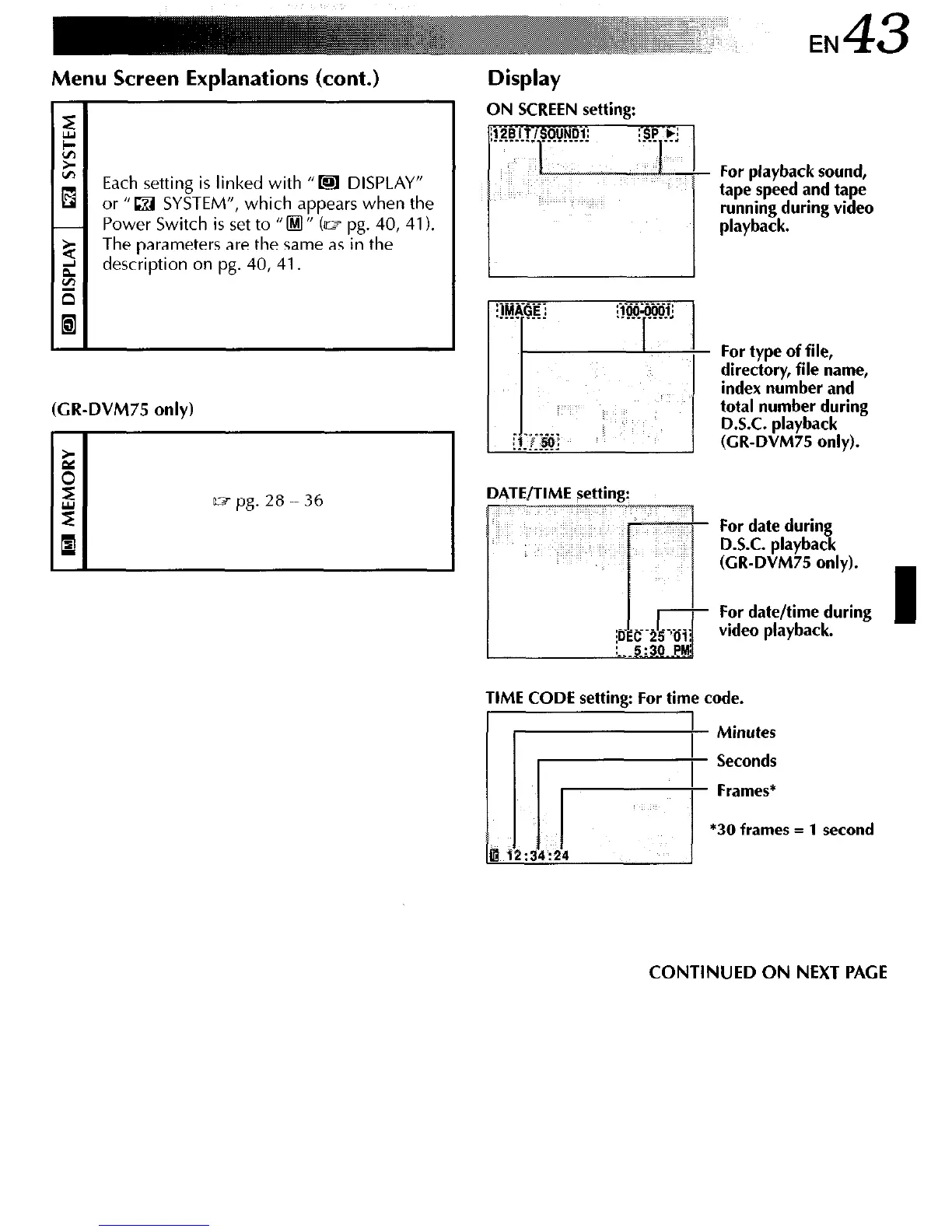
ON SCREEN setting:
For playback sound,
tape speed and tape
running during video
playback.
Dl
\TE/TIME setting:
For type of file,
directory, file name,
index number and
total number during
D.S.C. playback
(CR-DVM75 only).
For date during
D.S.C. playback
(CR-DVM75 only).
TIME CODE setting: For time code.
/ Y2i”,
CONTINUED ON NEXT PAGE



 To Next Page