EN
91
Warning Indications
Indications
m
Function
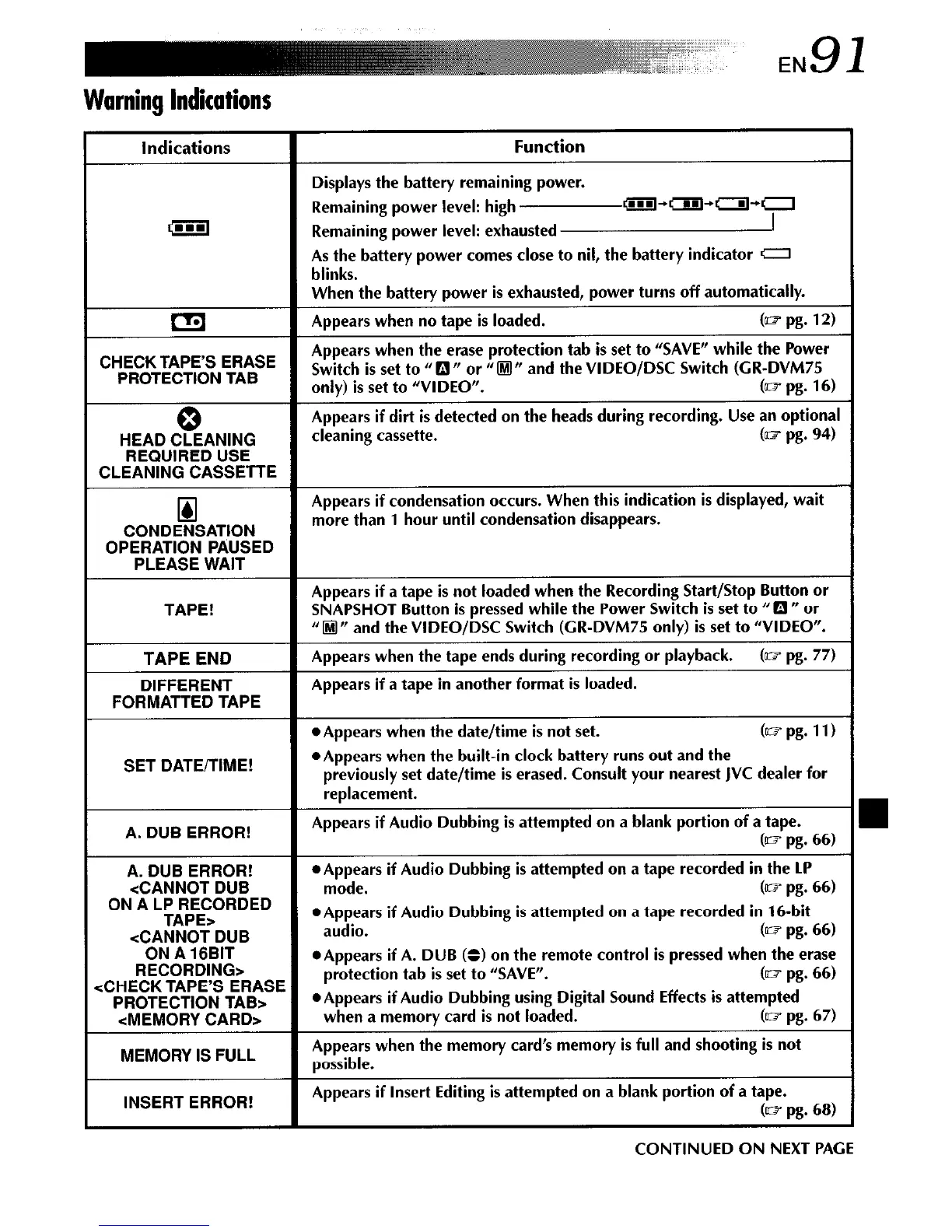
Displays the battery remaining power.
Remaining power level: high
@iJ-rm+a+r:
Remaining power level: exhausted
As the battery power comes close to nil, the battery indicator c7
blinks.
When the battery power is exhausted, power turns off automatically.
CI;]
Appears when no tape is loaded.
(- pg. 12)
CHECK TAPES ERASE
Appears when the erase protection tab is set to “SAVE” while the Power
PROTECTION TAB
Switch is set to ti 0 rr or ti 0 n and the VIDEO/DSC Switch (CR-DVM75
only) is set to “VIDEO”.
(= pg. 16)
0
Appears if dirt is detected on the heads during recording. Use an optional
HEAD CLEANING
cleaning cassette.
G= pg. 94)
REQUIRED USE
CLEANING CASSETTE
[II
Appears if condensation occurs. When this indication is displayed, wait
CONDENSATION
more than 1 hour until condensation disappears.
OPERATION PAUSED
PLEASE WAIT
TAPE!
Appears if a tape is not loaded when the Recording Start/Stop Button or
SNAPSHOT Button is pressed while the Power Switch is set to “E! ” or
“I@” and theVIDEO/DSC Switch (CR-DVM75 only) is set to “VIDEO”.
TAPE END
DIFFERENT
FORMATTED TAPE
Appears when the tape ends during recording or playback.
(= pg. 77)
Appears if a tape in another format is loaded.
SET DATE/TIME!
*Appears when the date/time is not set.
(mpg. 11)
*Appears when the built-in clock battery runs out and the
previously set date/time is erased. Consult your nearest JVC dealer for
replacement.
A. DUB ERROR!
Appears if Audio Dubbing is attempted on a blank portion of a tape.
(= pg. 66)
A. DUB ERROR!
l
Appears if Audio Dubbing is attempted on a tape recorded in the LP
<CANNOT
DUB
mode.
(= pg. 66)
ON A LP RECORDED
TAPE>
l
Appears if Audio Dubbing is attempted on a tape recorded in 16-bit
<CANNOT DUB
audio.
(= pg. 66)
ON A 16BIT
RECORDING>
*Appears if A. DUB (B) on the remote control is pressed when the erase
:CHECK TAPES ERASE
protection tab is set to “SAVE”.
(= pg. 66)
PROTECTION TAB>
l
Appears if Audio Dubbing using Digital Sound Effects is attempted
<MEMORY CARD>
when a memory card is not loaded.
(~1 pg. 67)
MEMORY IS FULL
Appears when the memory card’s memory is full and shooting is not
possible.
INSERT ERROR!
Appears if Insert Editing is attempted on a blank portion of a tape.
(m pg. 68)
CONTINUED ON NEXT PAGE


 To Next Page
 Loading...









