22 EN
RECORDING
Advanced Features
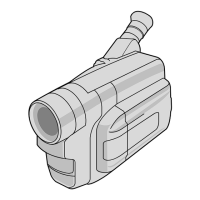
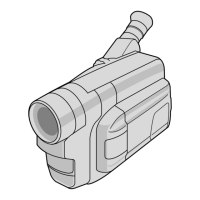
Snapshot (GR-FXM45 only)
Use your camcorder like a regular camera and take a
snapshot, or several of them in succession.
1
SELECT OPERATION MODE
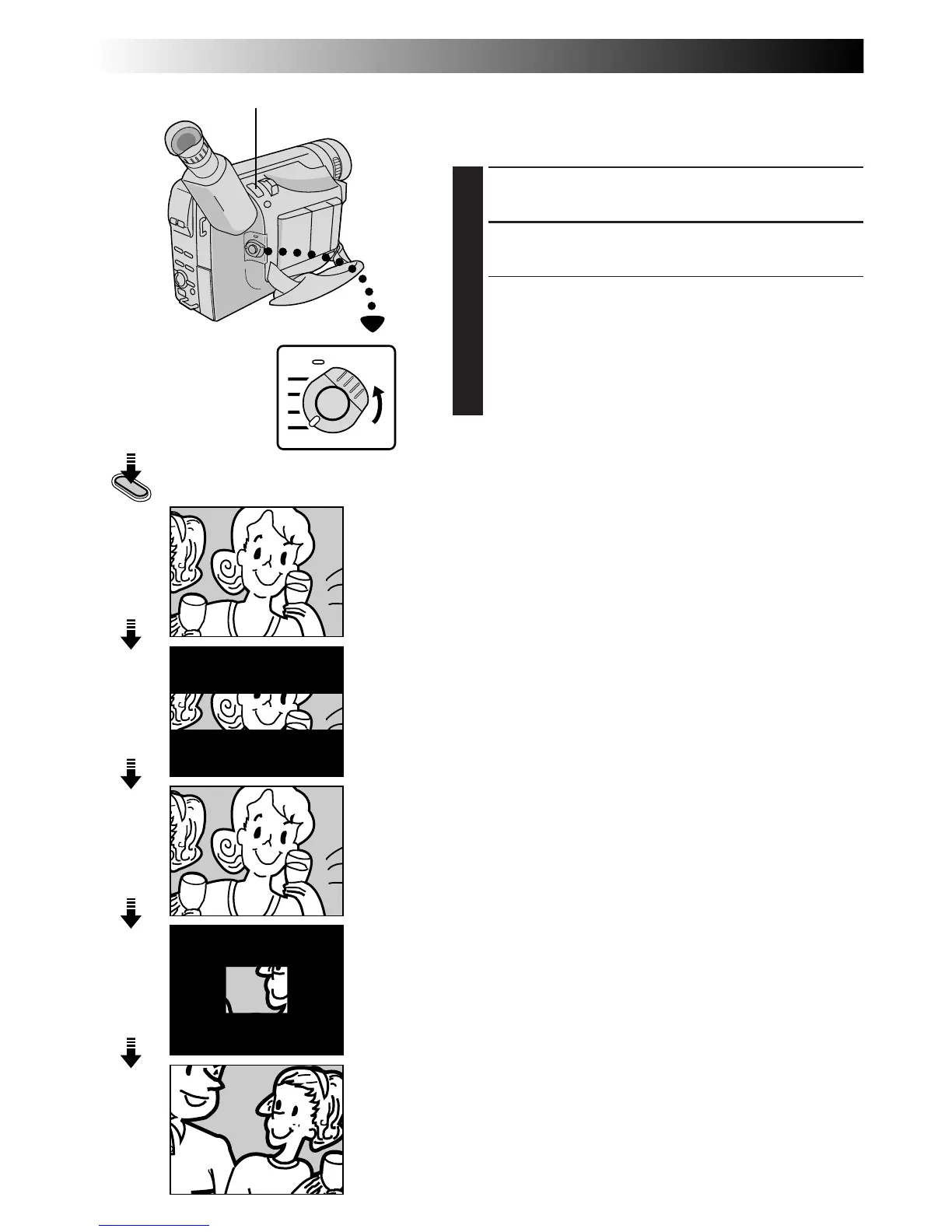
Set the Power Switch to “AUTO” or “PRO.”.
2
TAKE SNAPSHOT
Press SNAPSHOT.
If you press during Record-Standby . . .
.... a still image will be recorded for approx. 6 seconds,
then the camcorder re-enters the Record-Standby
mode.
If you press during Recording . . .
.... a still image will be recorded for approx. 6 seconds,
then the normal recording resumes.
NOTE:
After SNAPSHOT is pressed, there is a momentary camera
shutter-type blackout together with the sound effect of a
shutter closing, which is recorded together with the image.
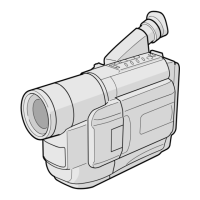
Power Switch
SNAPSHOT Button
Display
SNAPSHOT


 To Next Page