Master Page: Right
—7—
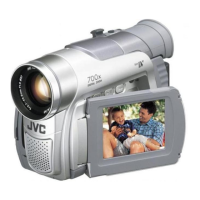
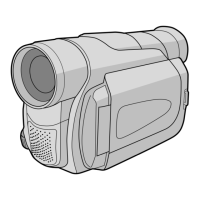
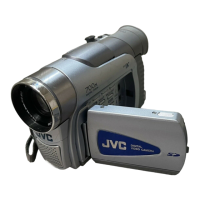
Use the USB cable or i.LINK cable to connect the camcorder to a PC.
● For the operation on the camcorder, refer to the camcorder’s instruction manuals.
USB connection
Enables you to copy still image files in a memory card to a PC or to use the camcorder as a web camera for
video conference over the Internet.
To copy still image files to a PC
1 Make sure that there is a memory card in the camcorder.
2 Set the camcorder’s Playback Mode Switch to “MEMORY”.
3 Set the camcorder’s Power Switch to “P” while pressing down the Lock Button located
on the switch.
The camcorder turns on.
4 Connect the camcorder to the PC with a USB cable.
On the camcorder’s LCD monitor [USB MODE] appears.
To use the camcorder as a web camera and hold a videoconference over the Internet
1 Set the camcorder’s Recording Mode Switch to “MEMORY”.
2 Set the camcorder’s Power Switch to “A” or “M” while pressing down the Lock Button
located on the switch.
The camcorder turns on.
3 Connect the camcorder to the PC with a USB cable.
The “ ” indicator appears on the camcorder’s LCD monitor.
● When connecting an USB cable for the first time, the [Found New Hardware Wizard] dialog box
appears. (墌 pg. 10 “Installing the drivers for using the camcorder as a web camera”)
● For details on holding a video conference over the Internet, refer to the software instruction manual on
the CD-ROM.
Connections
To USB
PC
USB cable
(provided)
To USB connector
CONTINUED ON NEXT PAGE
M3D8_InstaGuide01.fm Page 7 Tuesday, July 1, 2003 10:30 AM



 To Next Page