MasterPage: Cover
GZ-MG505AA/AG/AH/AS
LYT1620-001A
EN
ENGLISH
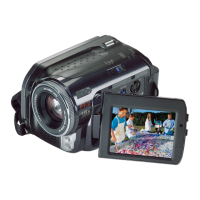
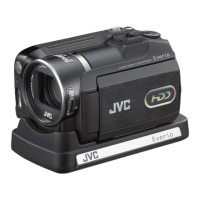
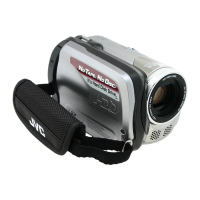
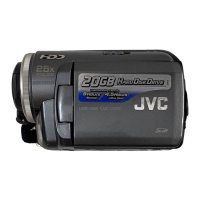
HARD DISK CAMCORDER
GETTING STARTED
8
RECORDING
18
DUBBING
60
To deactivate the demonstration mode, set “DEMO
MODE” to “OFF”. (
墌 pg. 55)
Dear Customer,
Thank you for purchasing this
hard disk camera. Before use,
please read the safety
information and precautions
contained in pages 4 and 5 to
ensure safe use of this product.
FURTHER
INFORMATION
INSTRUCTIONS
PLAYBACK
28
EDITING/PRINTING
MENU SETTINGS
22
32
38
49
54
M6E8Asia_01Cover.fm Page 1 Friday, May 26, 2006 1:28 PM

 Need help?

 To Next Page
 General