MasterPage: Cover
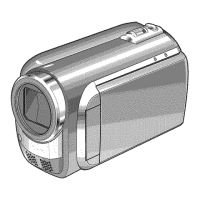
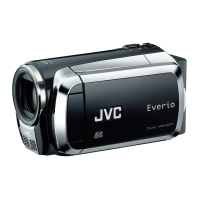
GZ-MG70U
LYT1493-001B
EN
ENGLISH
HARD DISK CAMCORDER
GETTING STARTED
7
VIDEO RECORDING &
PLAYBACK
22
MENU SETTINGS
48
52
To deactivate the demonstration,
set “DEMO MODE” to “OFF”.
(
墌 pg. 48)
For Customer Use:
Enter below the Model No.
(located on the bottom of the
camera) and Serial No. (located
on the battery pack mount of the
camera). Retain this information
for future reference.
Model No.
Serial No.
REFERENCES
INSTRUCTIONS
STILL IMAGE RECORDING
& PLAYBACK
28
ADVANCED OPERATIONS
31
M5E6US.book Page 1 Tuesday, September 27, 2005 5:42 PM

 Need help?

 To Next Page
 General