EasyManua.ls Logo

JVC HD-70G886 - User Manual

JVC HD-70G886
104 pages
Print Icon
To Next Page IconTo Next Page
Loading...
Important Note:
In the spaces below, enter the model and serial number of your television (located
at the rear of the television cabinet). Staple your sales receipt or invoice to the
inside cover of this guide. Keep this user’s guide in a convenient place for future
reference. Keep the carton and original packaging for future use.
LCT1833-001A-A
0105TNH-II-IM
Model Number:
Serial Number:
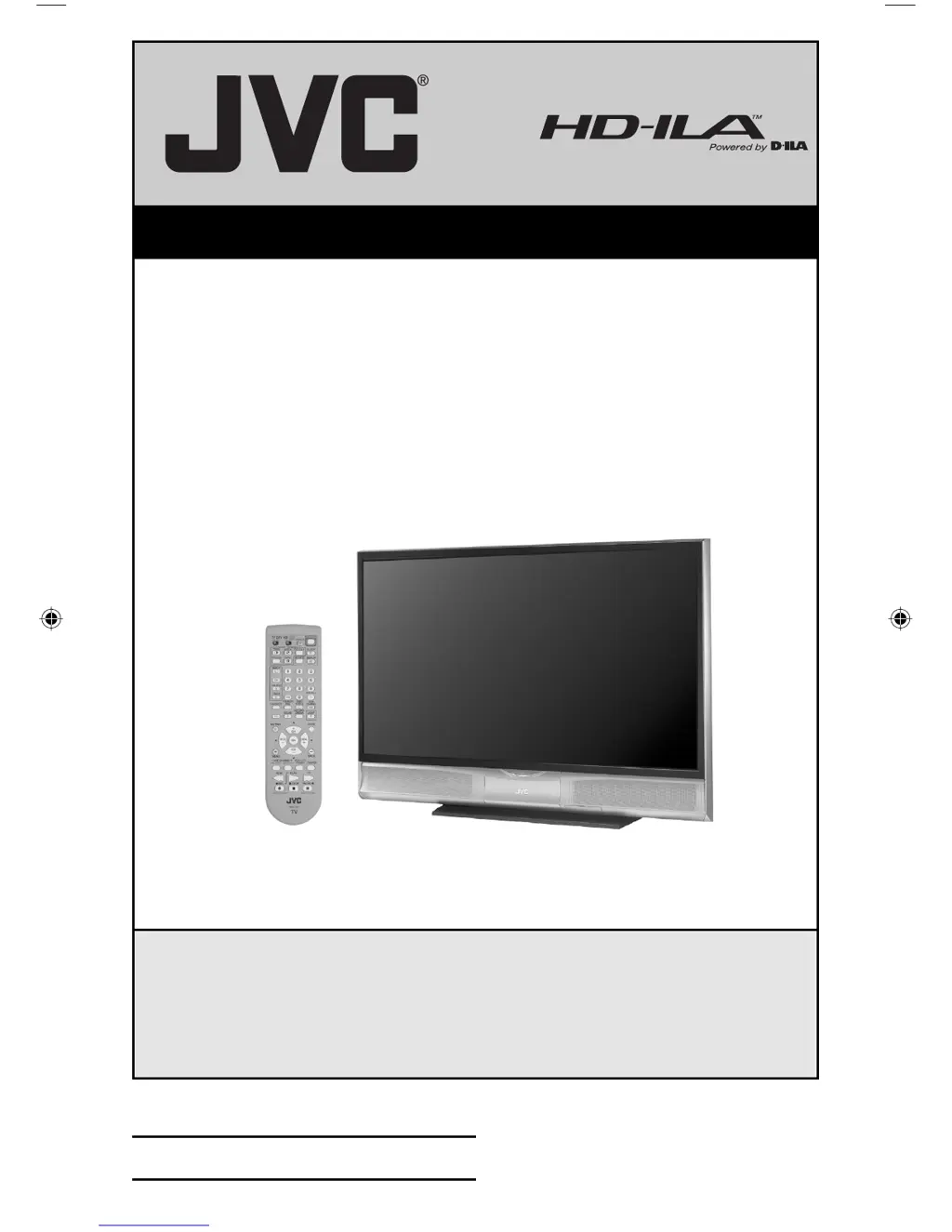
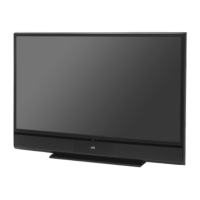
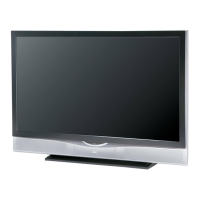
Illustration of HD-70G886 and RM-C14G
For Models:
HD-70G886
HD-61Z886
HD-61Z786
Projection Television Users Guide
LCT1833-001A-A Eng 1 1/31/05, 10:29:19 AM

Table of Contents

Questions and Answers

  • B
    Bradley WallsAug 11, 2025
    Why did the AUTO DEMO finish automatically on my JVC HD-70G886 Projection TV?
    • I
      ihardyAug 12, 2025
      The AUTO DEMO feature on your JVC Projection TV might have finished automatically because the TV received a signal from the AV CompuLink, the On Timer you programmed has started, the channel being used by AUTO DEMO is blocked by V-Chip, or the Auto Shut Off you programmed has occurred.
  • B
    Brianna Holmes MDAug 21, 2025
    Why do I hear crackling sounds from my JVC HD-70G886?
    • A
      aloweryAug 21, 2025
      Occasional crackling sounds from your JVC Projection TV when first turned on or off are normal. As long as the sound or picture doesn't become abnormal, there is no need for concern.
  • H
    Hayden GarciaSep 1, 2025
    What to do if I feel static electricity on my JVC HD-70G886 screen?
    • D
      Daniel OwensSep 1, 2025
      It is normal to feel static electricity if you brush or touch the screen of your JVC Projection TV.

JVC HD-70G886 Specifications

General IconGeneral
Screen Size70 inches
Aspect Ratio16:9
Resolution1920 x 1080 (1080p)
InputsHDMI, Component, Composite, S-Video
Speakers2 x 15W

Related product manuals