(No.MA308)1-39
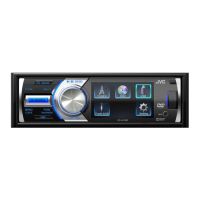
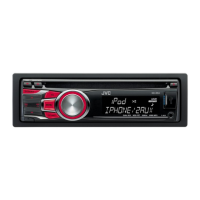
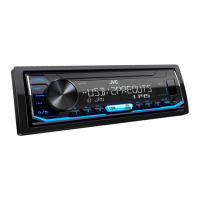
4.7 DVD unit check mode
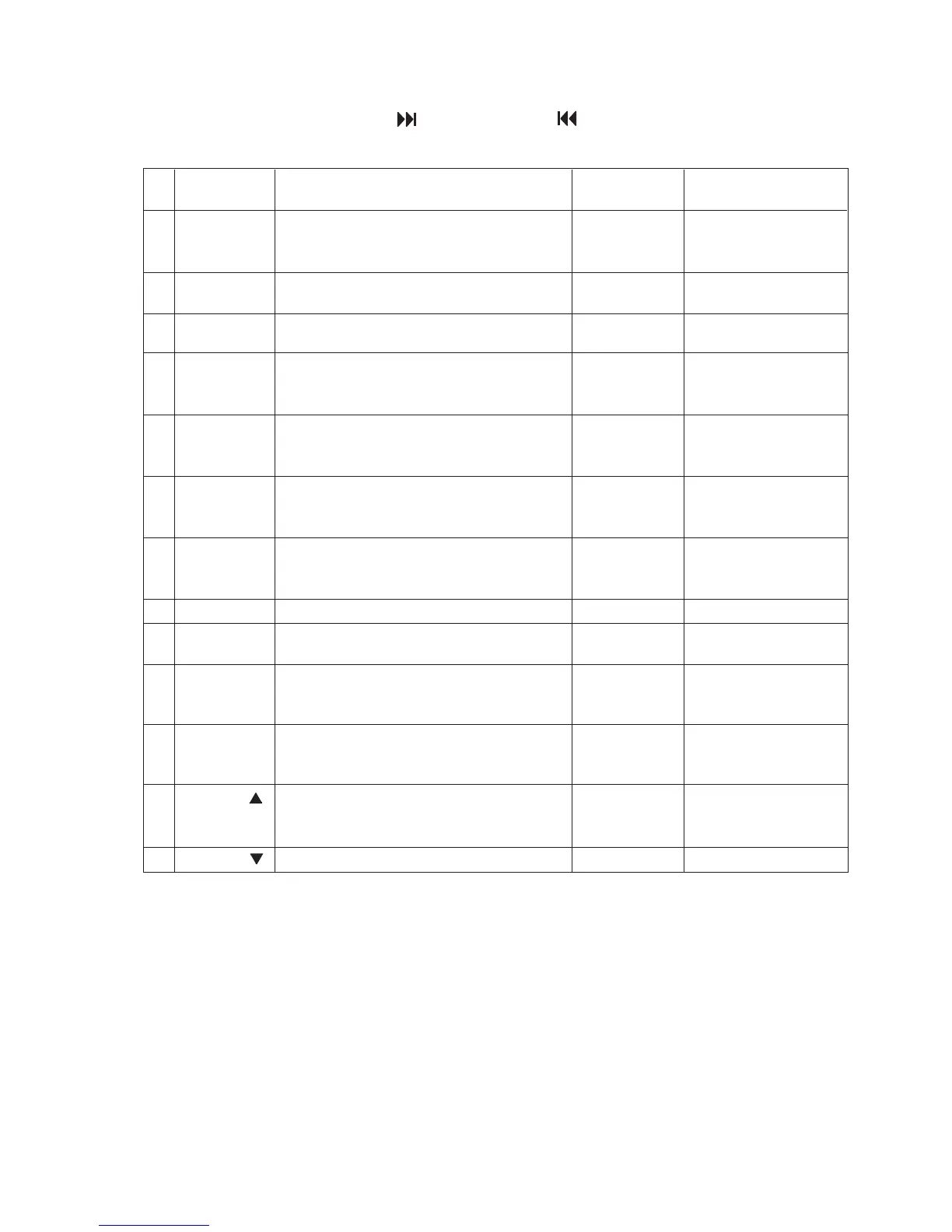
Change LCD indication with a [FF ] button and a [REW ] button.
Check item list
Example of
LCD indication
1 [1] Start at normal speed NORMPLAY
(After start, it is measured JITTER on the CUR Laser current value
internal position) JIT Jitter value
2 [2] Tracking off on the outermost position of CD EF-BAL
OUTTROFF For EF phase error
3 [3] Tracking off on the innermost position of CD EF-BAL
INNTROFF For EF phase error
4 [4] CD_LD lights and laser current is displayed CDLD ON
CUR Laser current value
JIT Jitter value
5 [5] DVD_LD lights and laser current is displayed DVDLD ON
CUR Laser current value
JIT Jitter value
6 [6] DVD x1 jitter measuring mode DVDx1JIT
(for use in mechanism measurement) CUR Laser current value
JIT Jitter value
7 [DISP] Indication of EEPROM contents ROM DATA
ADDR EEPROM address
DATA EEPROM contents
8 [SOURCE] Initialization of EEPROM contents ROMCLEAR
9 [SEL] Indication of temperature TEMP
TEMP Temperature
10 [MODE] Search & jitter measurement to an appointed DVD JIT
position of DVD PLC (Position measured with
JIT VT-501 jitter value)
11 [BAND] Setting of MONITOR terminal MONITOR
M1
M2
12 [DISC UP
]
DVDx1 double speed start PLAY
(After start, it is measured JITTER on the CUR Laser current value
internal position) JIT Jitter value
13 [DISC DW
]
Disc stopped & LD-OFF STOP
Note In the case of the jitter measurement: Begin a service mode after insert a disc.
Press key [1] of No.1 before an item in which the No.2 or 3 key is pressed.
Press key [1] of No.1 or key [12] of No.12 before an item in which the No.10 key is pressed and confirm
the indication of jitter value on the LCD.
No.6 starts only a DVD1 layer disc. Even other discs start DVD1 layer.
When No.1 and No.12 are pushed after jitter indication, a focus jump is executed. (only DVD2 layer)
Stop a disc before OPEN, CLOSE by all means.(OPEN and CLOSE are not executed in a disc turn.)
The check mode can be exited either by pressing the [POWER] key or by resetting the unit.
No. A/D key DVD unit operation Indication contents
* * * *
* * * *
* * * *
* * * *
* * * *
* * * *
* * * *
* * * *
* * * *
* * * *
* * * *
* * * *
* * * *
* * * *
* * * *
* * * *
* * * *
.
.
.
.
.
.
.


 To Next Page