45
ENGLISH
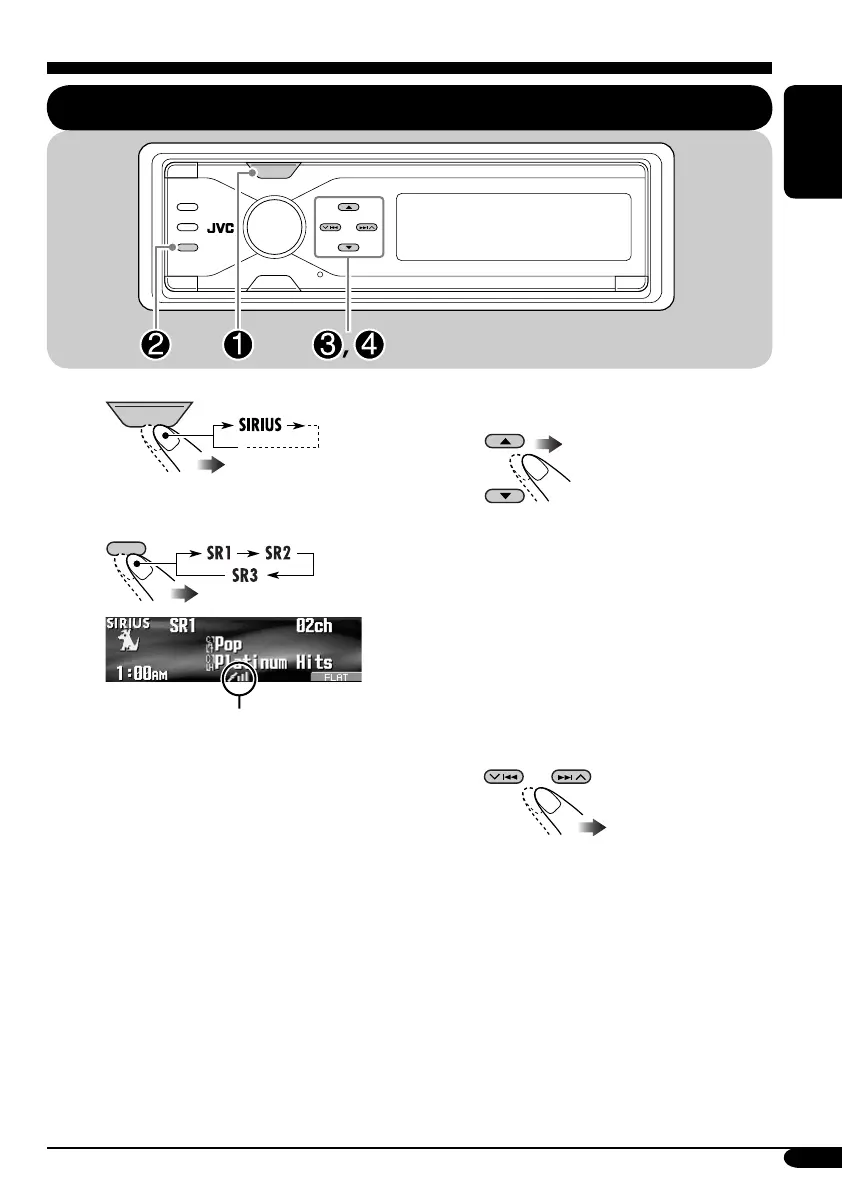
Listening to the SIRIUS
®
radio
~
Ÿ
Signal strength bar
(See page 53.)
! Select a category.
Selecting a particular category
(SPORTS, ENTERTAINMENT, etc.)
allows you to enjoy only the channels
from the selected category.
• You can tune in to all the channels of
all categories by selecting “ALL.”
• Holding the button displays the
Category List (see page 47).
⁄ Select a channel for listening.
Holding the button changes the channels
rapidly.
SOURCE
BACK
BAND
SOURCE
BACK
BAND
EN41-48_KD-AR8500[J]f.indd 45EN41-48_KD-AR8500[J]f.indd 45 05.4.8 2:37:54 PM05.4.8 2:37:54 PM



 To Next Page