ENGLISH
40
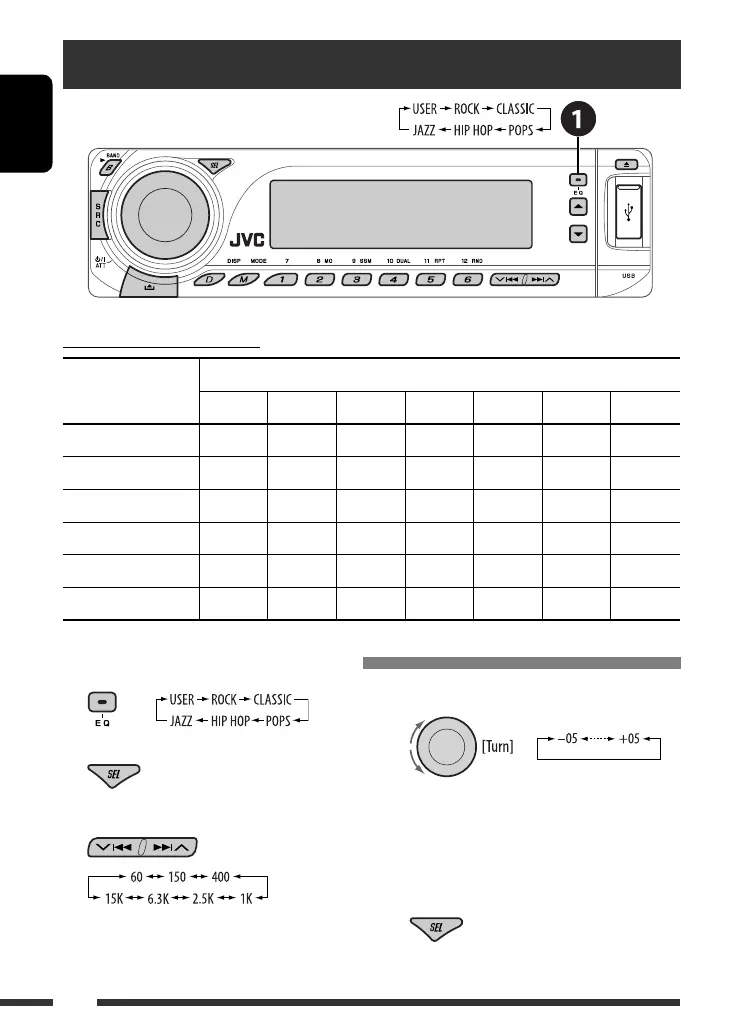
Selecting a preset sound mode
1
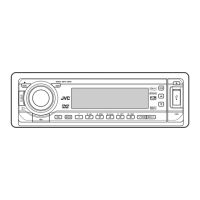
2 Enter the sound adjustment mode.
3 Select a frequency to adjust.
4 Adjust the level.
5 Repeat steps 3 and 4 to adjust the other
frequency bands.
6 Store the adjustments in the respective
mode.
Storing your own sound adjustments
Preset frequency level settings:
Sound mode
Preset equalizing values
60 Hz 150 Hz 400 Hz 1 kHz 2.5 kHz 6.3 kHz 15 kHz
USER 00 00 00 00 00 00 00
ROCK +03 +02 00 00 +01 +02 +01
CLASSIC +01 +03 +01 00 00 +02 00
POPS 00 +02 00 00 00 +01 +02
HIP HOP +04 +01 –01 –02 00 +01 00
JAZZ +03 +02 +01 +01 +01 +03 +01
EN34-41_KD-ADV7380[J]2.indd 40EN34-41_KD-ADV7380[J]2.indd 40 1/10/07 5:45:23 PM1/10/07 5:45:23 PM


 To Next Page